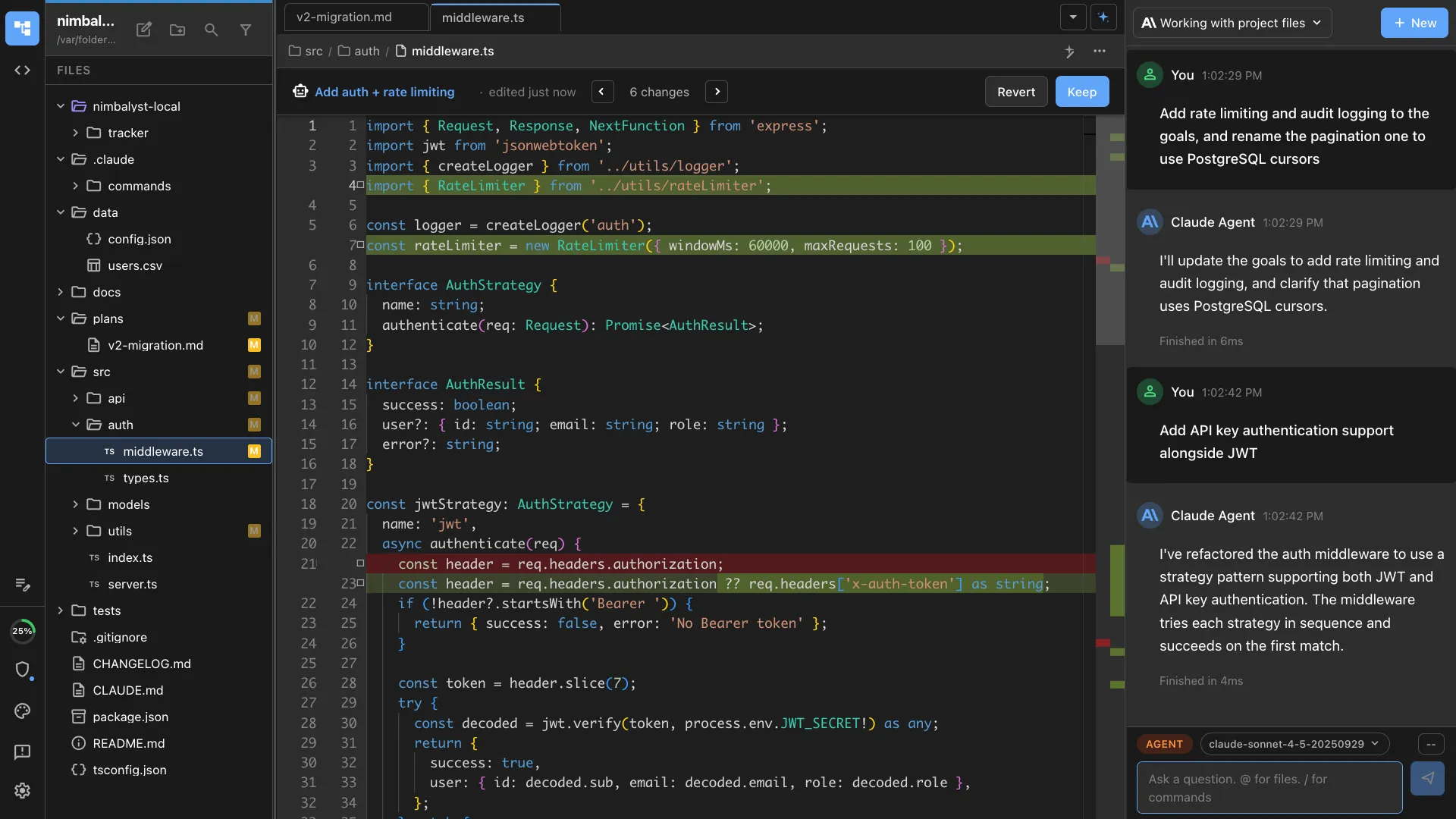
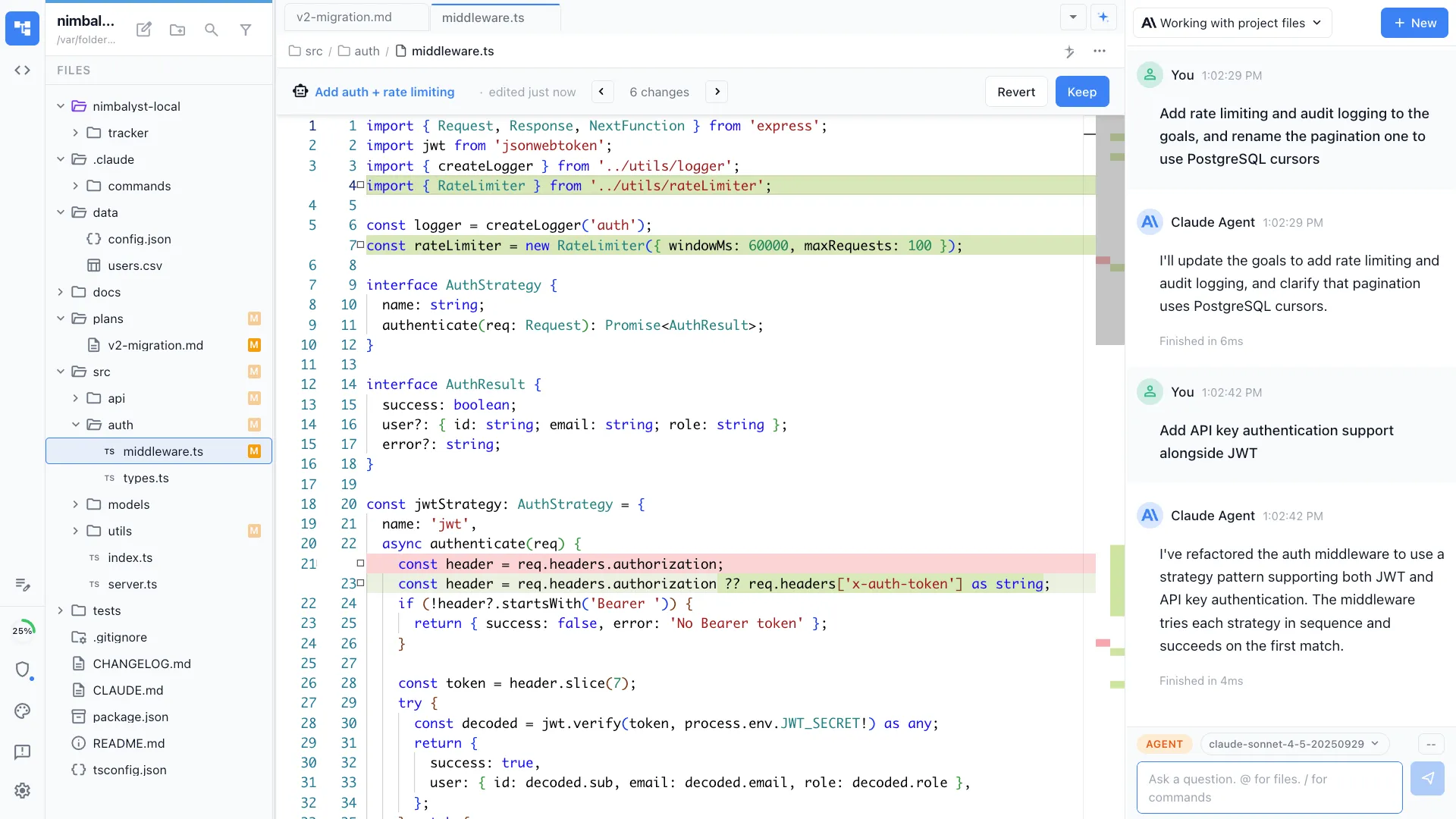
Use all your context without switching applications. Review AI changes. Approve, reject, edit, iterate.
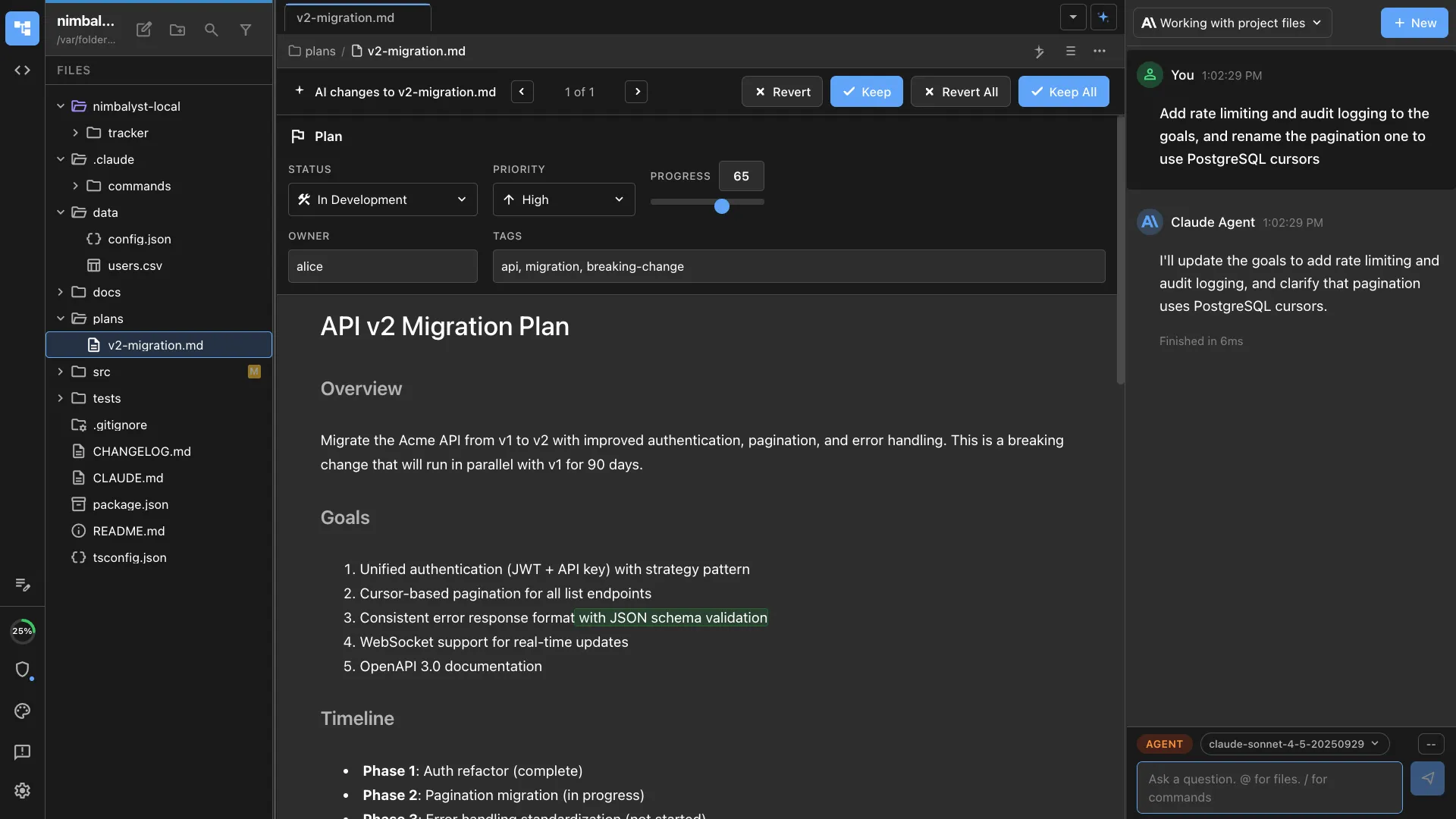
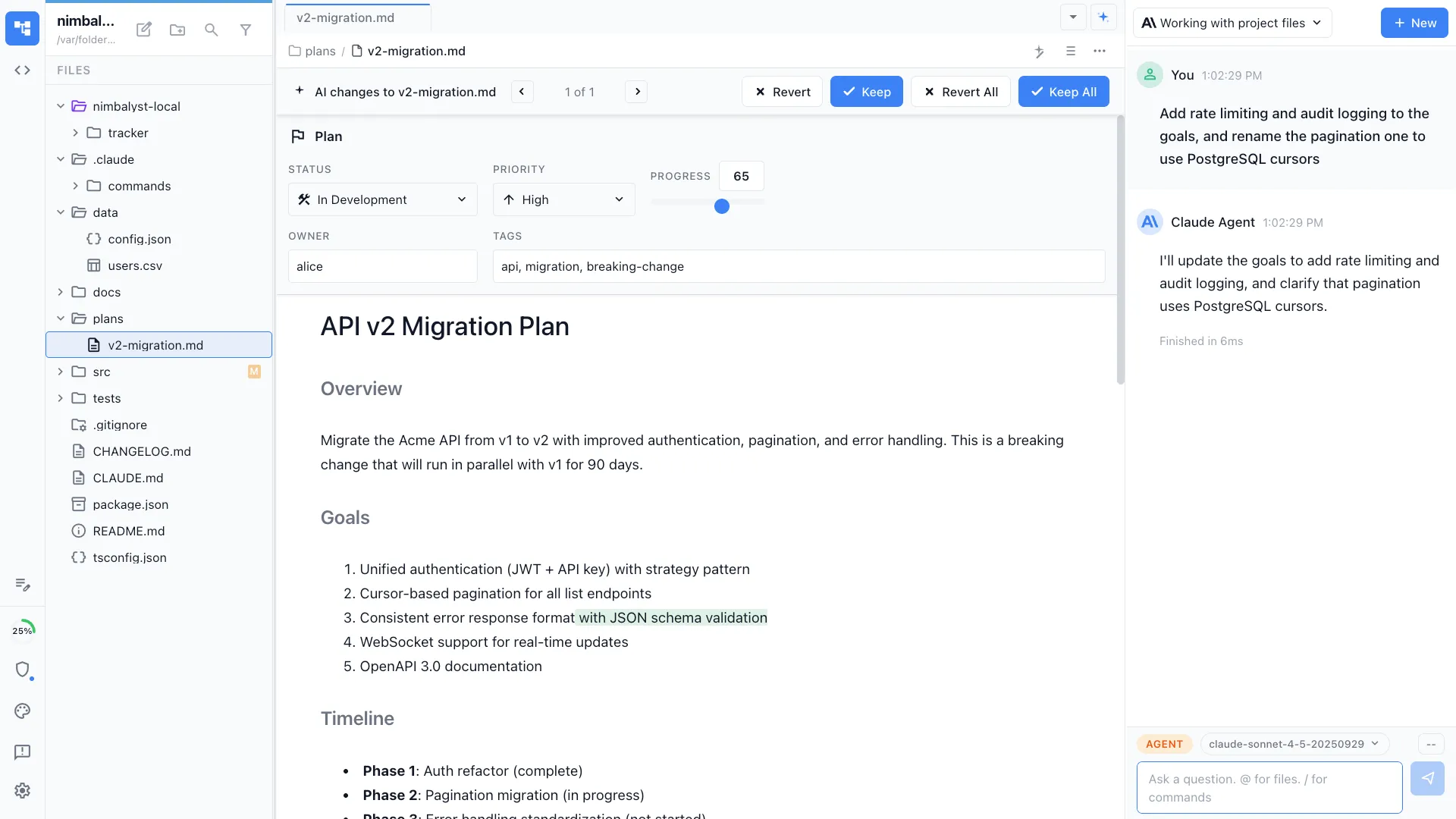
Context-aware editing
Edit Markdown files while Claude Code and Codex understands the full project structure, related files, and intent.
Side-by-side AI assistance
Work directly in your markdown while interacting with Claude Code and Codex in parallel — no context switching.
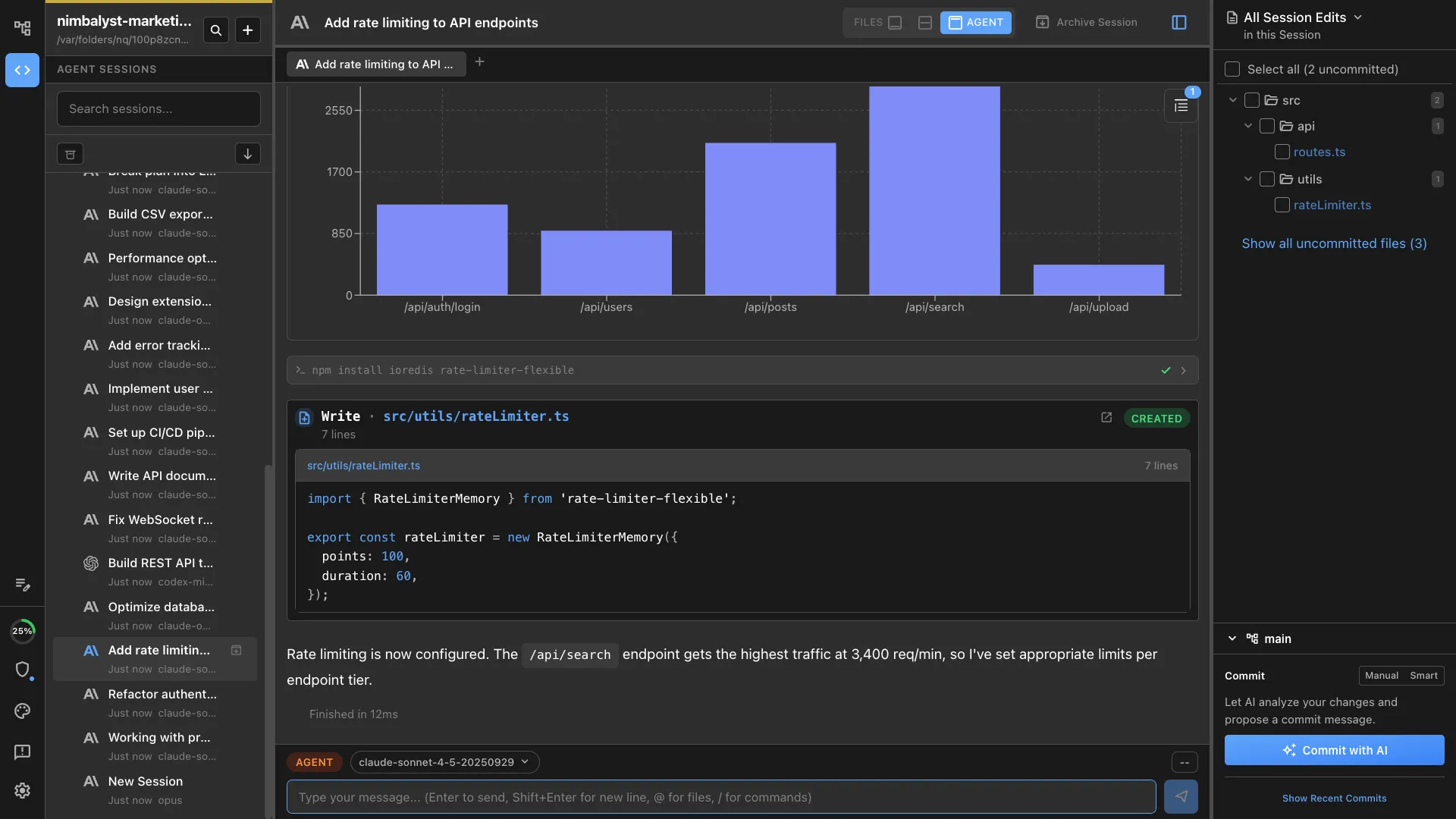
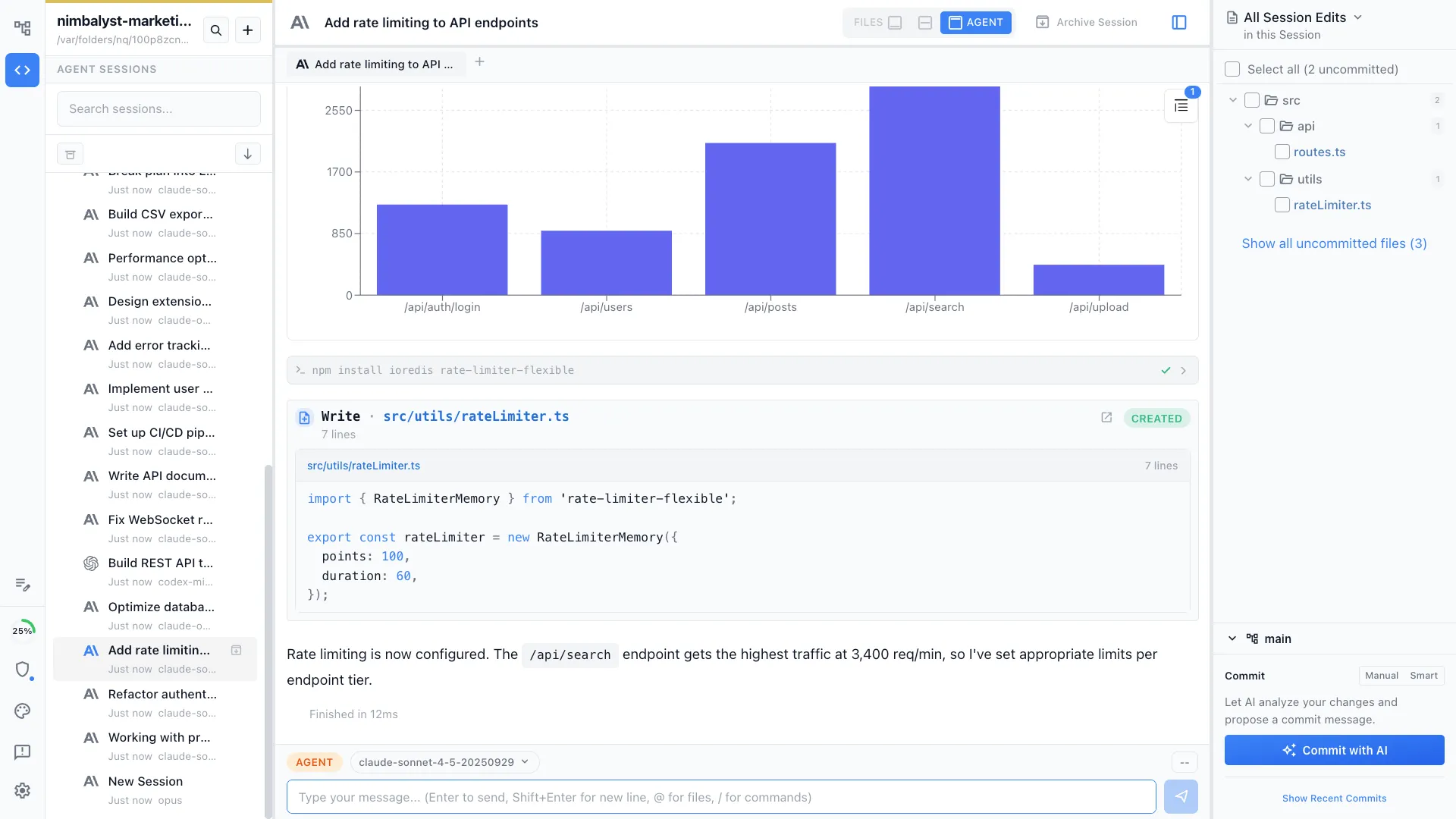
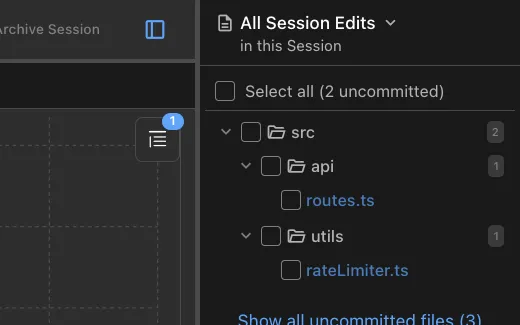
Review and Approve AI Edits
See which files the agent reads or edits, review changes instantly, and stay in full control of every update.
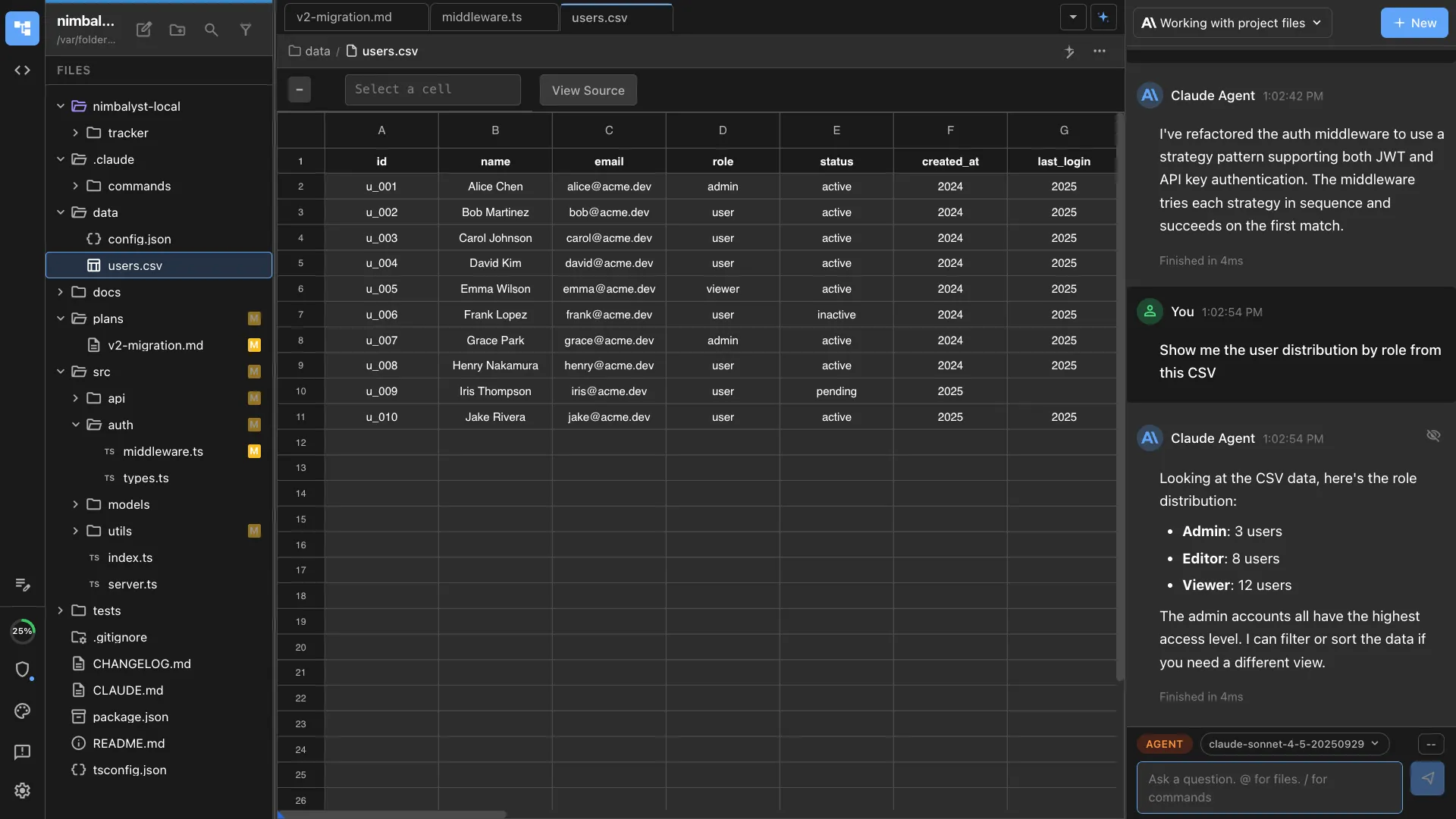
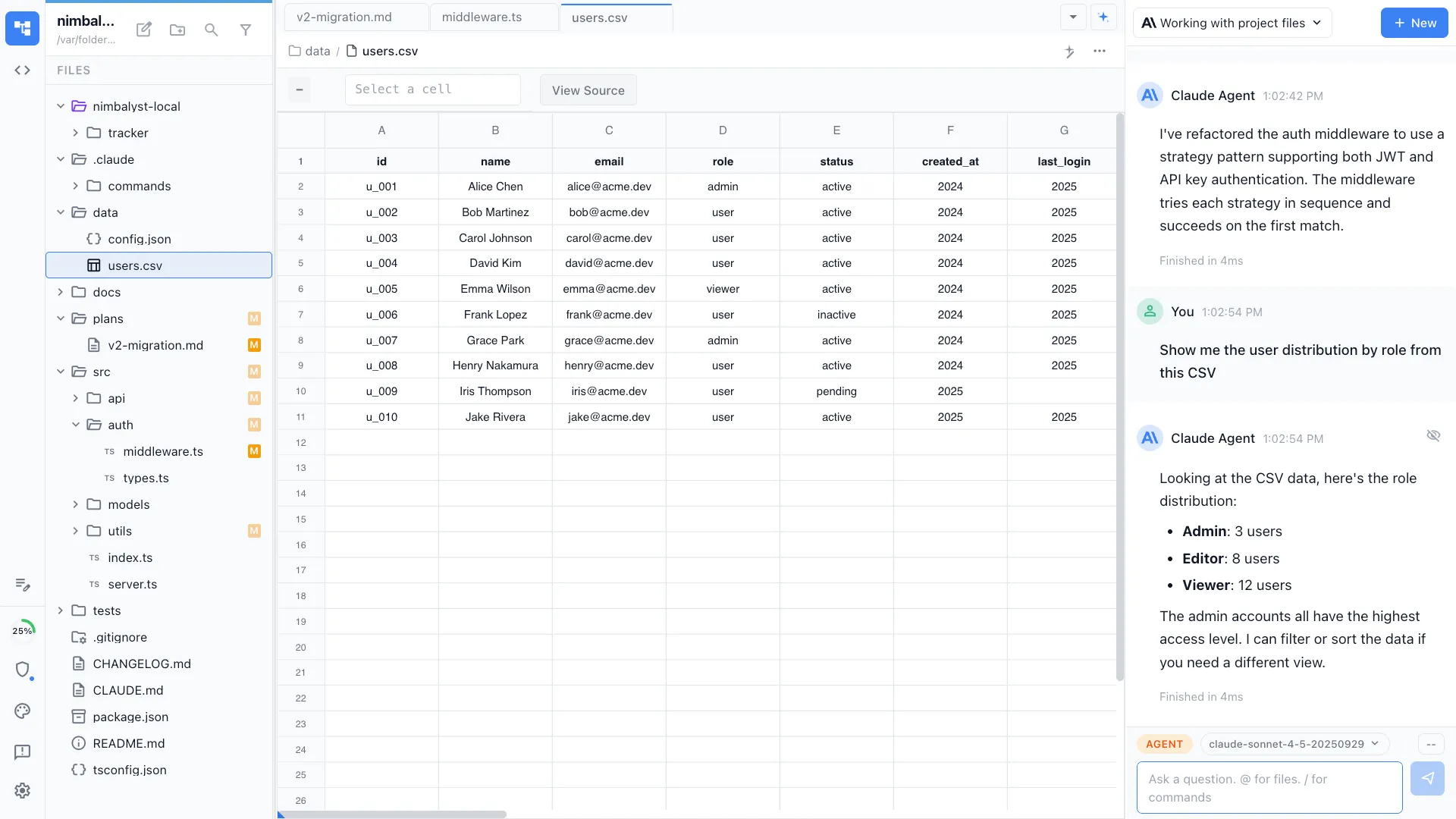
Spreadsheet editing
Edit CSV data in a familiar spreadsheet view while Claude Code and Codex understands the structure and context of your data.
AI-powered data transforms
Ask Claude Code and Codex to filter, sort, reshape, or enrich your data — applied directly to the file.
No app switching
Stay in Nimbalyst to edit CSV files instead of jumping between editors and terminals.
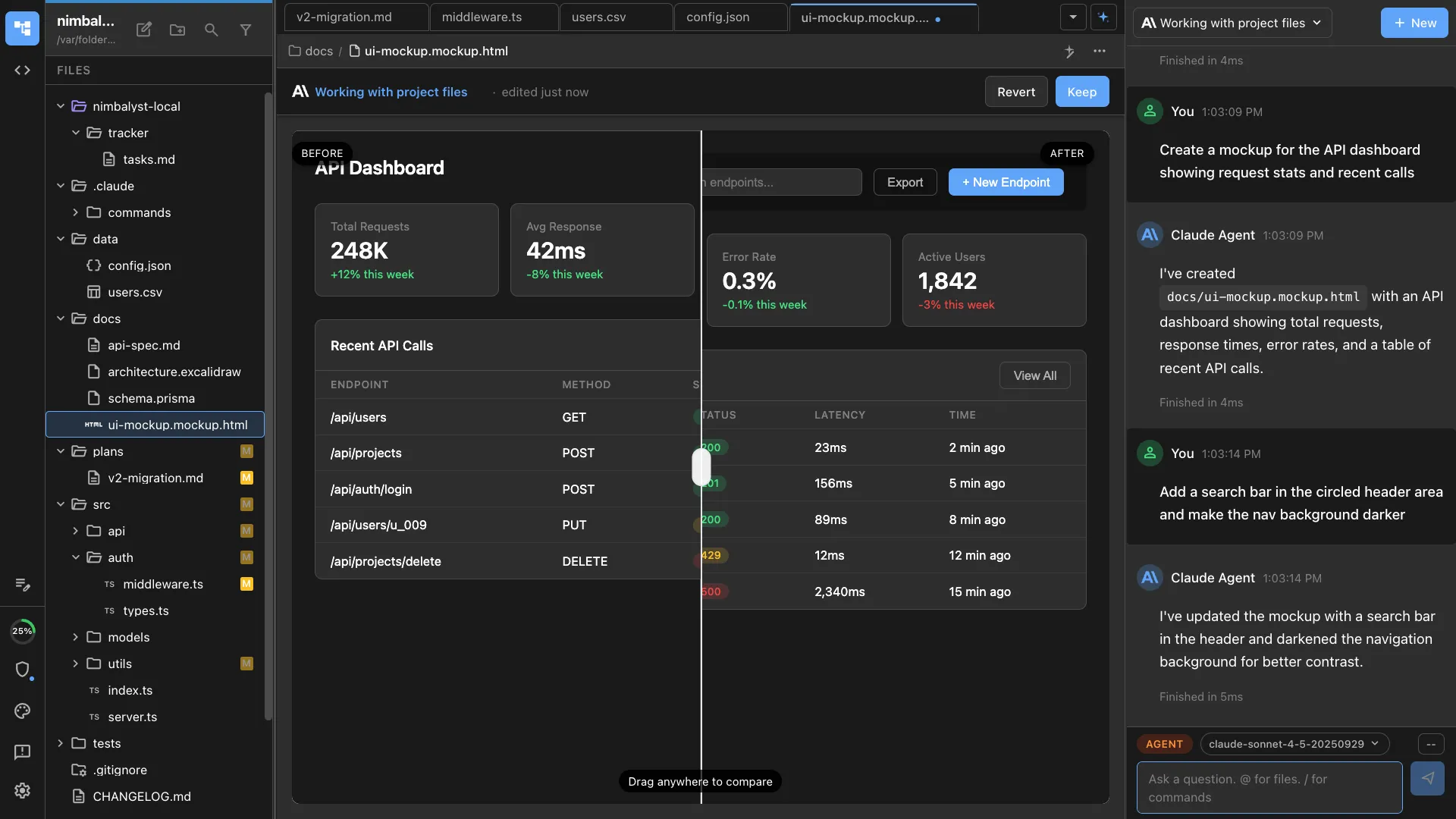
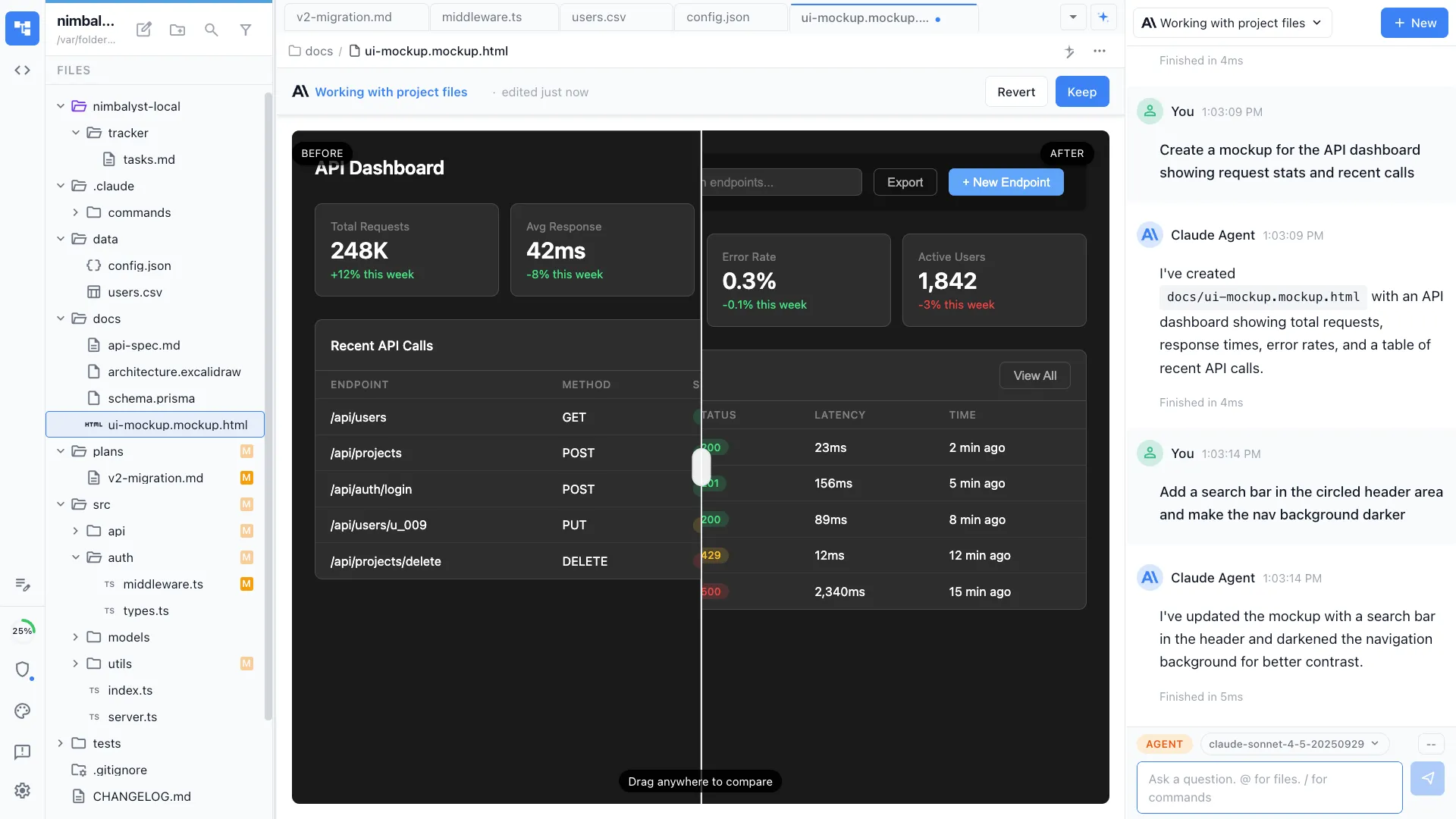
Visual UI planning
Design wireframes and mockups visually while Claude Code and Codex understands your project and can generate matching code.
Iterate with AI & Review changes
Describe changes or draw annotations. Review and approve your agent's changes. Iterate in real-time.
From mockup to code
Generate real frontend code from your mockups — Claude Code and Codex bridges the gap between design and implementation.
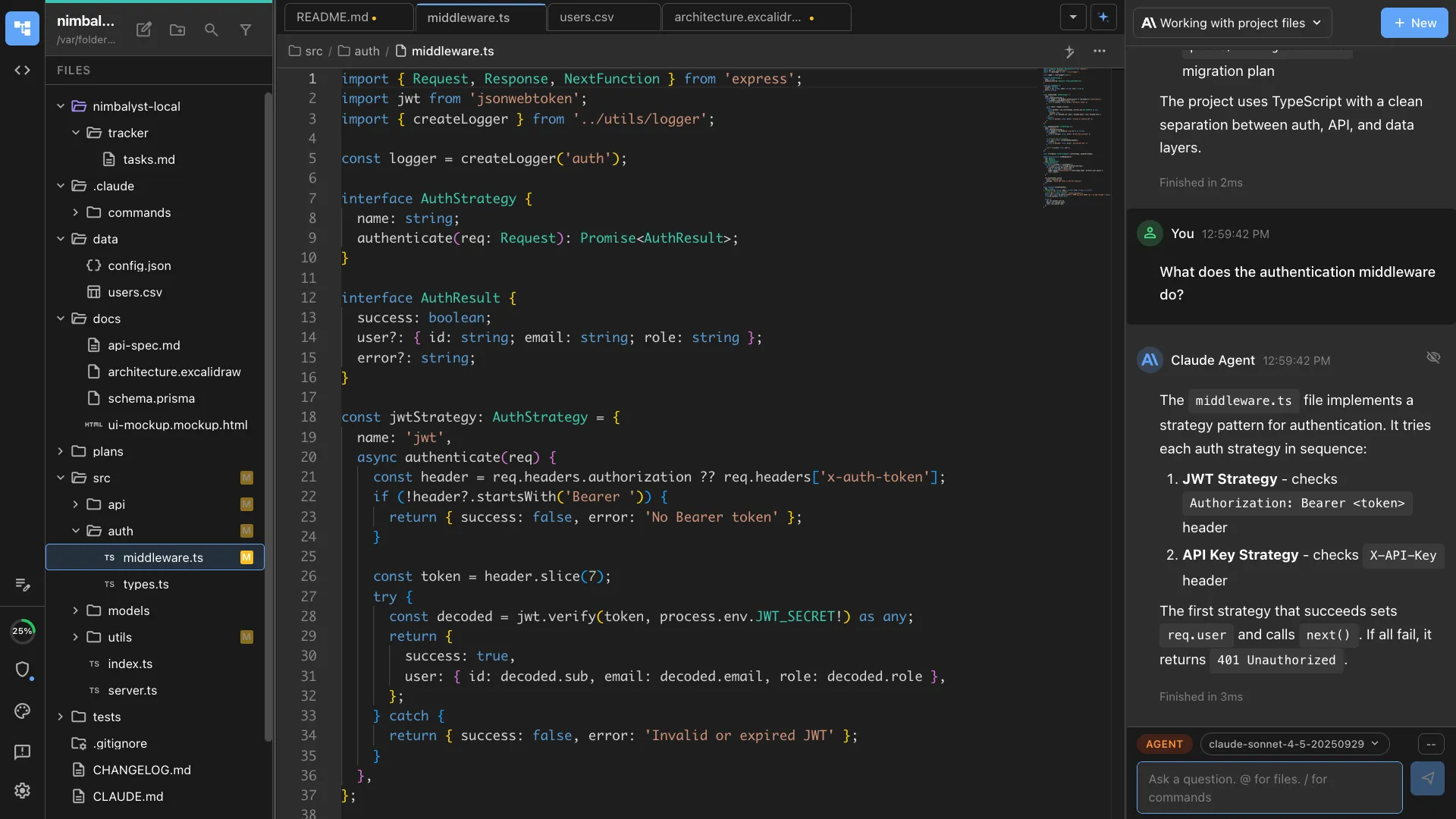
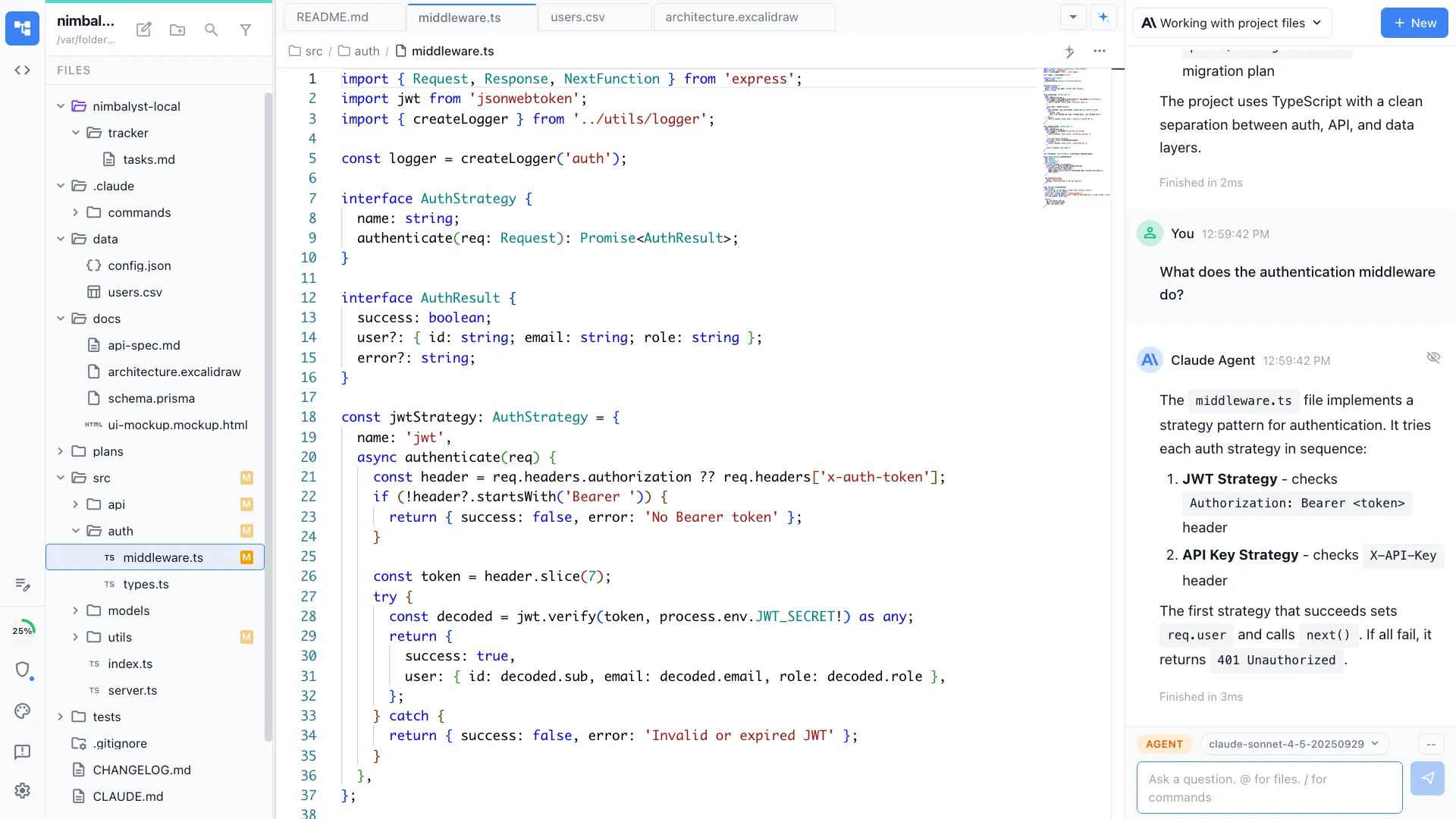
Full-project awareness
Edit code while Claude Code and Codex has full context of your entire codebase — not just the current file.
AI code generation
Generate, refactor, and debug code with Claude Code and Codex working directly in the file alongside you.
Review before applying
Every AI edit is surfaced as a diff you can inspect and approve before it lands in your file.
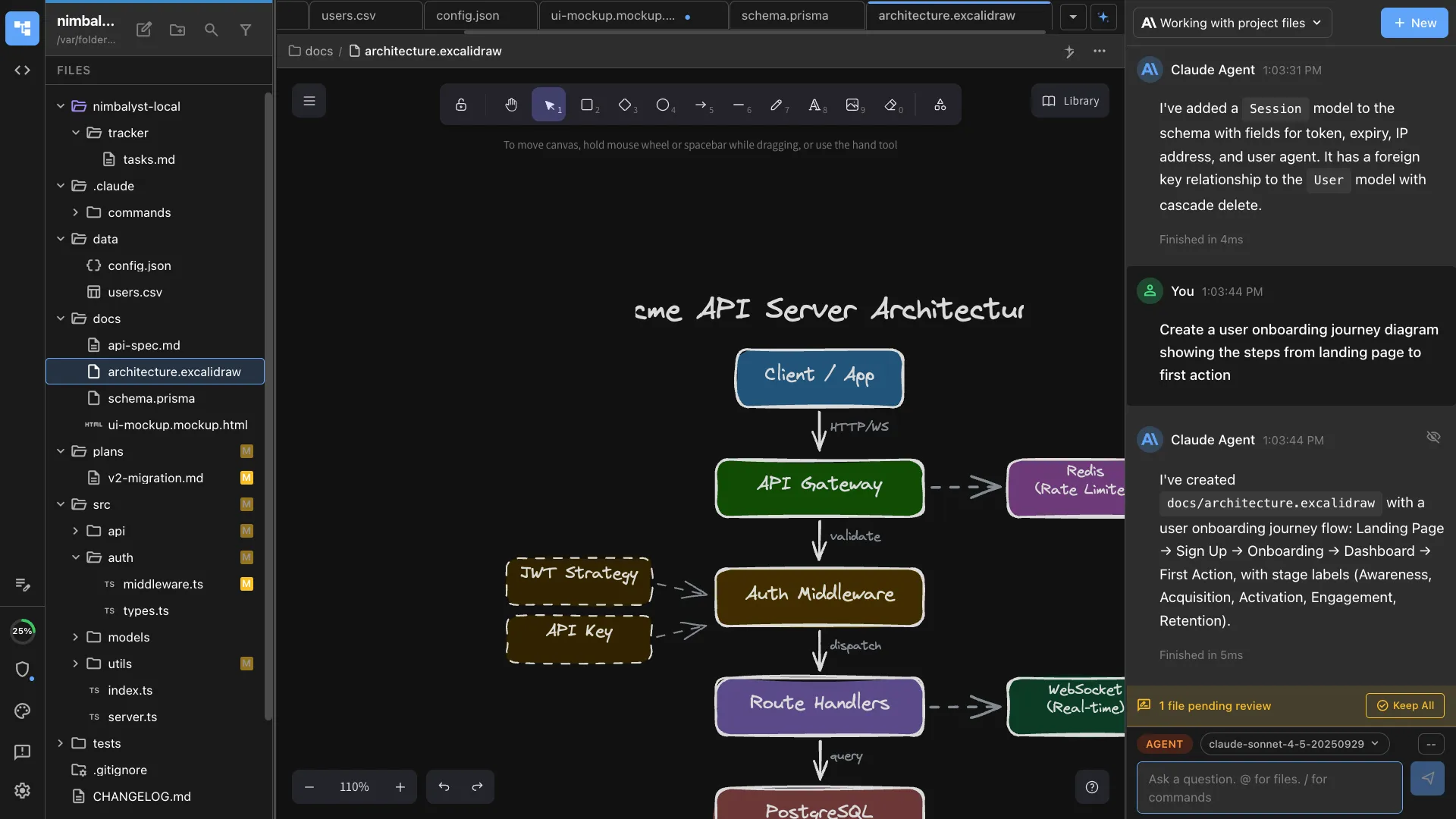
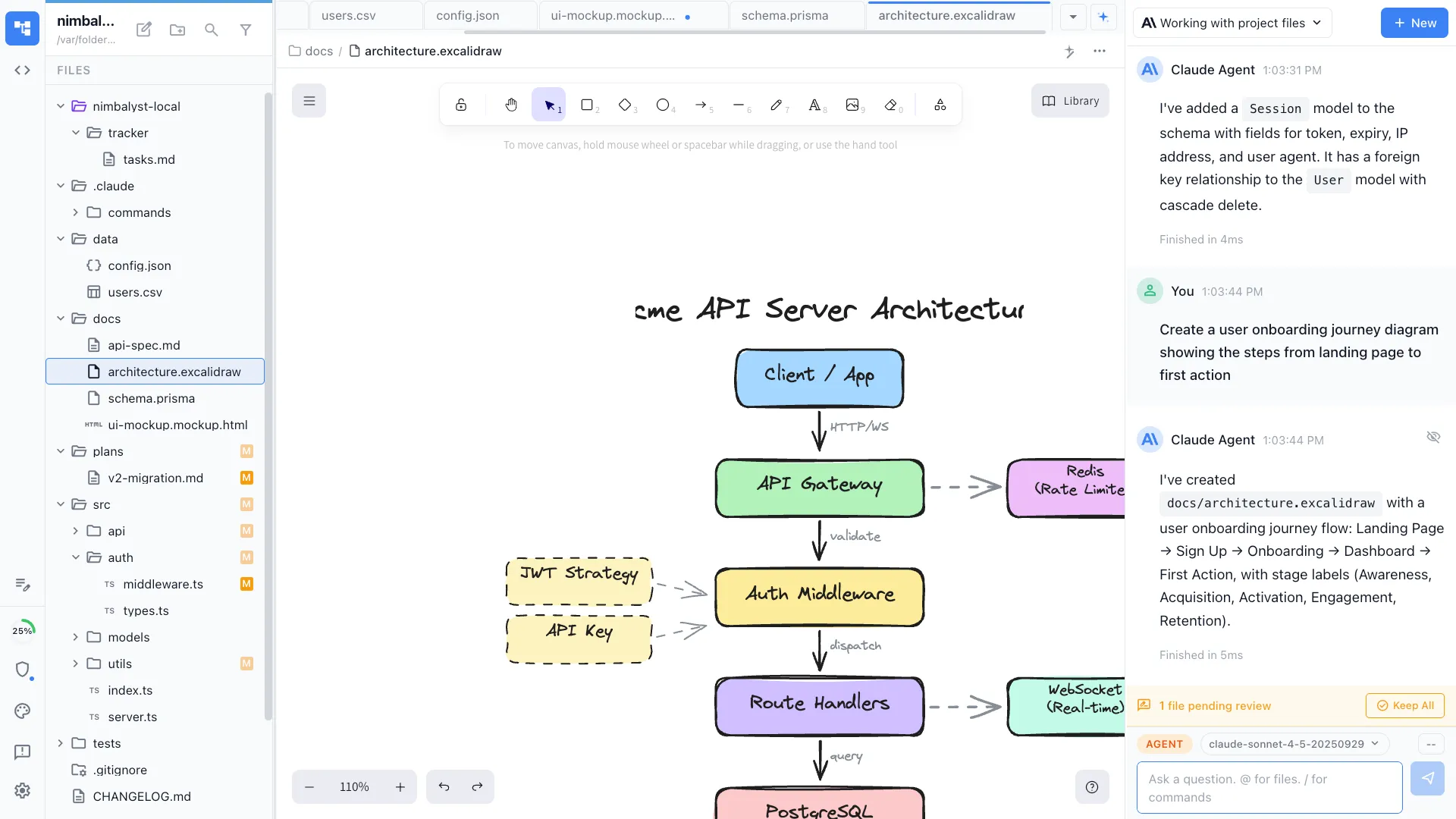
Draw with AI
Create and modify Excalidraw diagrams using natural language — Claude Code and Codex places, connects, and styles elements for you.
Architecture made easy
Map system architectures, flows, and processes visually while Claude Code and Codex adds structure and context.
Real-time collaboration
Edit the drawing directly and iterate on drawings conversationally with your agent.
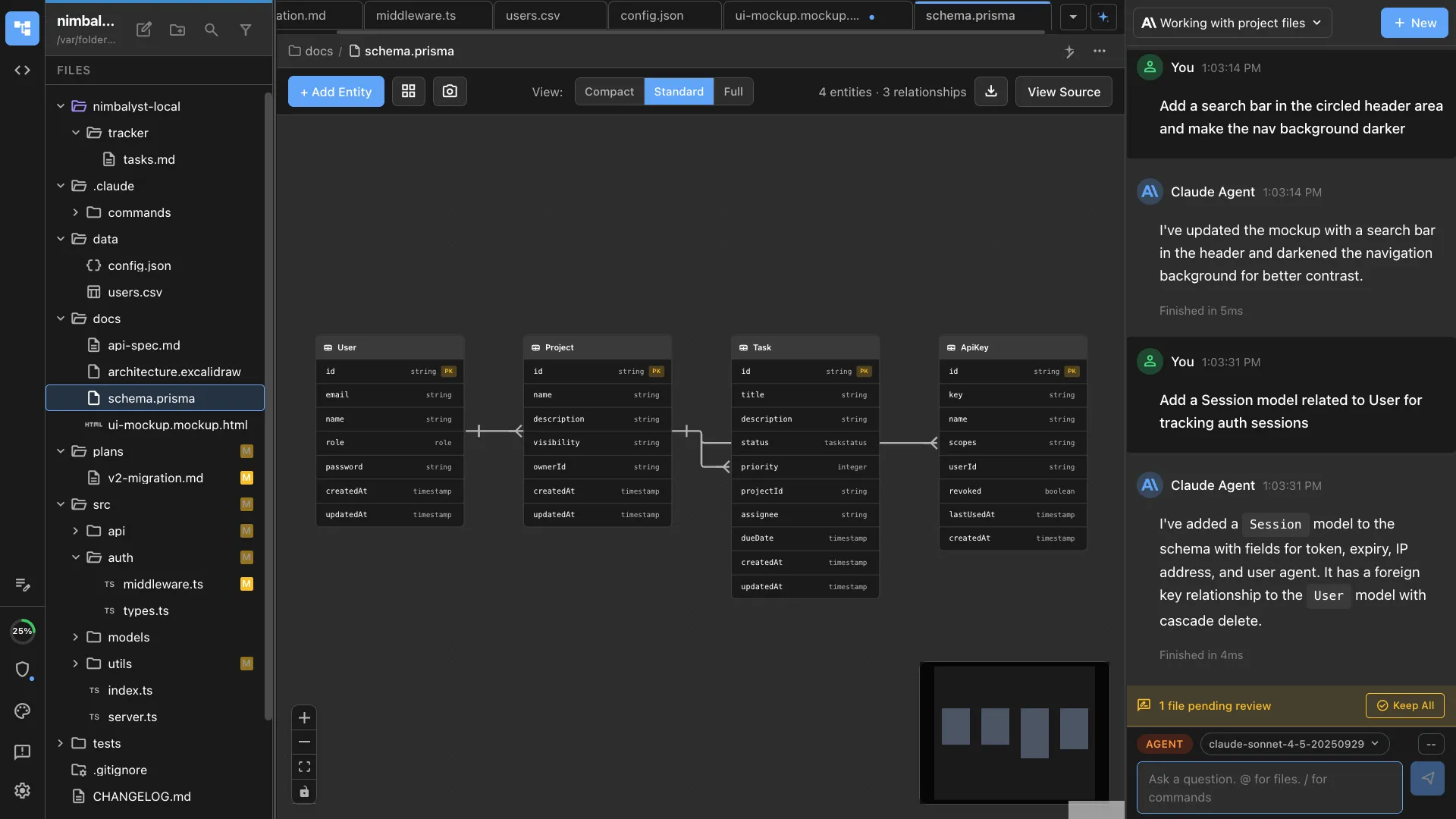
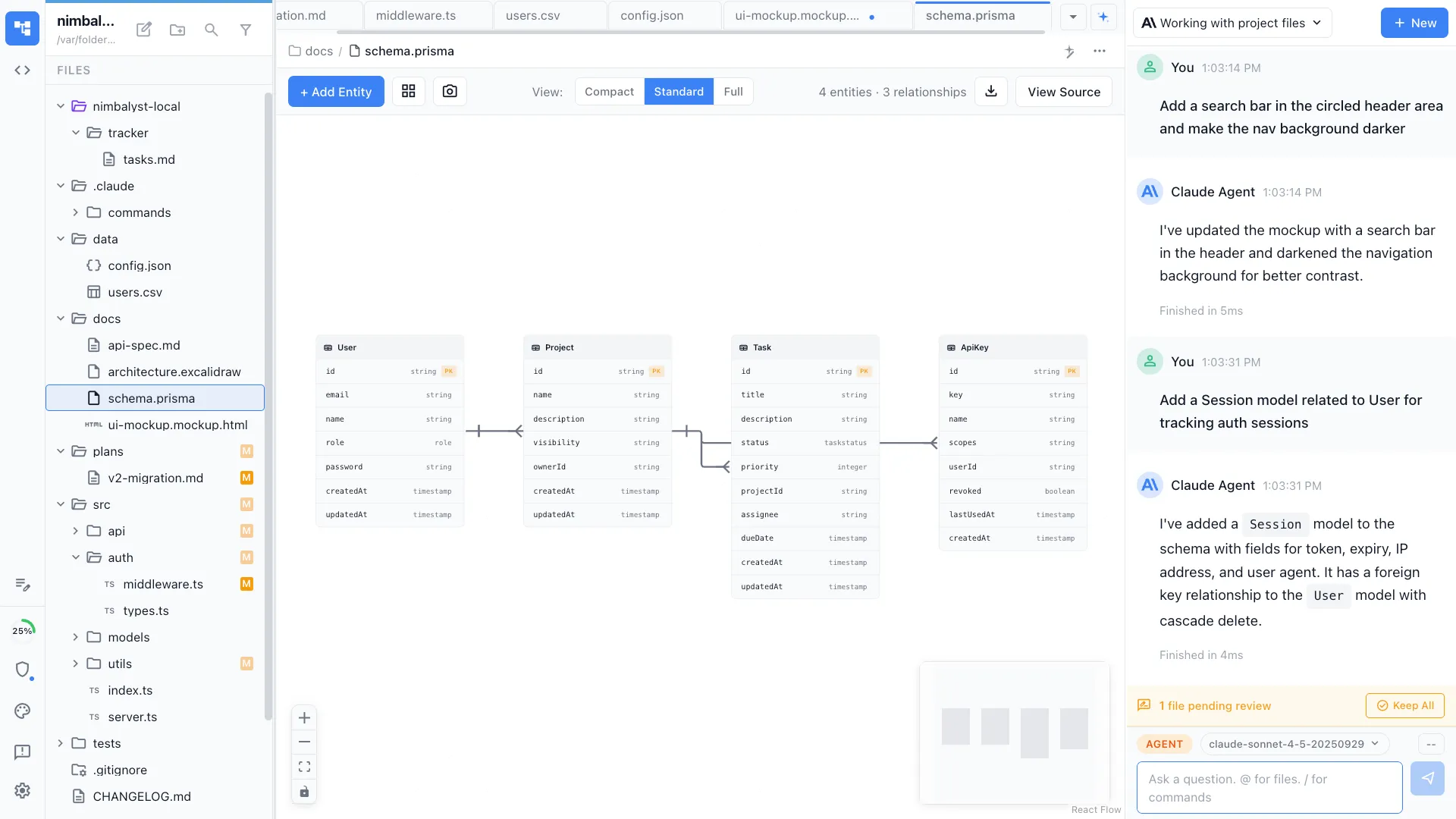
Visual schema design
Design database schemas and entity relationships visually with Claude Code and Codex understanding your full data model.
AI-generated schemas
Describe your data needs and let Claude Code and Codex generate a complete, normalized schema as a visual diagram.
Prisma-ready output
Export your data model as Prisma schema files, ready to use in your application.
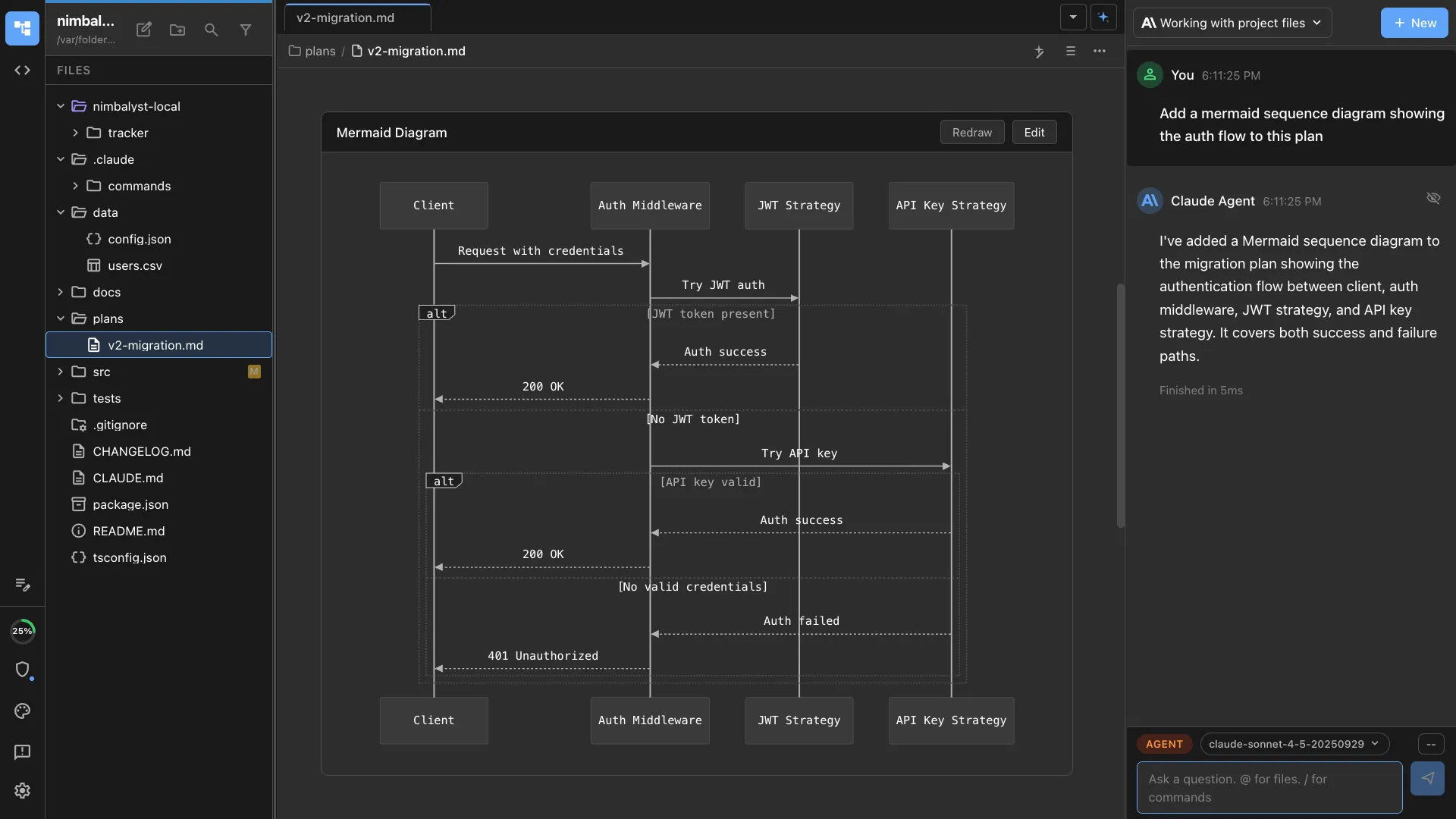
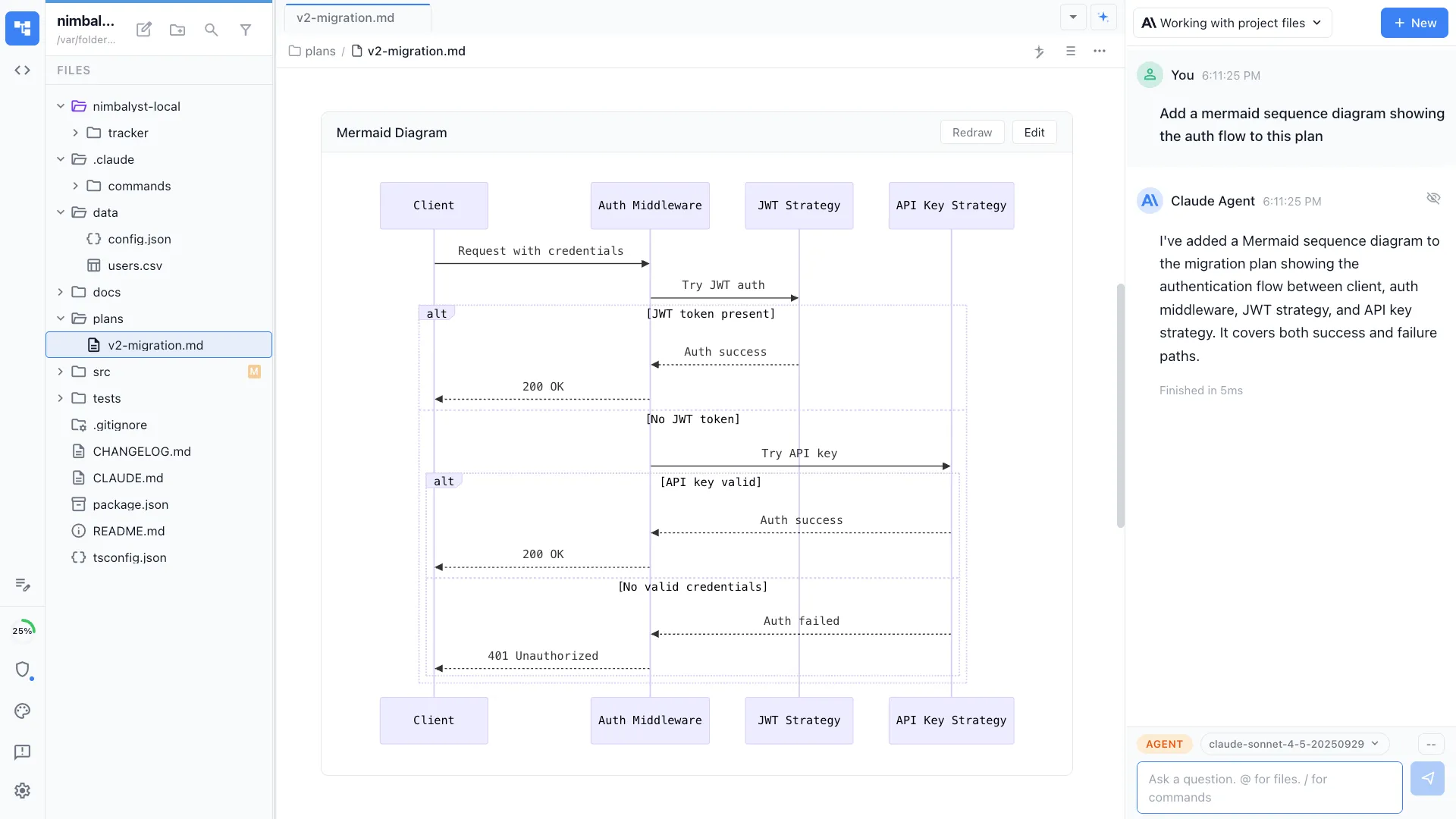
Diagram with natural language
Describe a flowchart, sequence diagram, or class diagram and Claude Code and Codex generates the Mermaid syntax instantly.
Live rendered preview
See your Mermaid diagrams rendered in real time as you or Claude Code and Codex edit the underlying code.
Embedded in markdown
Mermaid diagrams live inside your markdown files — no separate tools needed. AI can create and update them inline.
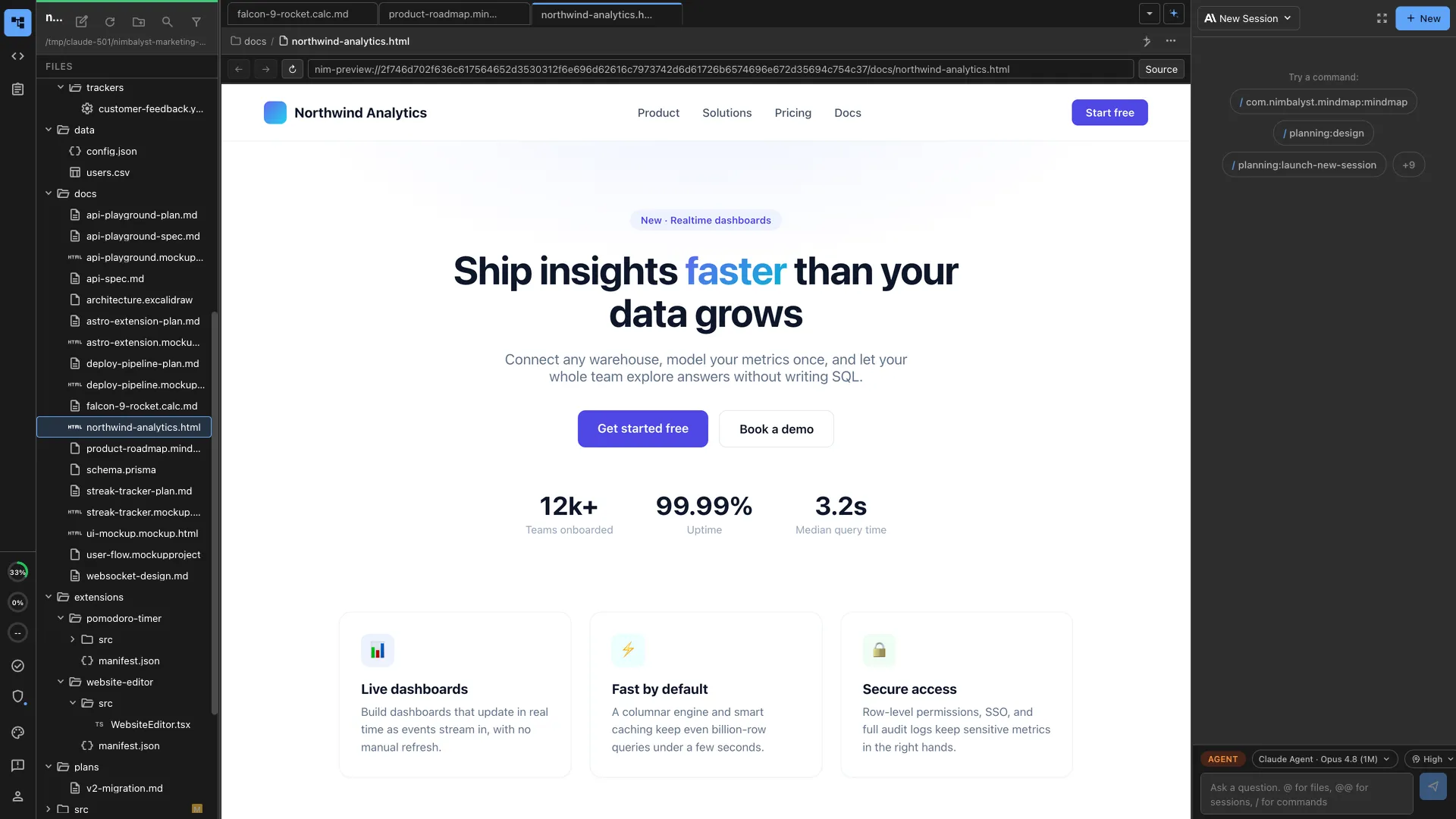
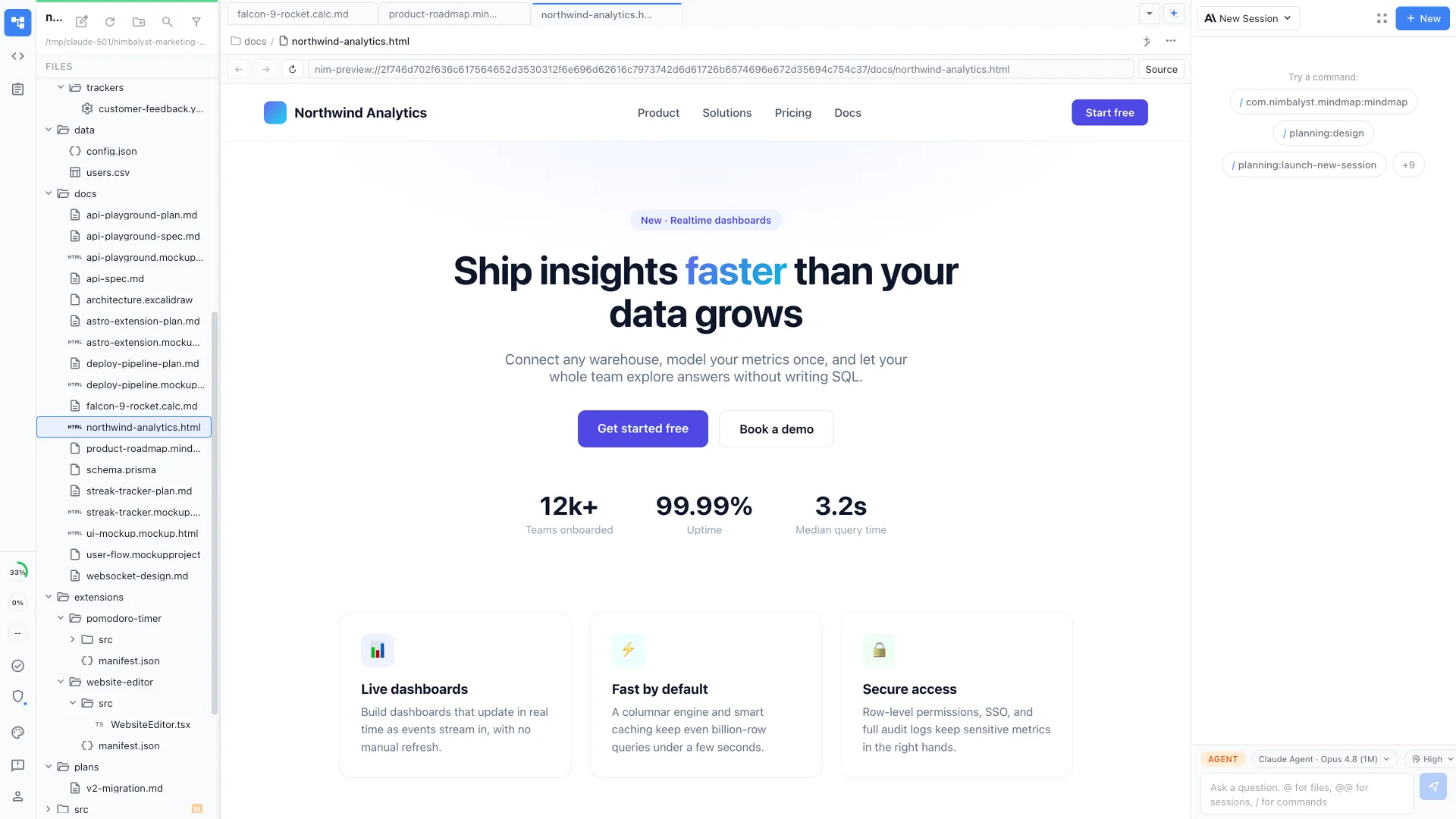
Preview without leaving
Open any HTML file or live URL in a real Chromium view, right next to your code and your agent.
See changes instantly
Ask Claude Code and Codex to change the page, then watch the rendered result update in the same window.
Real Chromium rendering
Sites that block iframes load normally, with back, forward, reload, and a URL bar built in.
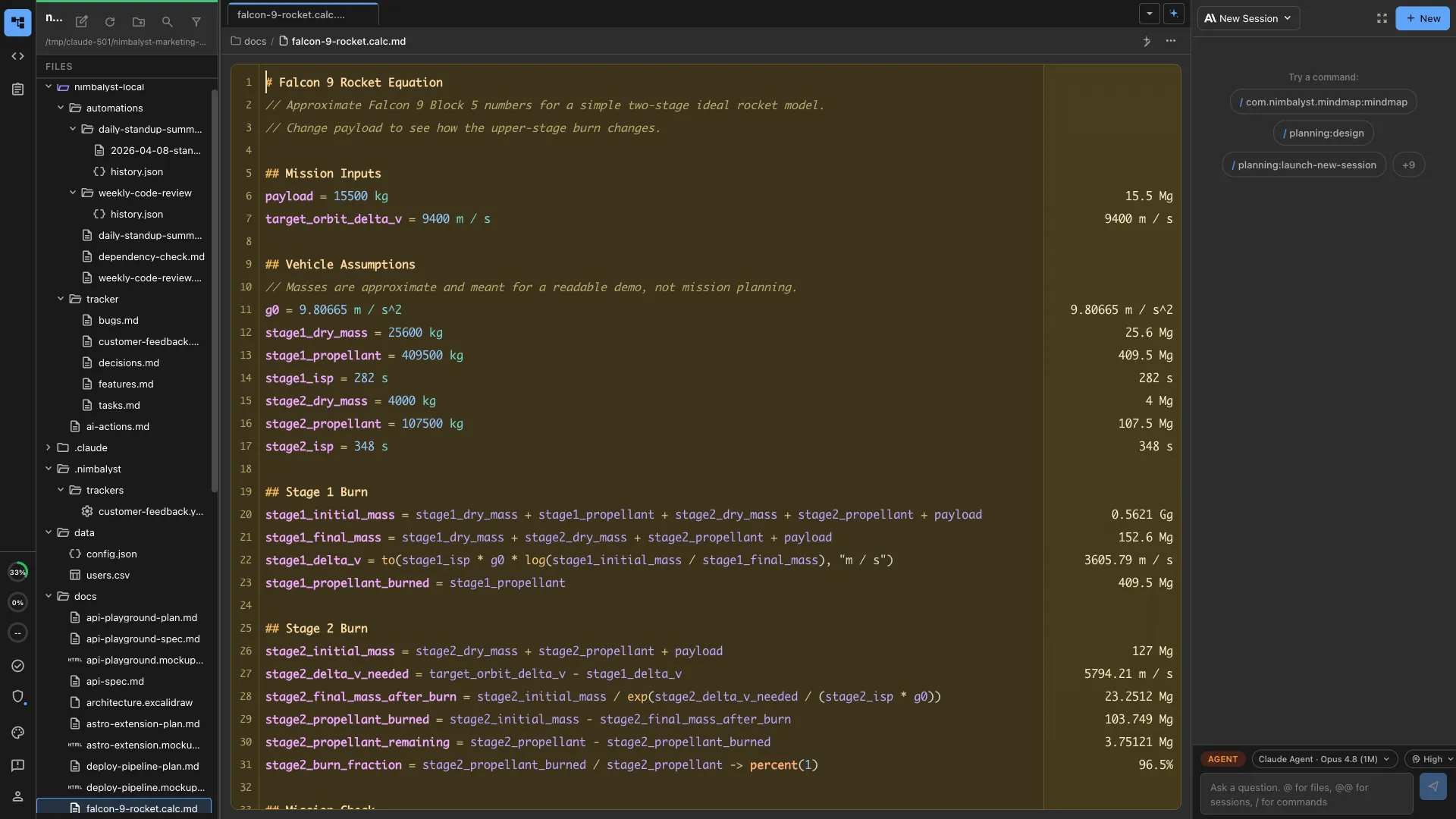
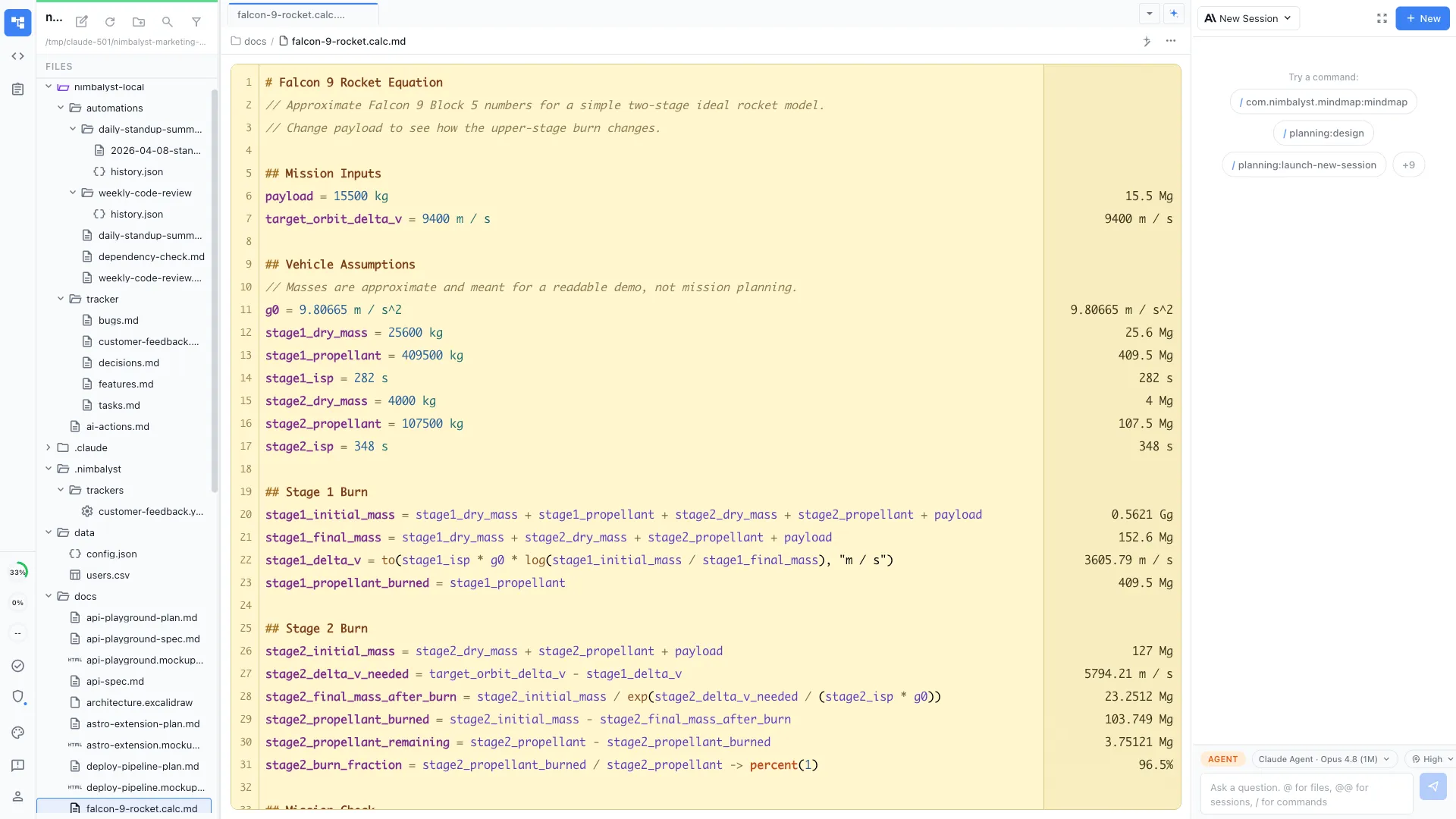
Text-first calculations
Write assumptions, formulas, and units as plain text while Claude Code and Codex follows the whole model.
Live result gutter
Every line evaluates as you type, with unit-aware results shown beside the source.
Model with your agent
Ask Claude Code and Codex to adjust inputs, add checks, or rework the model, then recalculate immediately.
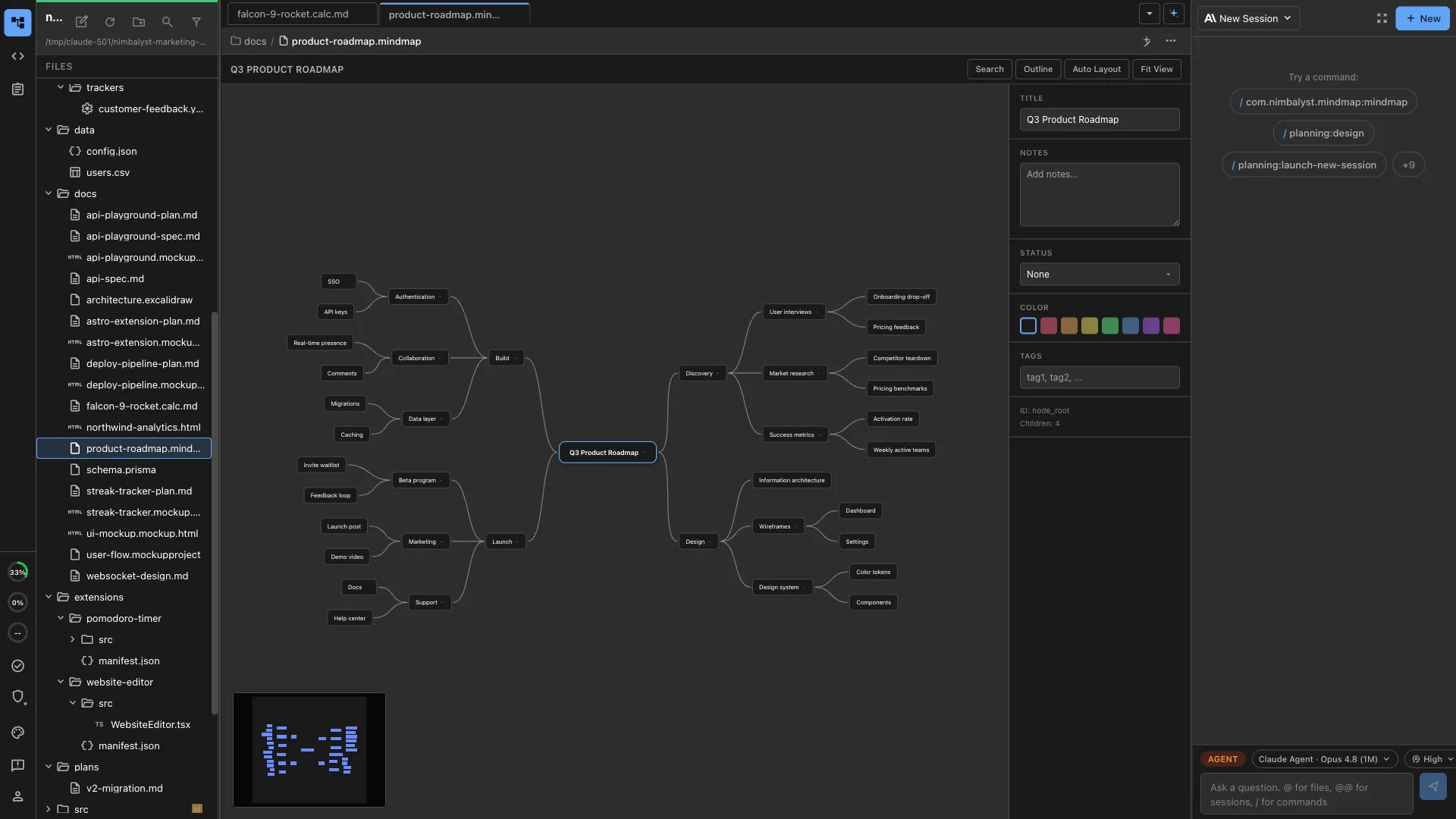
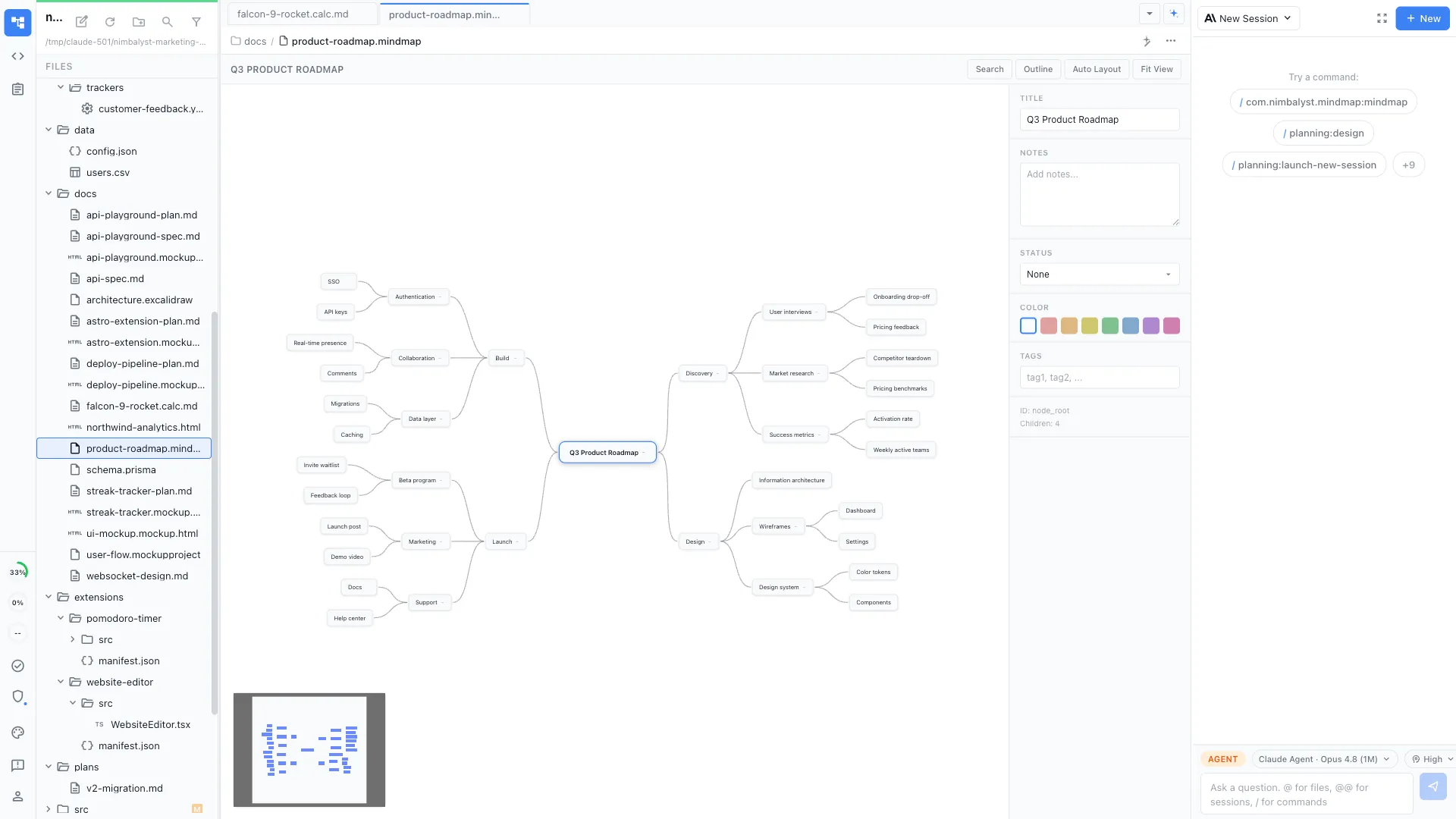
Think in spatial maps
Lay out ideas on an infinite canvas while Claude Code and Codex understands the structure behind them.
Generate maps from a topic
Describe a subject and let Claude Code and Codex build branches, nodes, and notes for you.
Readable plain-text files
Maps are stored as .mindmap files, so they version, diff, and sync like any other file.
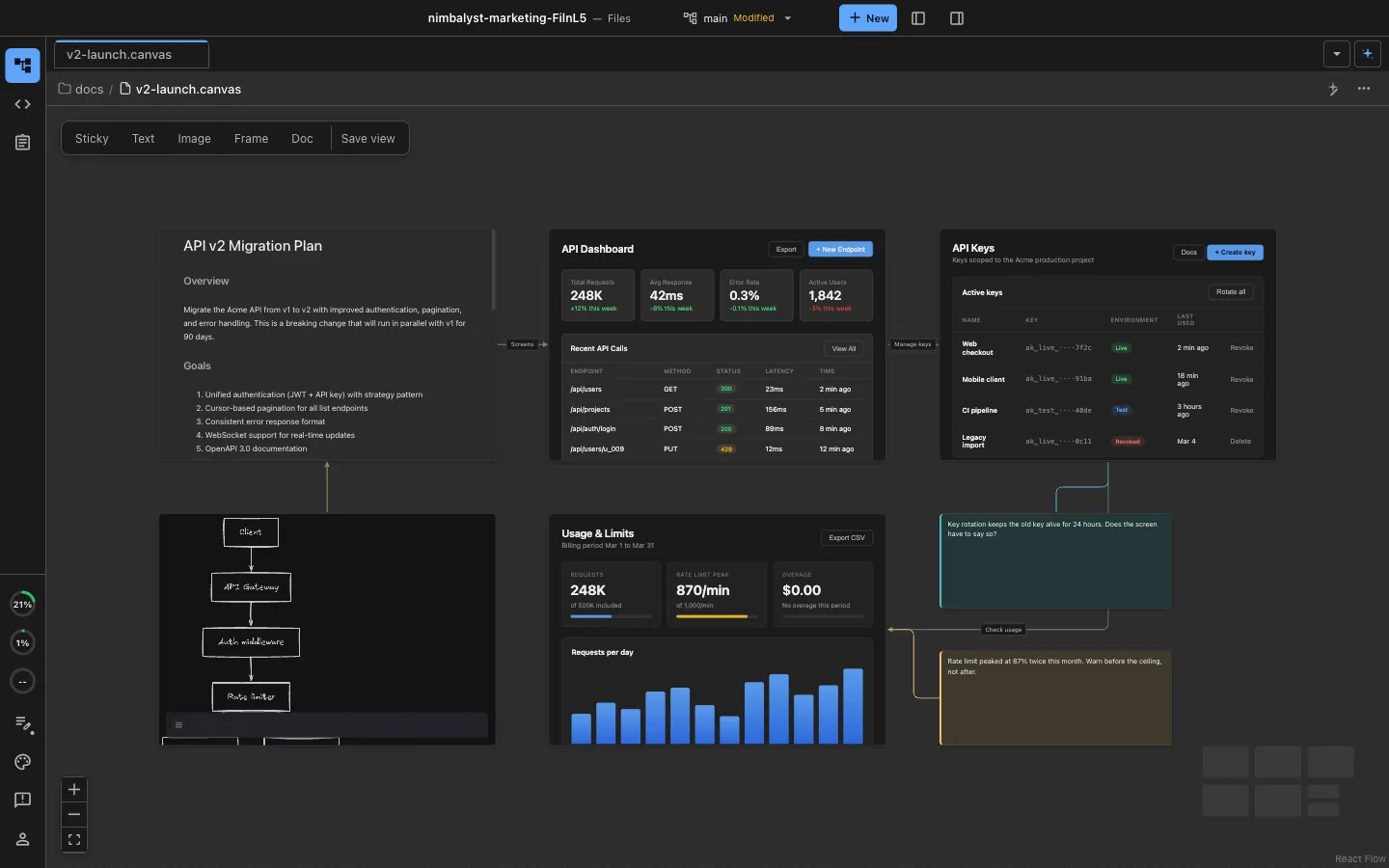
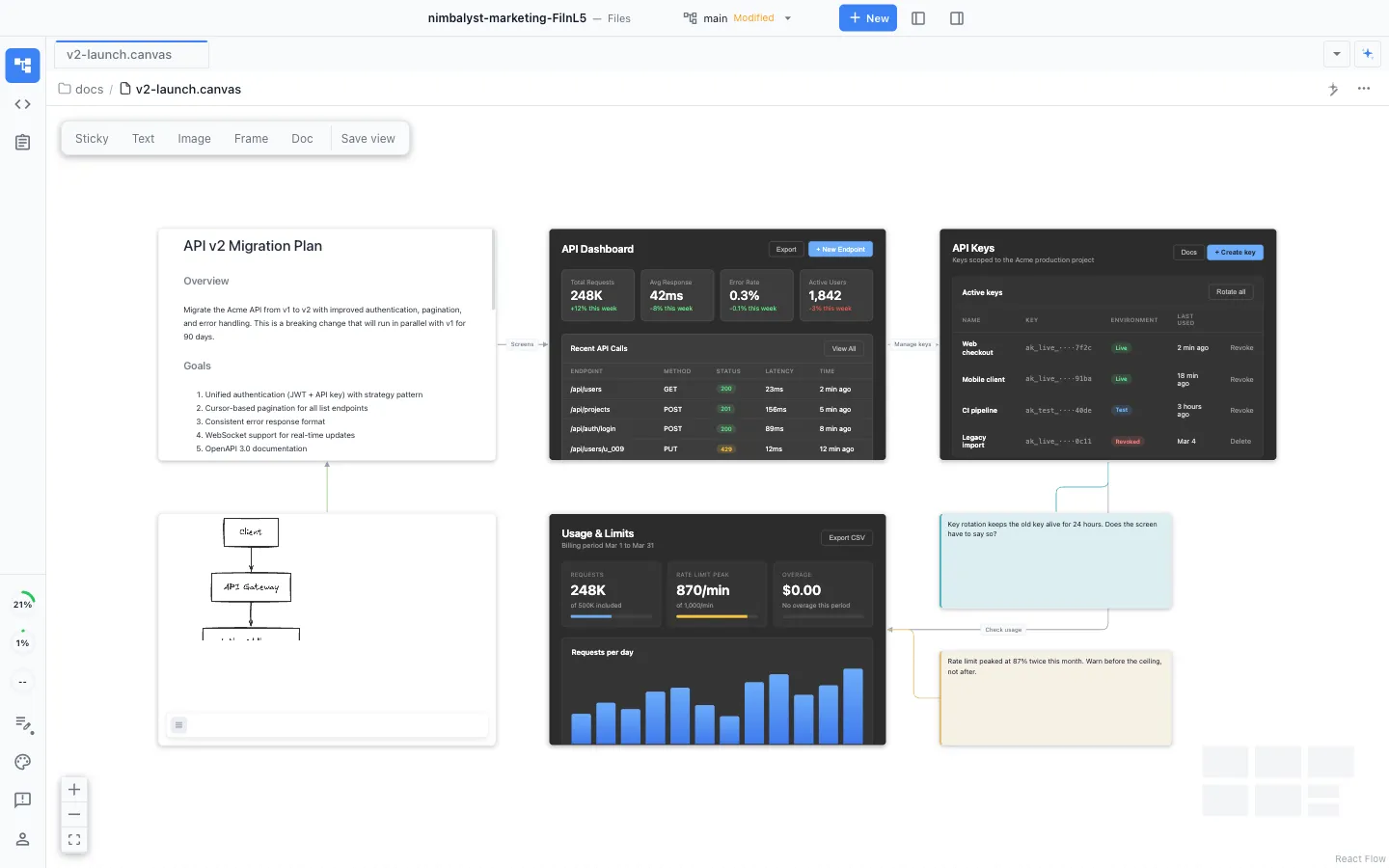
Every card is a live editor
Cards are the files themselves. Read the plan, open the diagram, and click into a mockup where it sits on the board.
The whole project in one view
Lay out the spec, the mockups, the diagram, and the notes together, and draw the connections between them.
Your agents build the board
Ask Claude Code or Codex to assemble the board, add a card, or rearrange it as the work changes.
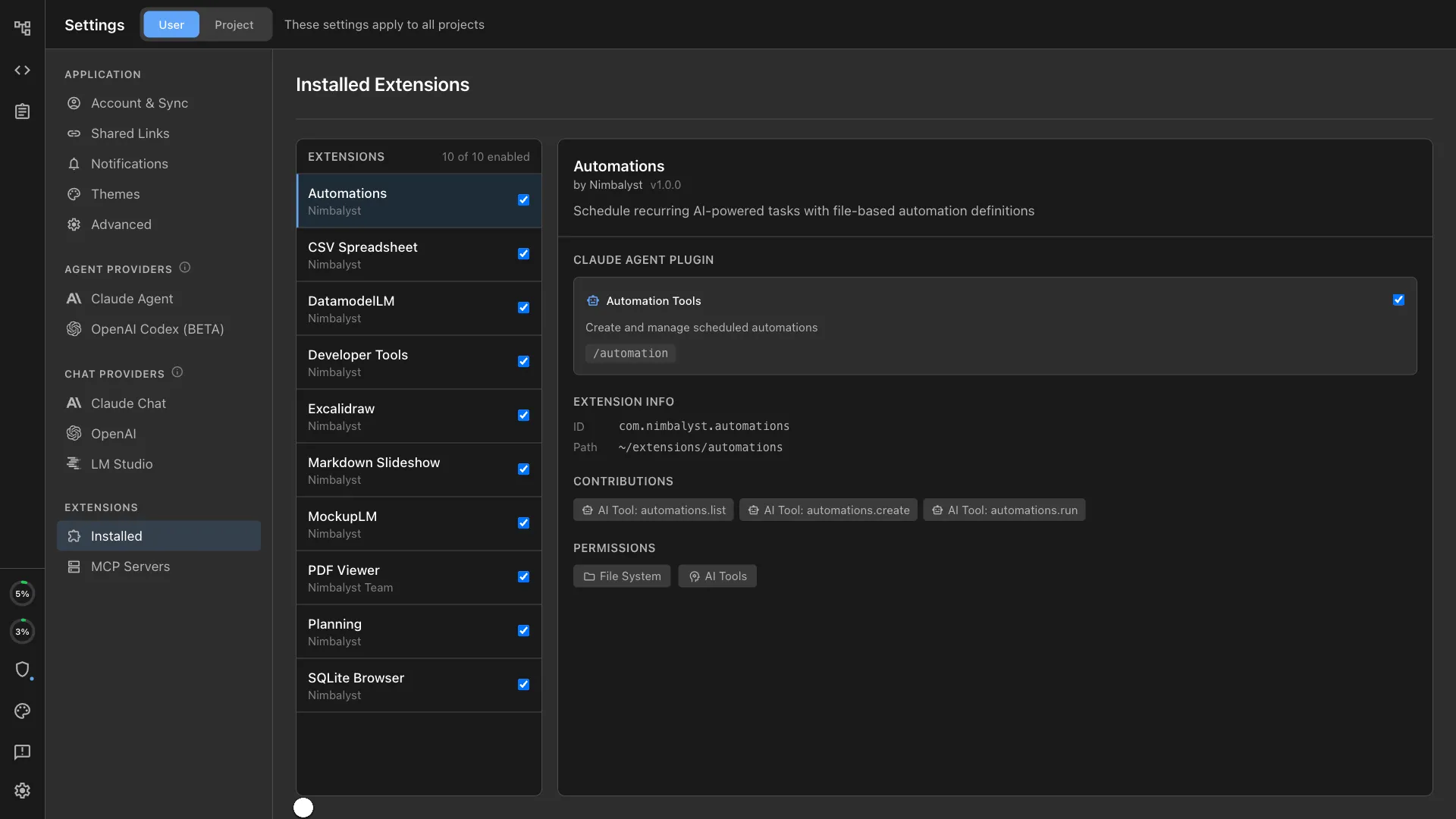
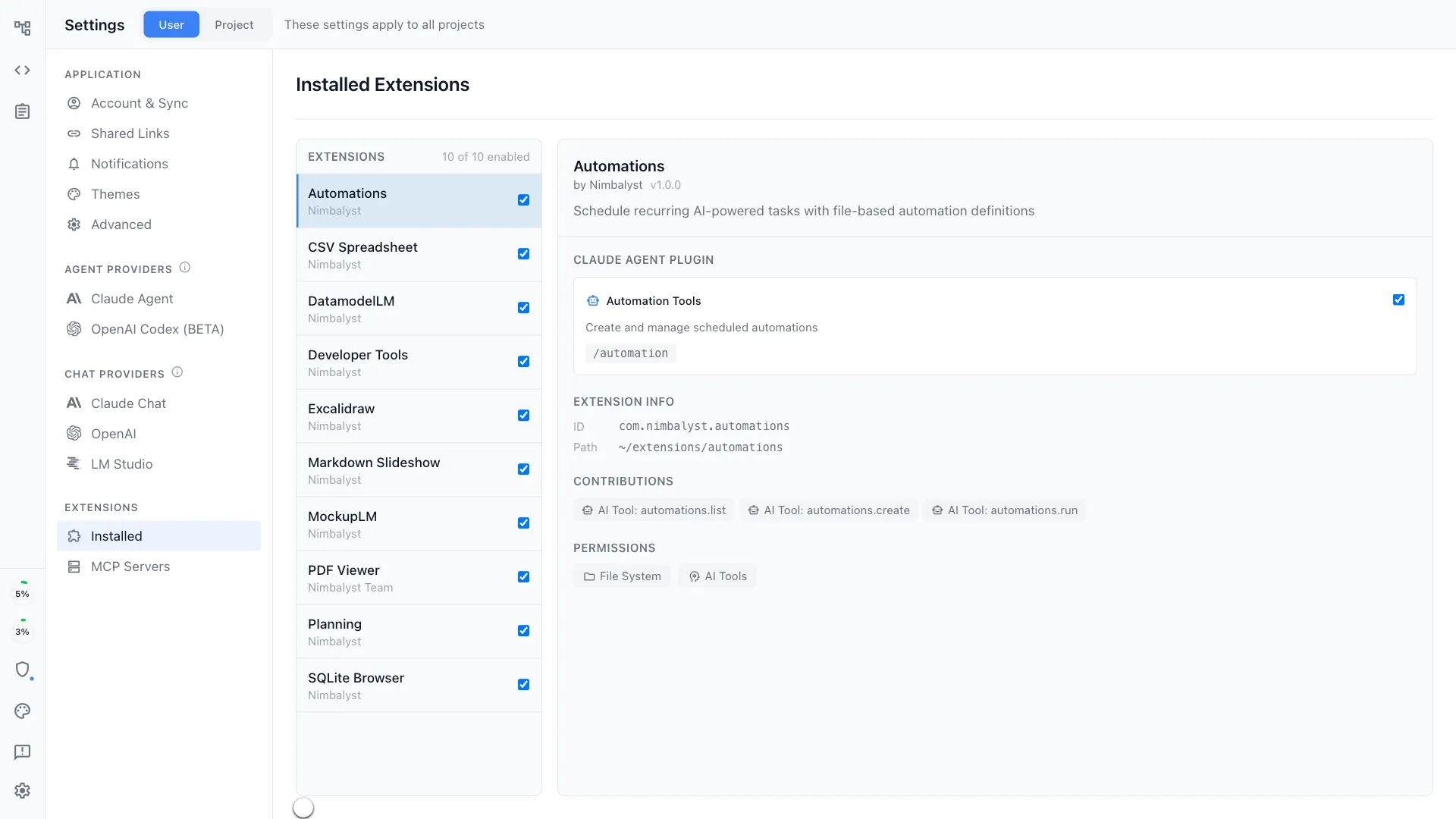
Built with its own extension system
The diagram editor, mockups, data models, spreadsheets, the SQLite browser, the PDF viewer, the git panel, and the planning commands are all extensions, built on the same system you get.
Ask for the editor you wish existed
Describe a file type and the view you want for it. Your agent writes the extension, installs it, and reloads it into the workspace while you watch.
Even the agents plug in
An extension can register an agent provider, which is how Gemini arrives, so new agents and models land without waiting on a Nimbalyst release.
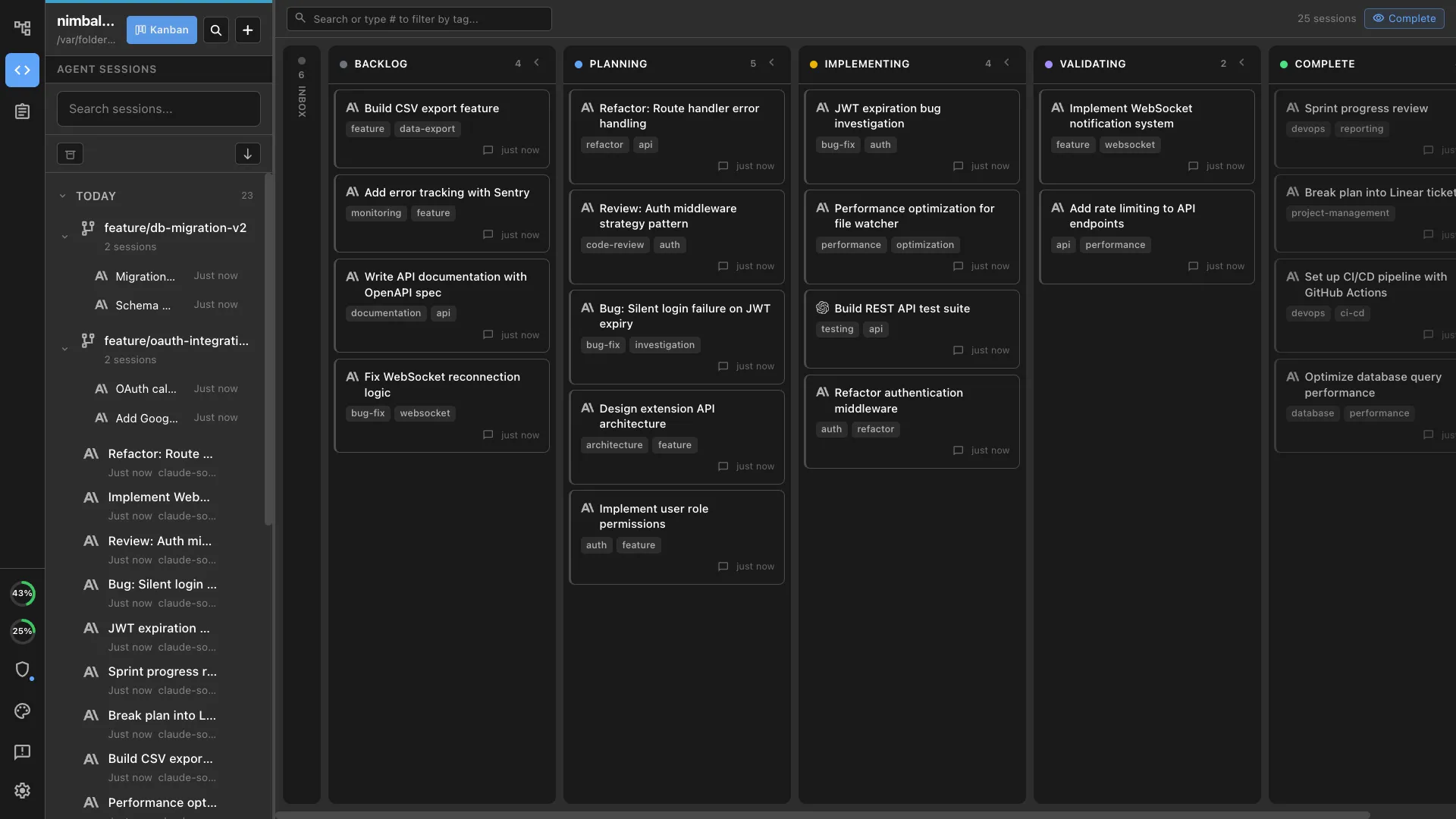
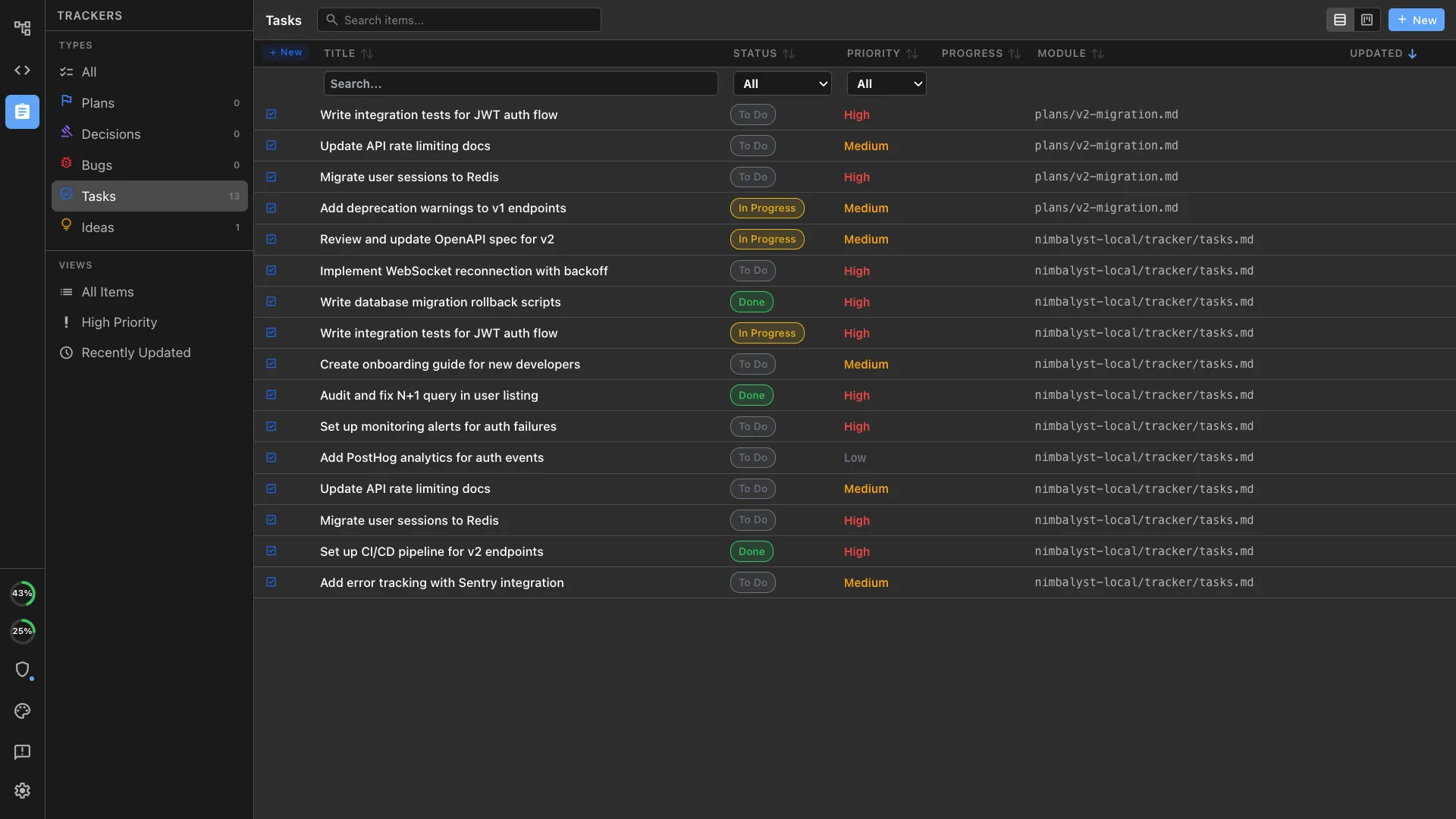
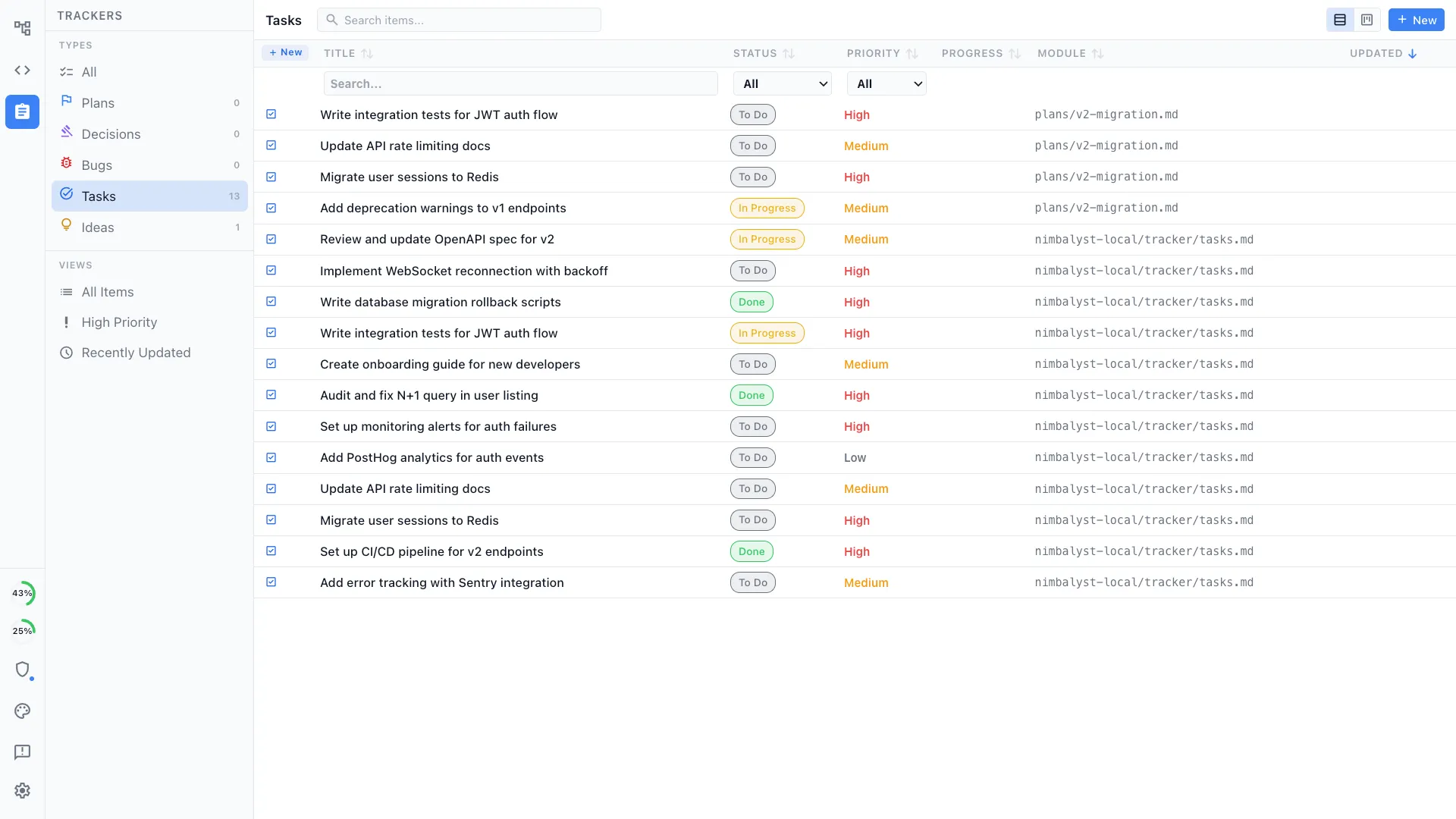
When your tasks live where you work, your agents see what needs doing and your task board reflects what's actually happening. No syncing between tools. No stale tickets. Just one shared picture of the work.
Your agents know what's on your plate
Because tasks are part of the workspace, agents can read your backlog, pick up context from related items, and prioritize — without you copy-pasting tickets into a prompt.
Work updates the board automatically
As agents complete tasks, the board updates. As you drag items around, agents see the change. The feedback loop is instant because there's nothing to sync.
Track plans, bugs, ideas, and more
Blog drafts, feature specs, research tasks, bugs — all tracked with status, tags, and priority. Edit yourself or let your agents do it.
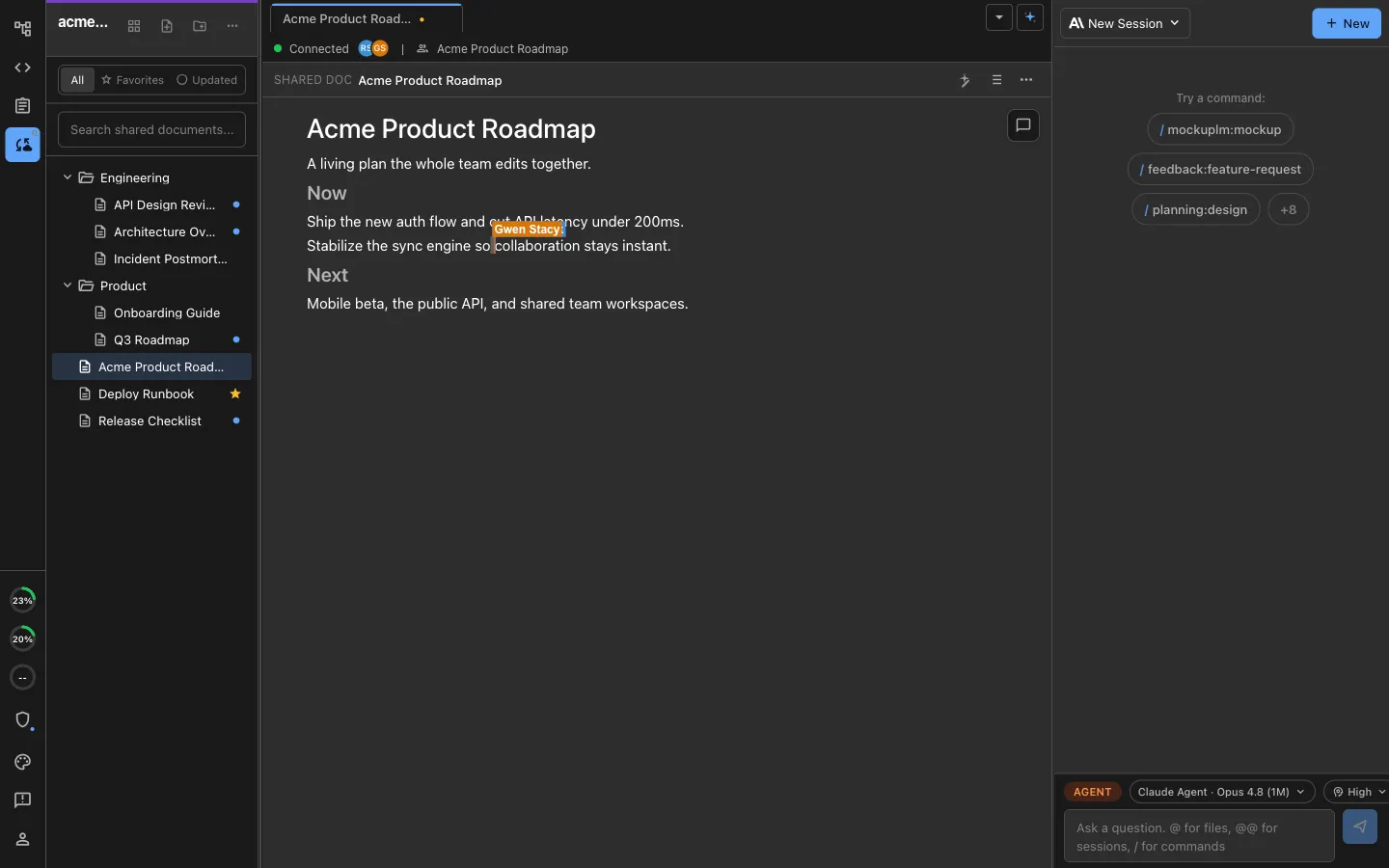
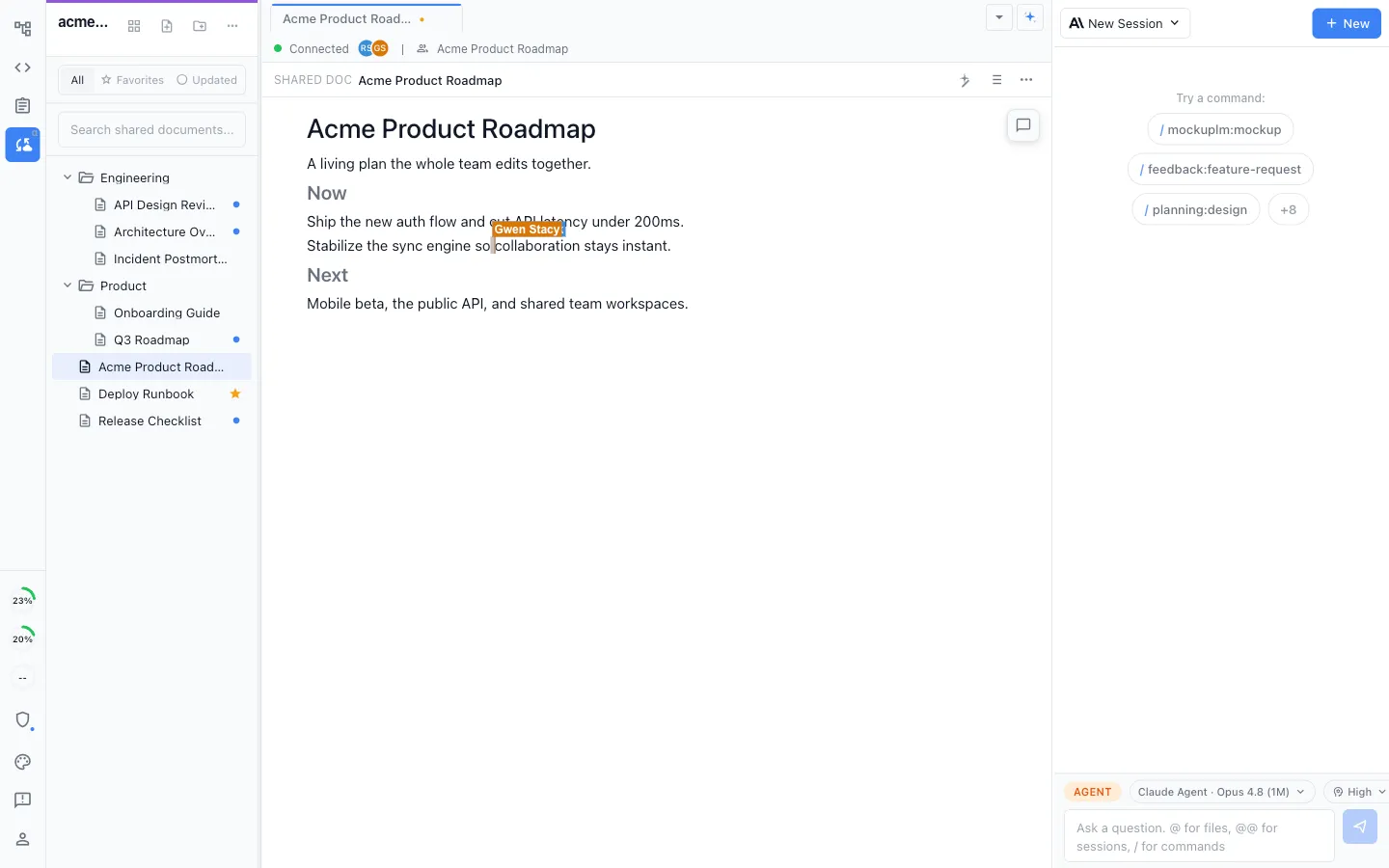
Nimbalyst is multiplayer for Claude Code and Codex.
Teammates and their local agents edit the same shared plans, mockups, diagrams, and trackers in real time, with team chat built into the same workspace.
Collaborative editing
Work in true multiplayer on shared markdown, mockups, and diagrams. Each teammate's local agent edits the same documents. Promote any local file to a shared one in a click, and review its full change history.
Collaborative task management
Plan and track work together on shared kanban boards and trackers. Your local agents read and update the same tracker your teammates do, so the board reflects what is actually happening.
One connected workspace
Shared docs, local files, trackers, and agent sessions live together and link to each other. Less tool-switching and less lost context, so your team and its agents move faster.
Free during Beta. Create your org in the app and invite your team.
Six beliefs behind Nimbalyst
These are the load-bearing ideas behind the product. They drive what we build, what we don't build, and what we ask you to expect from a coding agent workspace.
01
- text-blue-500 font-light
+ text-nim-purple font-medium
+ rounded-xl shadow-lg
// markdown / mockup / code
Visual interfaces are the highest bandwidth
Humans are visual. So is the work: markdown, mockups, diagrams, diffs, screenshots. Work with your agents visually.
02
Backlog
session
session
Plan
session
session
Run
session
Review
session
We are all managers of agents
Less typing, more directing. Plan the work, watch sessions in flight, review diffs, decide what ships. The workspace has to make that job easy.
03
SessionPlanSpecDiffFilesDiagramTracker
Integrated context into one shared graph
Most features touch seven tools. The connections live in your head and your agent cannot see them. Make every artifact a node and connect them with typed edges.
Comment on a paragraph. Discuss a node. Talk about a session right next to the session. Keep the context in one place instead of spreading it across disconnected tools.
06
Context
Graph
Restraint
Empower.
Visual
Own and invest in your harness
Seven parts: context, context graph, workflow, restraint, empowerment, verification, visual interface. Your harness is the durable layer that survives model churn. Own it, invest in it, keep it portable.
Nimbalyst is an extensible visual workspace for working with coding agents. It runs Claude Code, Codex, and other agents in parallel sessions, and it gives you visual editors for the artifacts around them: tasks, markdown docs, diagrams, mockups, spreadsheets, and code. The loop is task, agent session, visual work, reviewed diff, updated task, all in one place, and every AI edit arrives as a reviewable diff. The desktop and iOS apps are MIT licensed and free for individuals, on macOS, Windows, and Linux.
Frequently Asked Questions
What is Nimbalyst?
Nimbalyst is the open-source visual workspace for building with Codex, Claude Code, and more. It's a session manager and visual editor for markdown, mockups, drawings, sessions, and tasks — plus code, data models, and CSVs. Free for individual use.
Is Nimbalyst free?
Yes. The core Nimbalyst experience is completely free for individual users with no feature limits or trial period.
Is Nimbalyst open source?
Yes. The Nimbalyst desktop and iOS apps are MIT licensed. You can read the code, file issues, build extensions, or fork the project on GitHub at github.com/Nimbalyst/nimbalyst. See the open source page for licensing and the tech stack.
What AI agents does Nimbalyst support?
Nimbalyst supports Claude Code (by Anthropic) and Codex (by OpenAI), with OpenCode, Copilot, and Codex via ACP in Alpha. You can run multiple sessions in parallel, manage them on a kanban board, and review all agent file changes in one place.
What platforms does Nimbalyst run on?
Nimbalyst is available as a desktop app for macOS (Apple Silicon and Intel), Windows, and Linux. There is also an iOS mobile app for managing agent sessions on the go.
What is a visual workspace for AI coding?
A visual workspace for AI coding is a desktop environment that wraps AI coding agents like Claude Code and Codex in visual editors, session management, and project organization tools. Instead of working in a terminal, you see your agent's work in real-time across markdown, mockups, diagrams, code, and data — all with inline diff review. Nimbalyst is the first visual workspace purpose-built for agentic development.
What is the best GUI for Claude Code?
Nimbalyst is the purpose-built GUI for Claude Code. It wraps the full power of Claude Code in a visual workspace with WYSIWYG editors for markdown, mockups, diagrams, and code. You get session management on a kanban board, inline diff review for every file type, task tracking, and a mobile app — all while using your existing Anthropic subscription. For a side-by-side review of every option, see our guide to the best Claude Code GUI tools in 2026.
Is Nimbalyst a visual editor for Claude Code?
Yes. Nimbalyst is the visual editor for Claude Code. Instead of reading terminal output and trusting blind edits, you see every change your Claude Code session makes across markdown, mockups, diagrams, data models, and code — and you approve or reject each one in place, with full session history visible on a kanban board.
Is Nimbalyst a visual editor for Codex?
Yes. Nimbalyst is also the visual editor for Codex. Your Codex sessions run in the same file-aware workspace as Claude Code — with inline diff review across markdown, mockups, diagrams, data models, and code. You can run Claude Code and Codex sessions side by side and compare their output in one place.
What is the best Codex GUI?
Nimbalyst is the full visual workspace around Codex — broader than a thin Codex desktop app or a terminal wrapper. You can run multiple Codex sessions in parallel, organize them on a kanban board, review every file change as an inline diff, and work across markdown, mockups, diagrams, data models, and code in one place. For a deeper comparison of every Codex GUI available, see our guide to the best Codex GUI tools and desktop apps in 2026.
Can I use my Claude Code and Codex subscriptions in Nimbalyst?
Yes. Nimbalyst works with supported Claude Code and Codex provider access or explicitly configured API keys, so you can run both agents in one workspace without replacing your Anthropic or OpenAI plan. The provider still handles authentication, model usage, billing, and plan limits. See the guide to using Claude Code and Codex subscriptions in one workspace.
Can I run multiple Claude Code sessions in parallel?
Yes. Nimbalyst is built for running multiple Claude Code sessions in parallel. Any session can opt into its own git worktree with one click, so when you want isolation, sessions never stomp on each other's files. You see every active, waiting, and completed session on a kanban board, with a files sidebar showing exactly what changed, so no more clicking through terminal tabs to figure out which agent is doing what.
Is Nimbalyst a Claude Code IDE?
Nimbalyst is an AI-native workspace built on top of Claude Code — broader than a traditional Claude Code IDE. Alongside a full code editor with inline AI diff review, you get visual editors for markdown, mockups, diagrams, and data models, a session kanban board, task tracking, and a mobile companion app. It's what most people want when they search for a Claude Code IDE: a purpose-built environment for agentic development, not a code editor with an AI plugin bolted on. For a broader comparison, see our roundup of the best AI IDEs of 2026 for Claude Code and Codex users.
What is agentic development?
Agentic development is a way of building software where AI agents like Claude Code and Codex autonomously write, edit, and refactor code based on natural-language instructions. Instead of writing every line yourself, you direct agents through sessions — reviewing their changes, approving diffs, and managing parallel tasks. Nimbalyst is the visual workspace designed for this workflow.