Codex GUI
The Codex App is a command center. Nimbalyst is the multi-agent workspace.
The official Codex App runs multiple Codex agents with parallel threads, worktrees, diff review, skills, and automations. Nimbalyst adds Claude Code beside Codex, visual editors for the artifacts around the code, linked task tracking, and a shared team workspace.
Free for individuals. Works with your existing Claude Code or Codex subscription or API key.
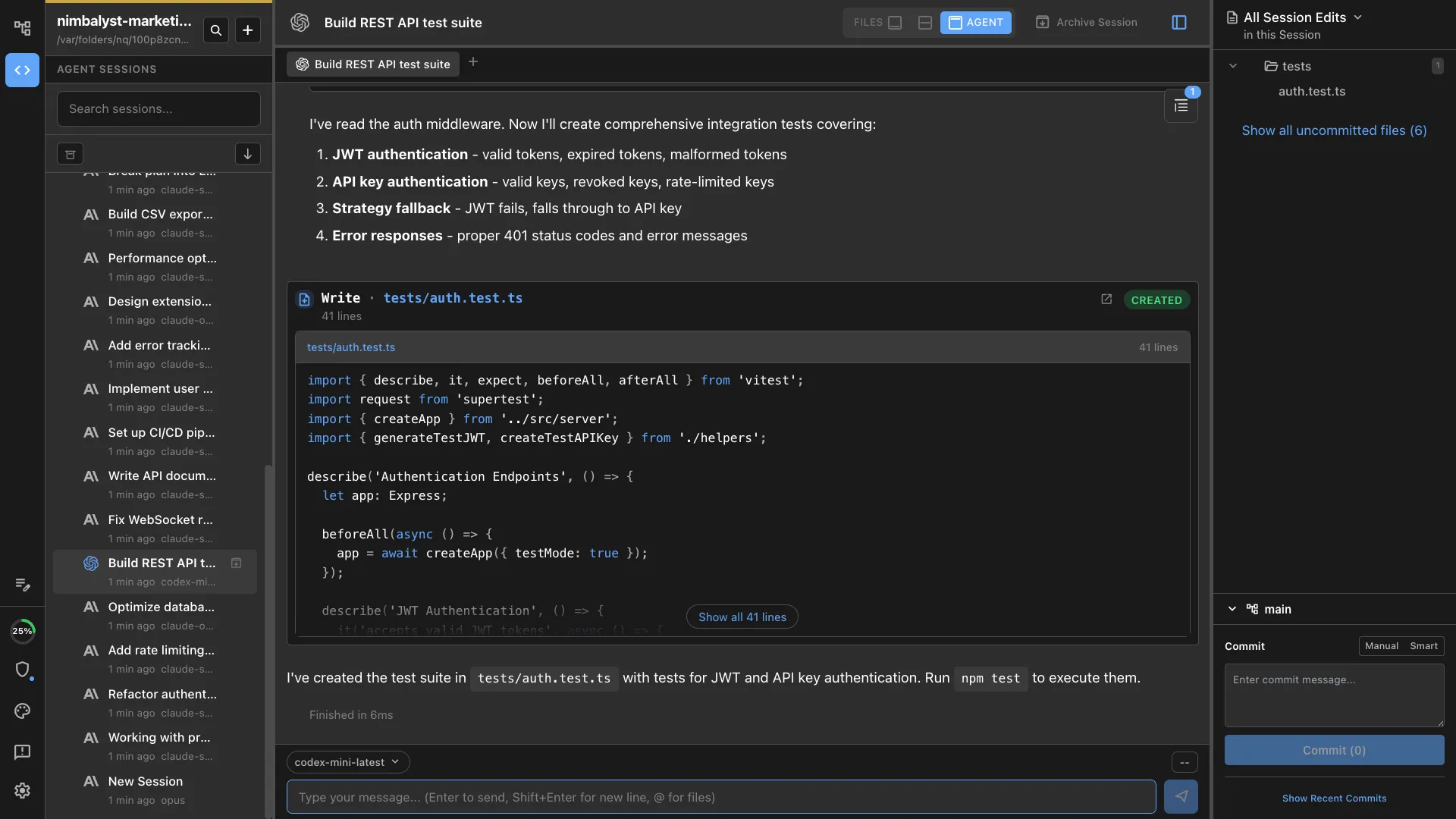
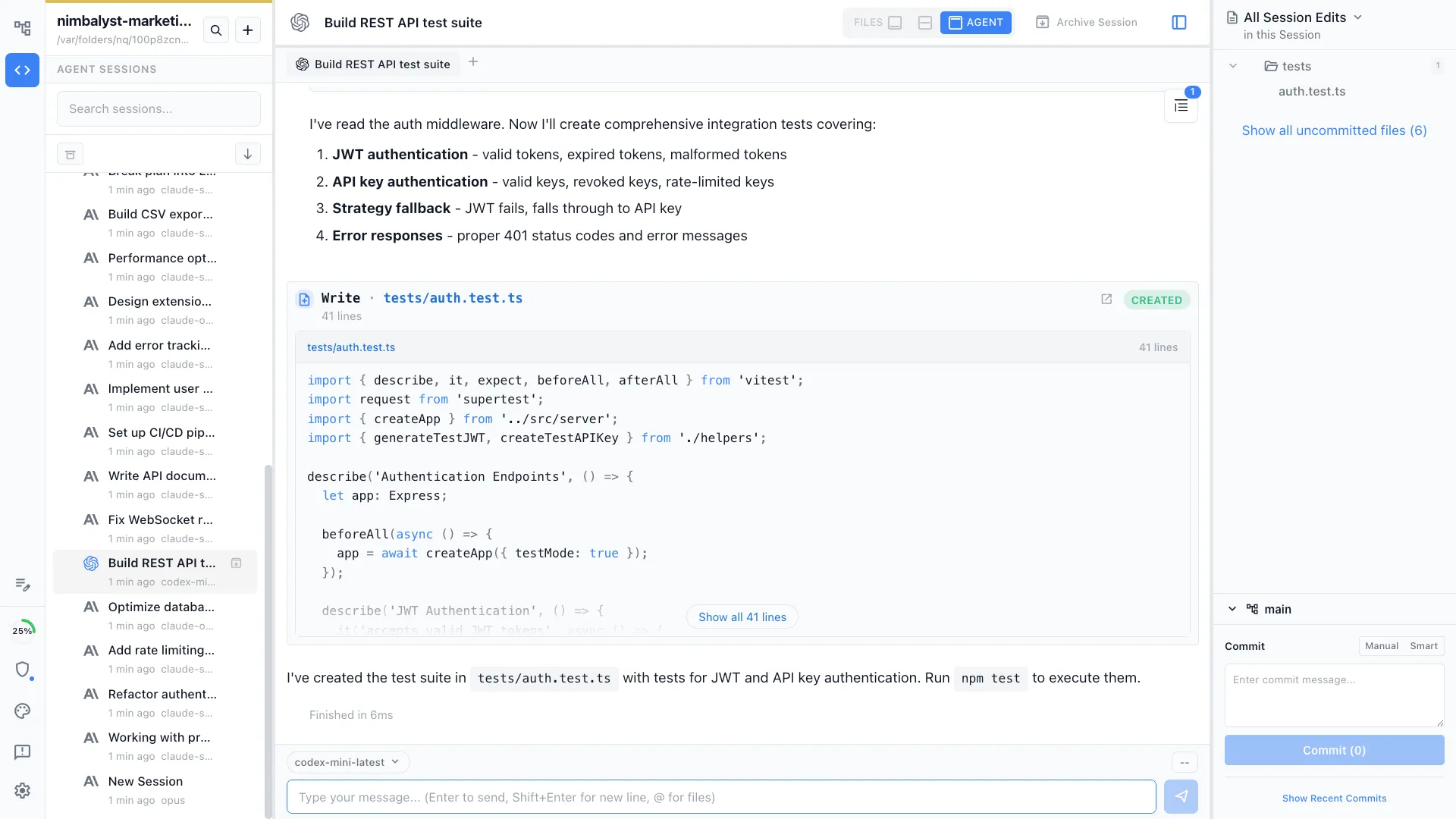
The Codex App is strong. So where does Nimbalyst fit?
OpenAI's Codex App is a serious command center for Codex. It runs multiple agents in parallel, isolates work with built-in worktrees, reviews changes inside each thread, and extends the agent with skills and scheduled automations.
Nimbalyst solves a broader coordination problem. It runs Codex and Claude Code as first-class agents, then connects their sessions to markdown, mockups, diagrams, code, trackers, and team collaboration. Use the Codex App when an OpenAI-only command center is the goal. Use Nimbalyst when the workspace needs multiple agent engines and first-class visual artifacts around the code.
Why Nimbalyst
What Nimbalyst adds to Codex
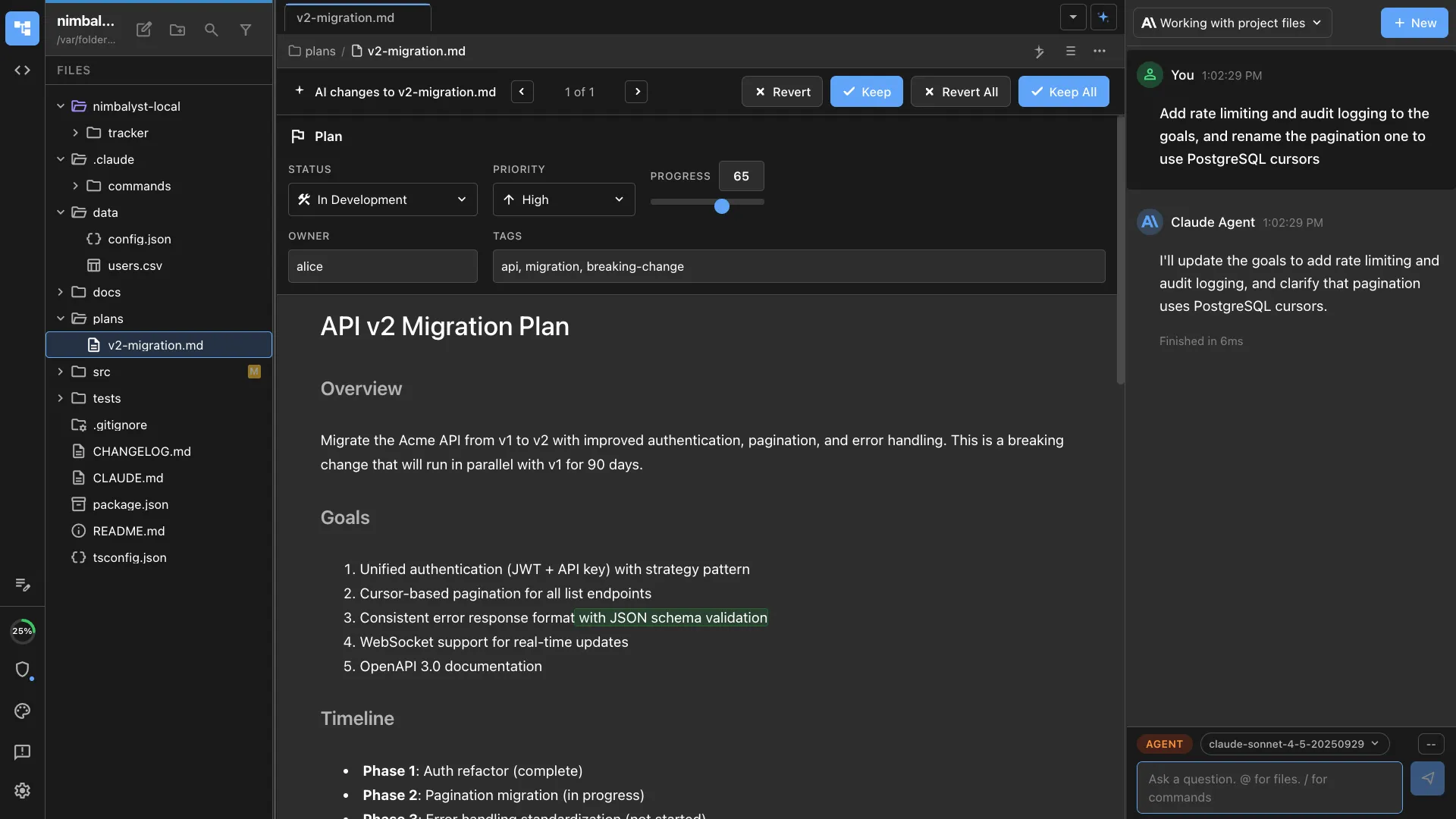
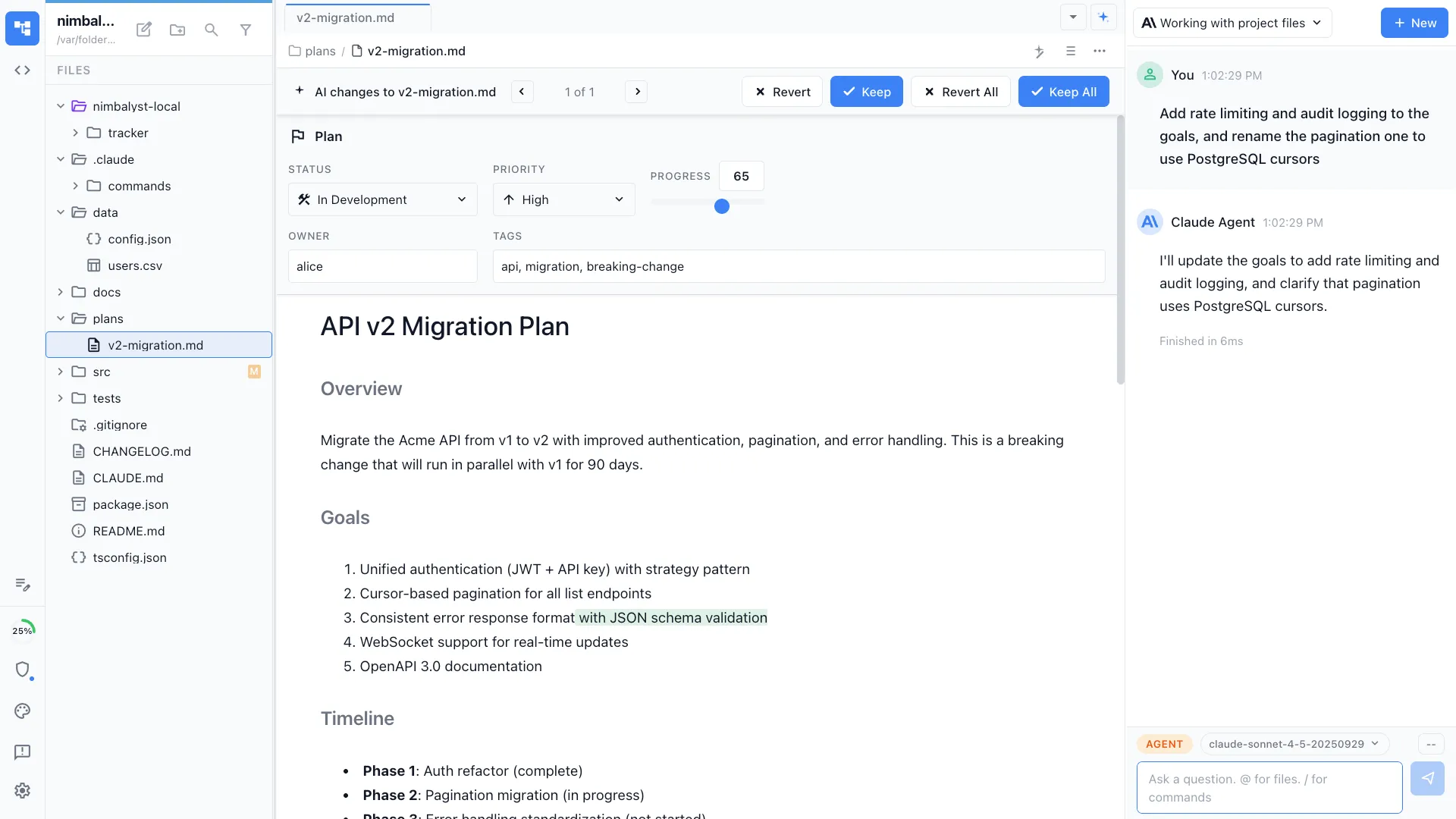
WYSIWYG markdown editor
Write specs, plans, and docs in a rich editor. Your Codex agent sees the full document and project — edit by hand or let AI draft and restructure.
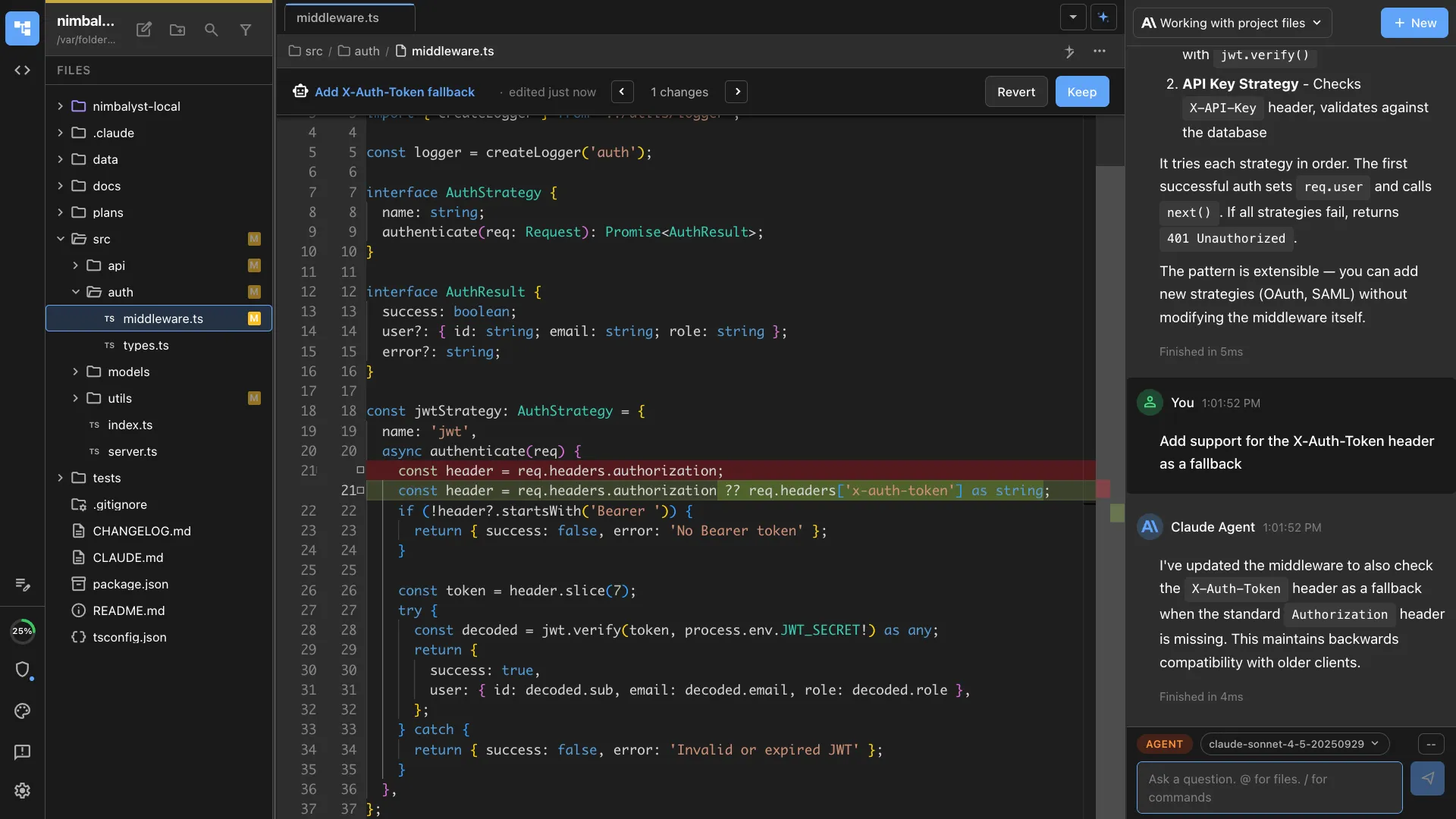
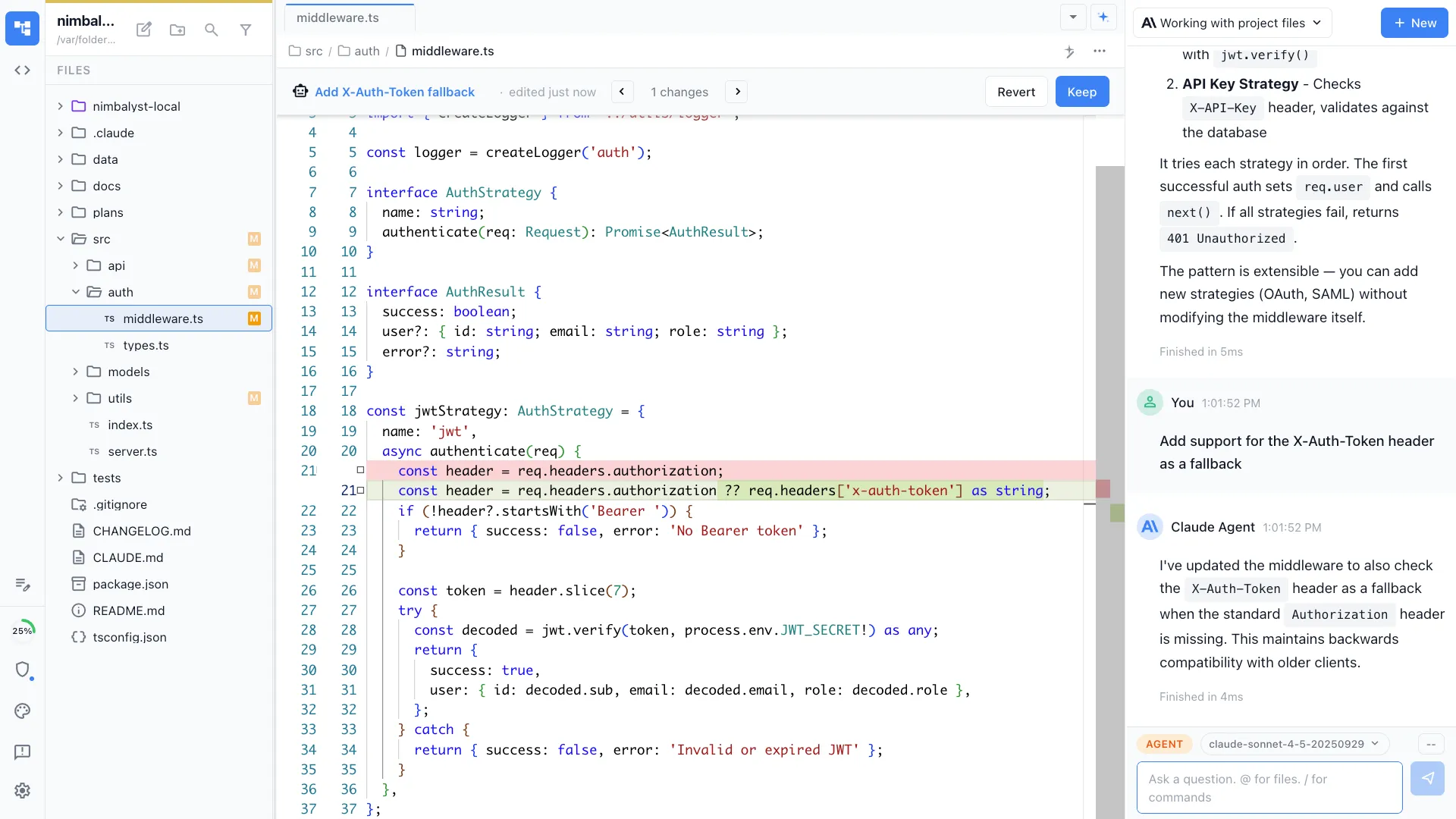
Visual diff review
Review Codex changes with inline red/green diffs. Accept, reject, or manually edit each change before merging — across markdown, code, and config files.
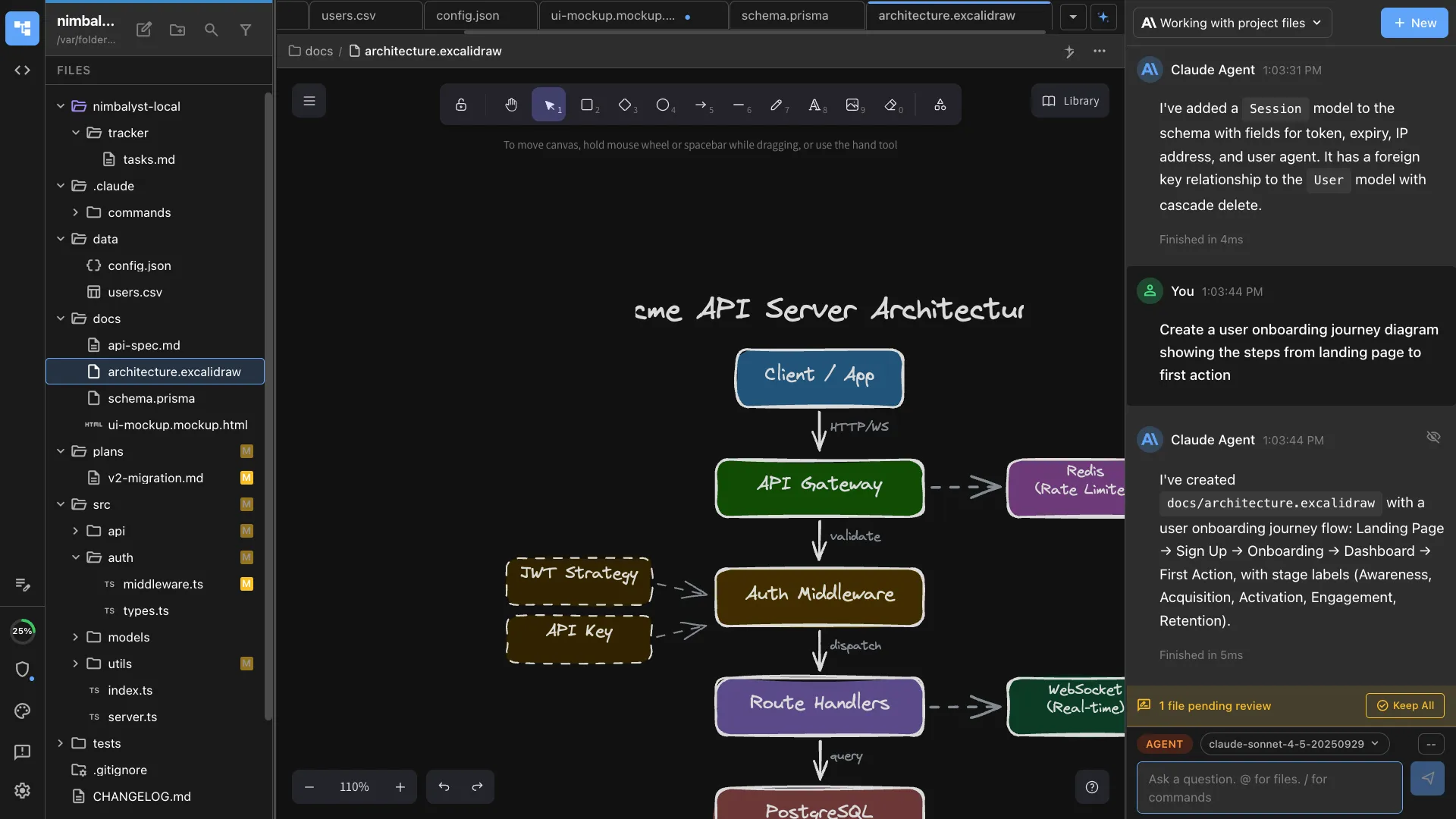
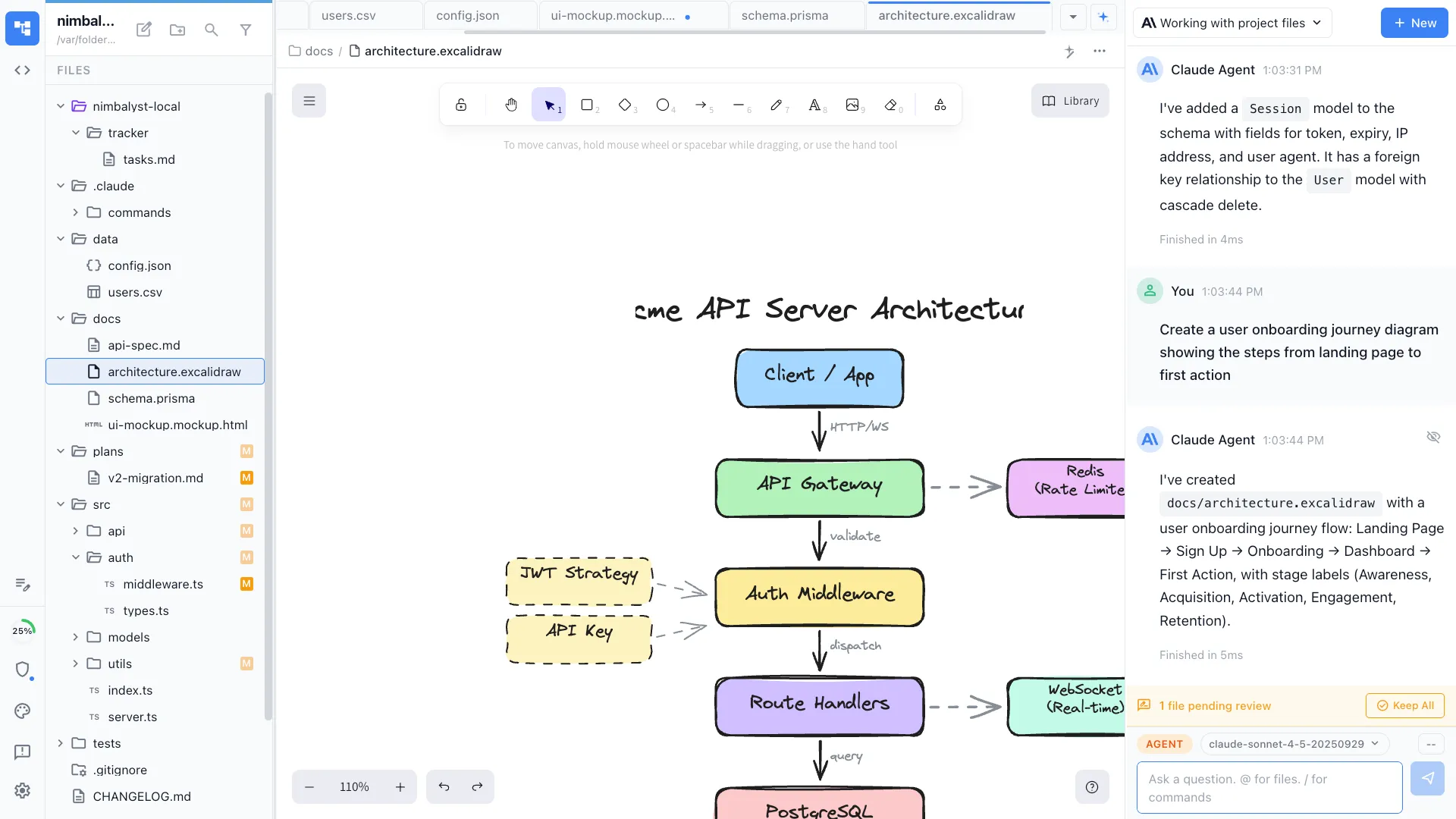
Visual editors
Mockups, Excalidraw diagrams, data models, spreadsheets, and markdown. Your Codex agent can create and edit visual files, not just code.
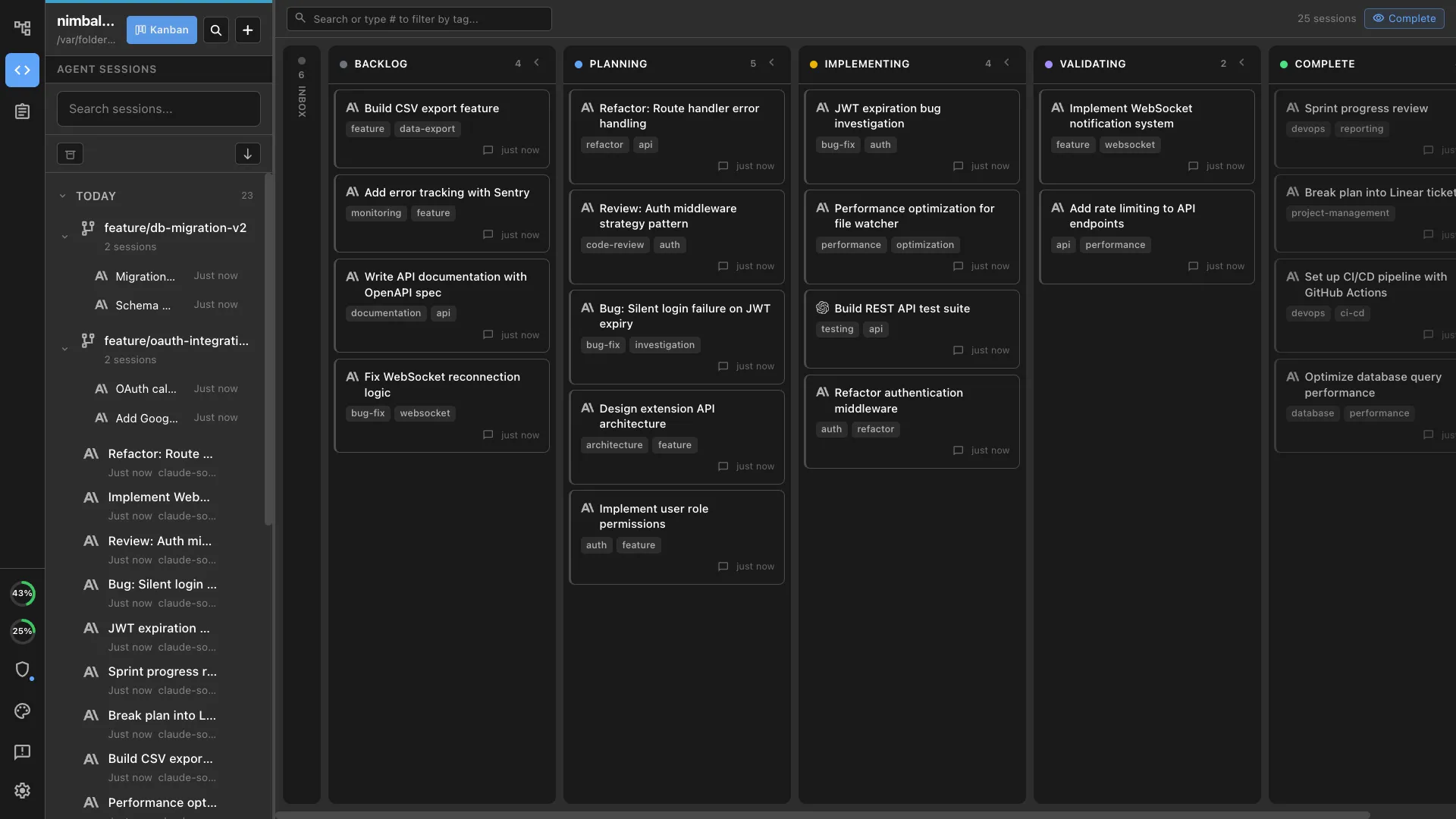
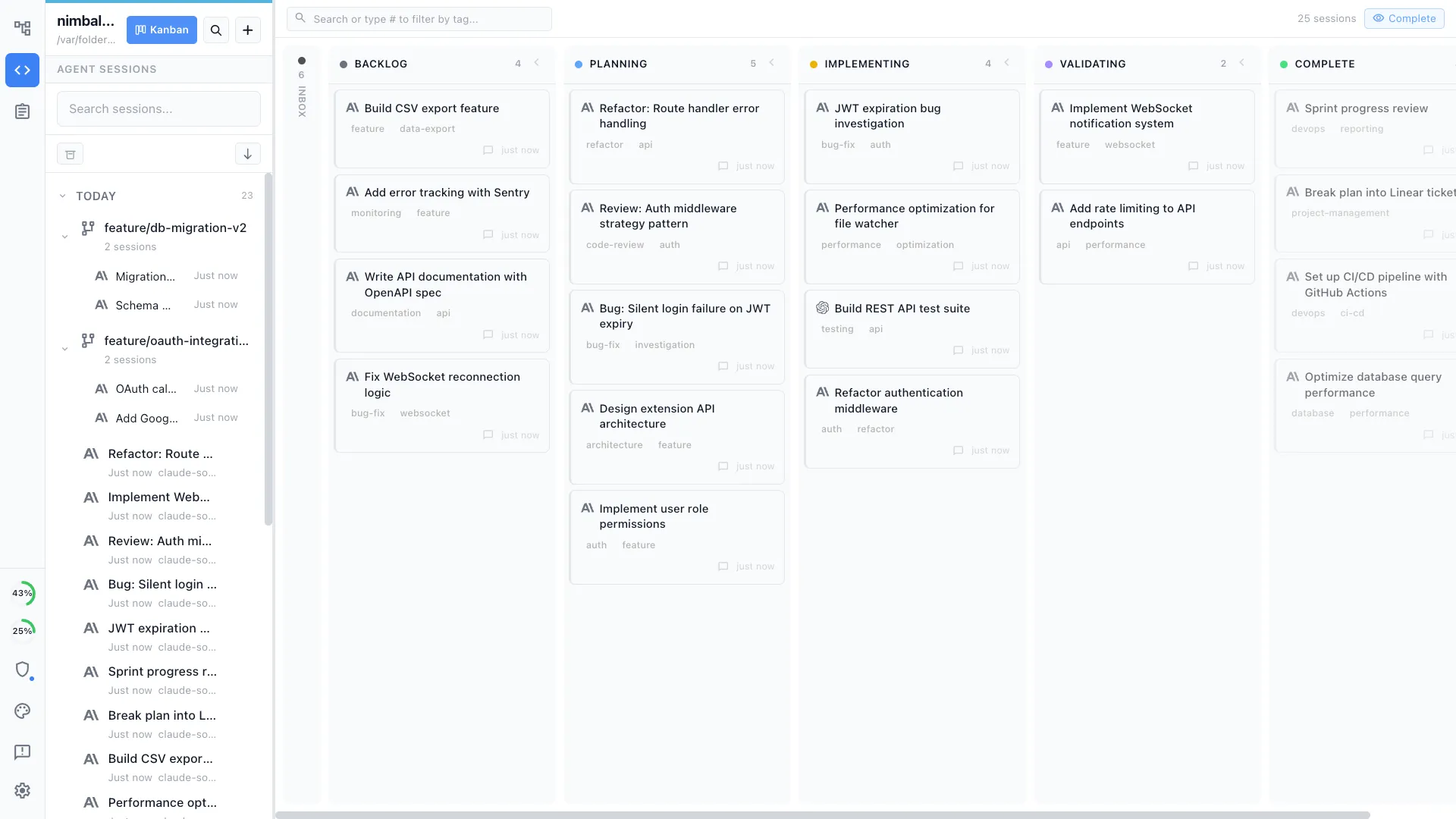
Session kanban
Manage Claude Code and Codex sessions on the same kanban board. Mix and match engines across branches and tasks.
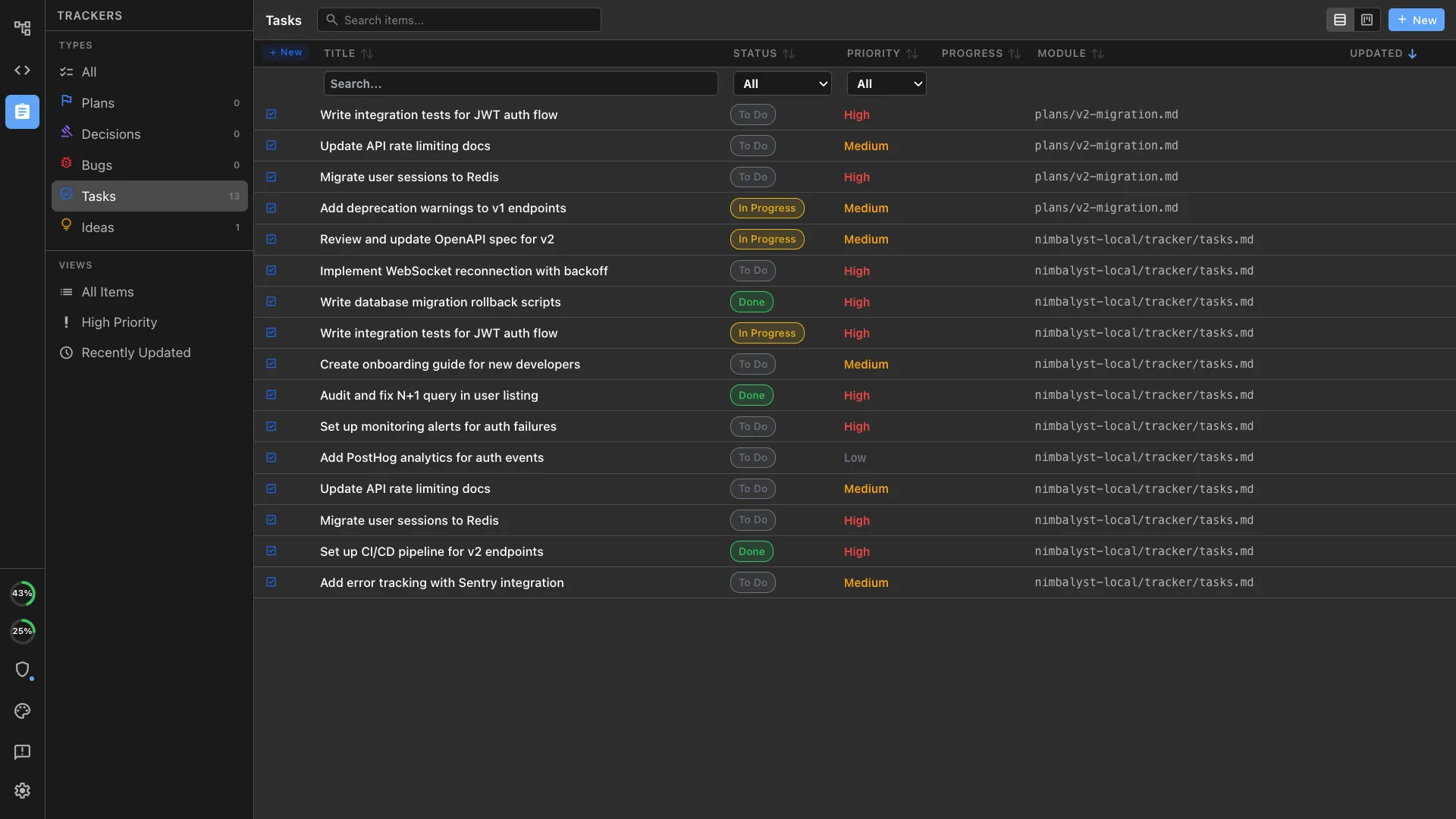
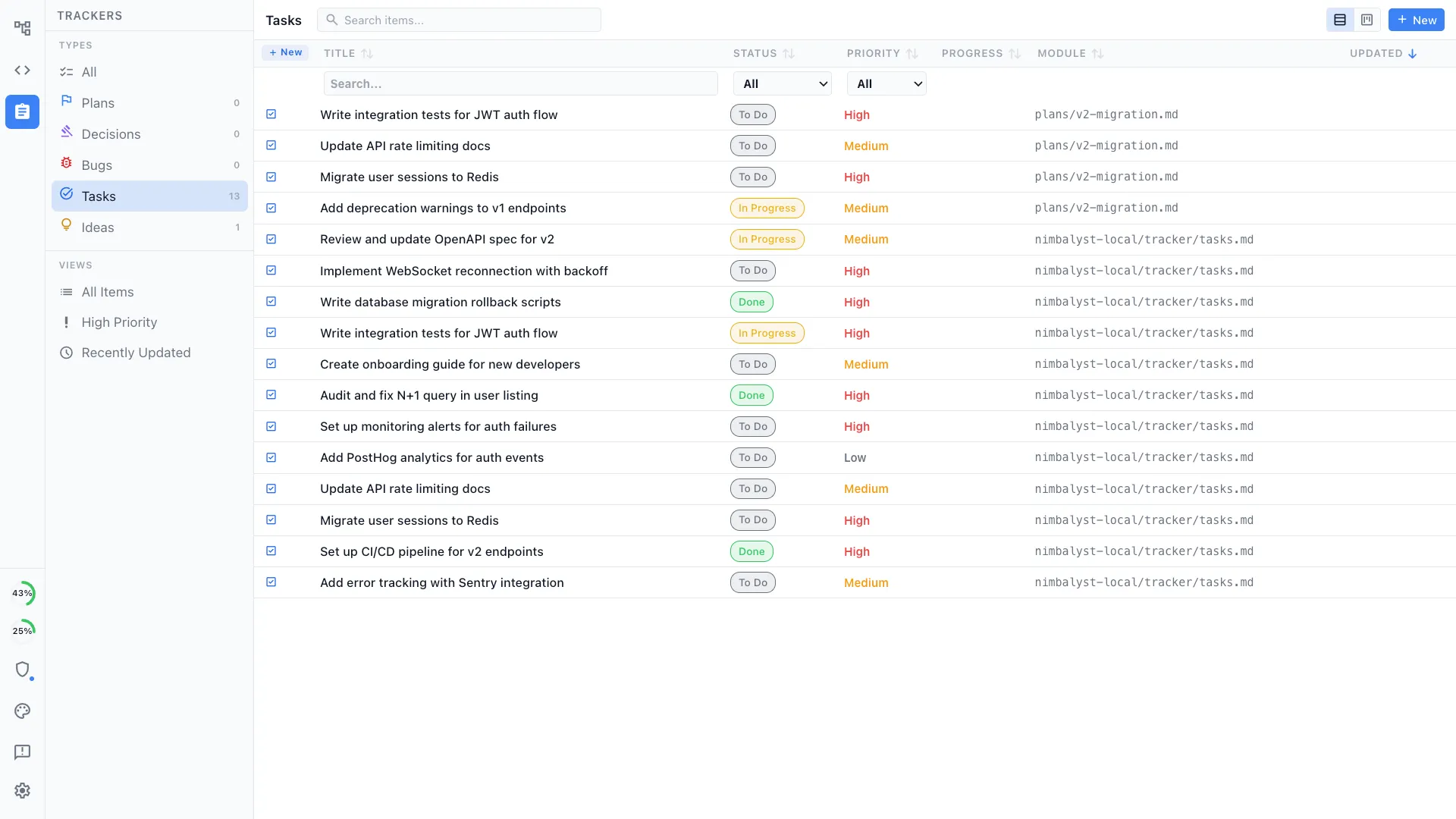
Task management
Track tasks, bugs, and ideas alongside your Codex sessions. Plan the work and execute it in the same environment.
First-class Codex support
Run Codex sessions natively inside Nimbalyst. Same visual workspace, same session management, same diff review — just a different engine.
Open source
The Nimbalyst desktop and iOS apps are MIT licensed. The full source is on GitHub, so you can read the code, audit how Nimbalyst talks to Codex, fork the project for your team, or contribute fixes. No black box between you and your agent.
Comparison
Codex App vs Nimbalyst
| Feature | Codex App | Nimbalyst |
|---|---|---|
| Agent engine | Codex only | Codex + Claude Code (side by side) |
| Interface | Command center with threads, diffs, files, terminals, and browser | Visual workspace with chat, editors, and file tree |
| Session management | Multiple agent threads organized by project | Cross-agent kanban with search, filter, phases, and resume |
| Parallel sessions | Multiple Codex agents in parallel | 6+ Codex and Claude Code sessions with unified status |
| Visual editors | Files, terminals, browser; no linked artifact-editor suite | Markdown, mockups, diagrams, code, data models, spreadsheets |
| Diff review | Review and comment on changes inside a thread | File-by-file visual diffs with accept/reject |
| Planning & tracking | Skills, automations, and project threads | Plans and trackers linked to sessions and files |
| Mobile app | Codex access through the ChatGPT mobile app | iOS app for monitoring and review |
| Platforms | macOS, Windows (no Linux) | macOS, Windows, Linux, iOS |
| Git isolation | Built-in worktrees for parallel agents | Optional one-click worktree per session |
| Source code | App closed source; Codex CLI open source | Open source on GitHub (MIT) |
FAQ
Frequently asked questions
Does Nimbalyst support OpenAI Codex?
Can I run Codex and Claude Code side by side?
Is there a Codex desktop app?
Is there a Codex desktop app for Linux?
Is Nimbalyst free for Codex users?
Is Nimbalyst open source?
Learn More
Related guides and comparisons
Codex for Product Managers
Use Codex as a PM in a visual workspace for planning, mockups, and review.
Best Codex GUI Tools (2026)
A roundup of desktop apps and GUIs for OpenAI Codex, including Linux options.
OpenCode vs Codex vs Claude Code (2026)
How Codex compares with OpenCode and Claude Code on architecture, benchmarks, and pricing.
What is OpenCode?
The primer on the open-source, model-agnostic agent Nimbalyst plans to run alongside Codex.
Codex vs Claude Code
How the two coding agents compare, and running both in one workspace.
Agent Harness for Claude Code and Codex
The hub for running Codex, Claude Code, and other agents inside one durable workflow layer.
Agent Integration
How Nimbalyst integrates with Claude Code, Codex, and MCP servers.
Session Management
Deep dive into the multi-session kanban and parallel agent workflows.
Nimbalyst is the open-source visual workspace for building with Codex, Claude Code, and more
Free for individuals. Works with your existing Claude Code or Codex subscription or API key.
Nimbalyst Teams is multiplayer. Your whole team, Codex, and Claude Code in one shared workspace.