Comparison
Best Typora Alternative for AI Markdown
Looking for a Typora alternative? Typora is a clean, local markdown editor. Nimbalyst is the open-source visual workspace for building with Codex, Claude Code, and more. In Nimbalyst, your markdown is native to your coding agents: they write, edit, and act on it alongside mockups, diagrams, and code, with sessions and tasks built in.
Free for individuals. Works with your existing Claude Code or Codex subscription or API key.
Overview
Two tools, different approaches
Nimbalyst
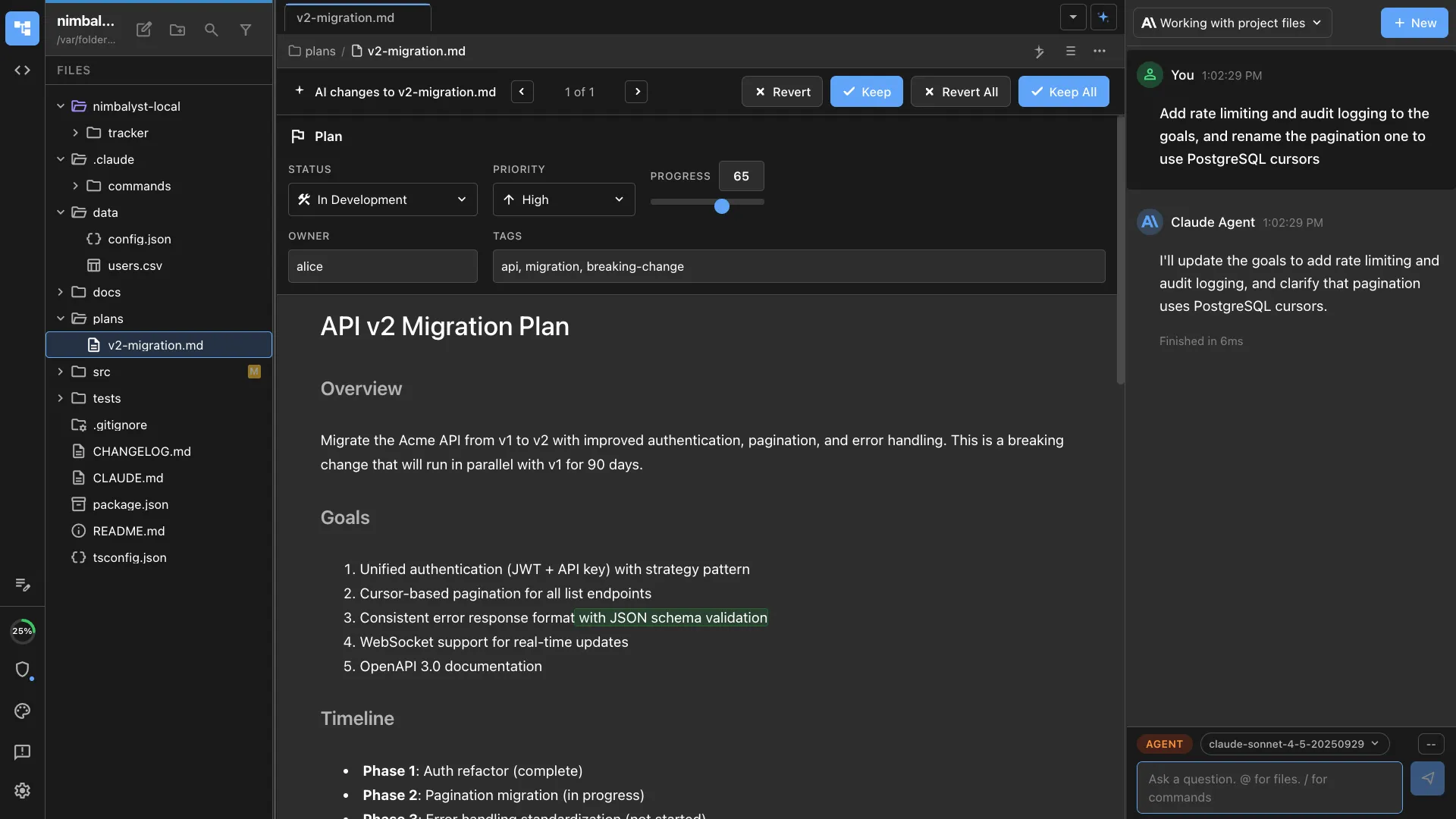
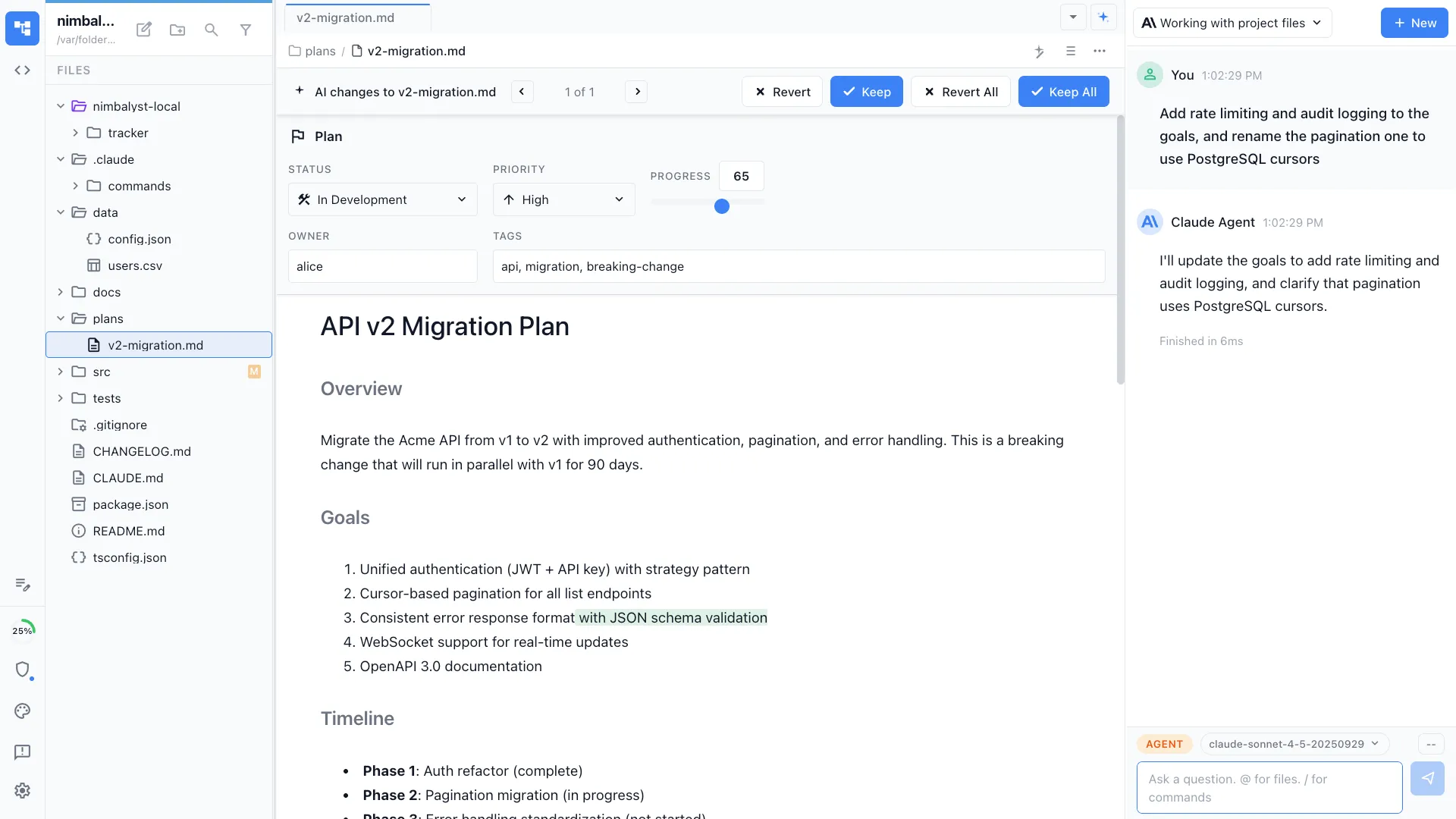
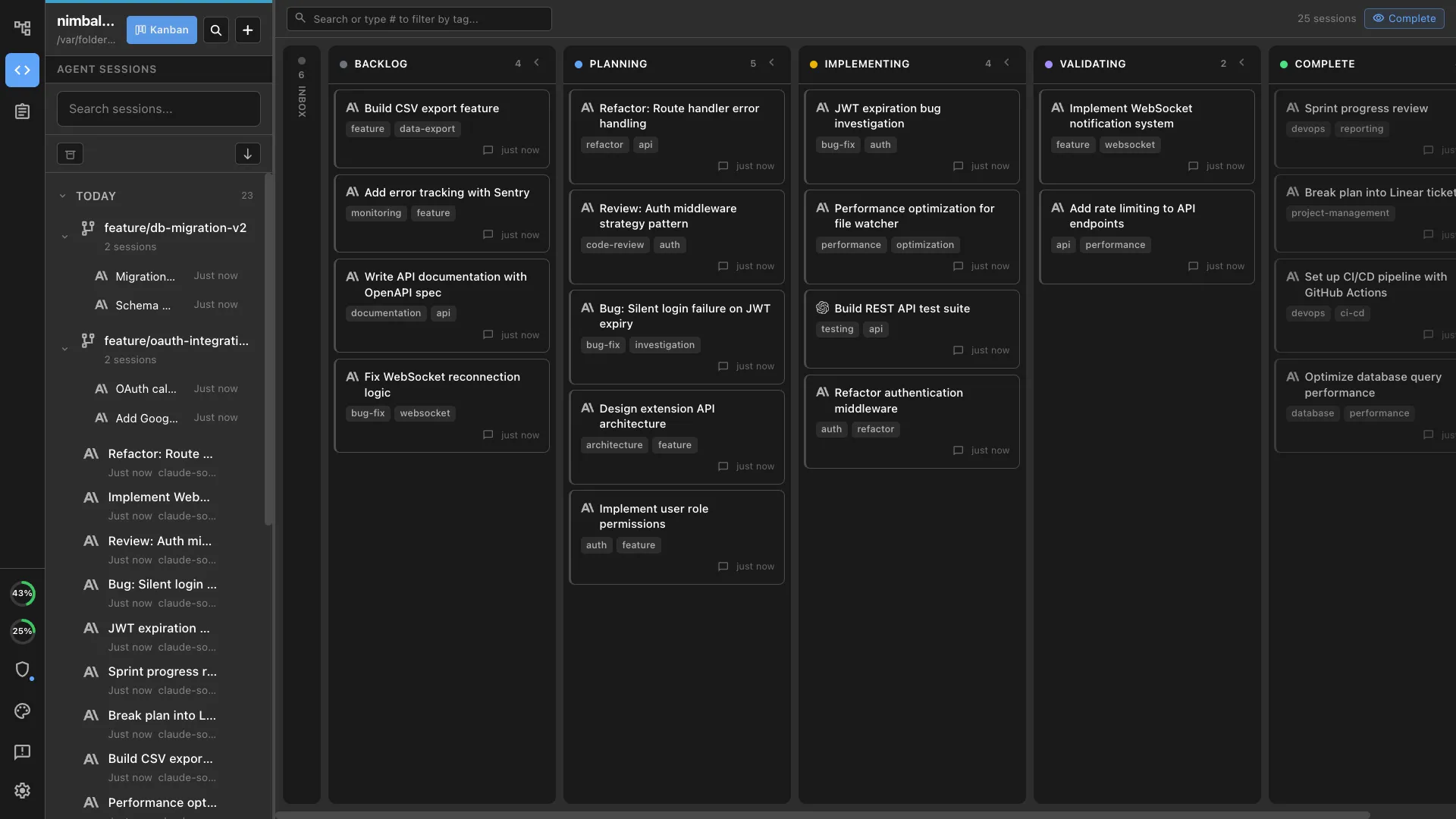
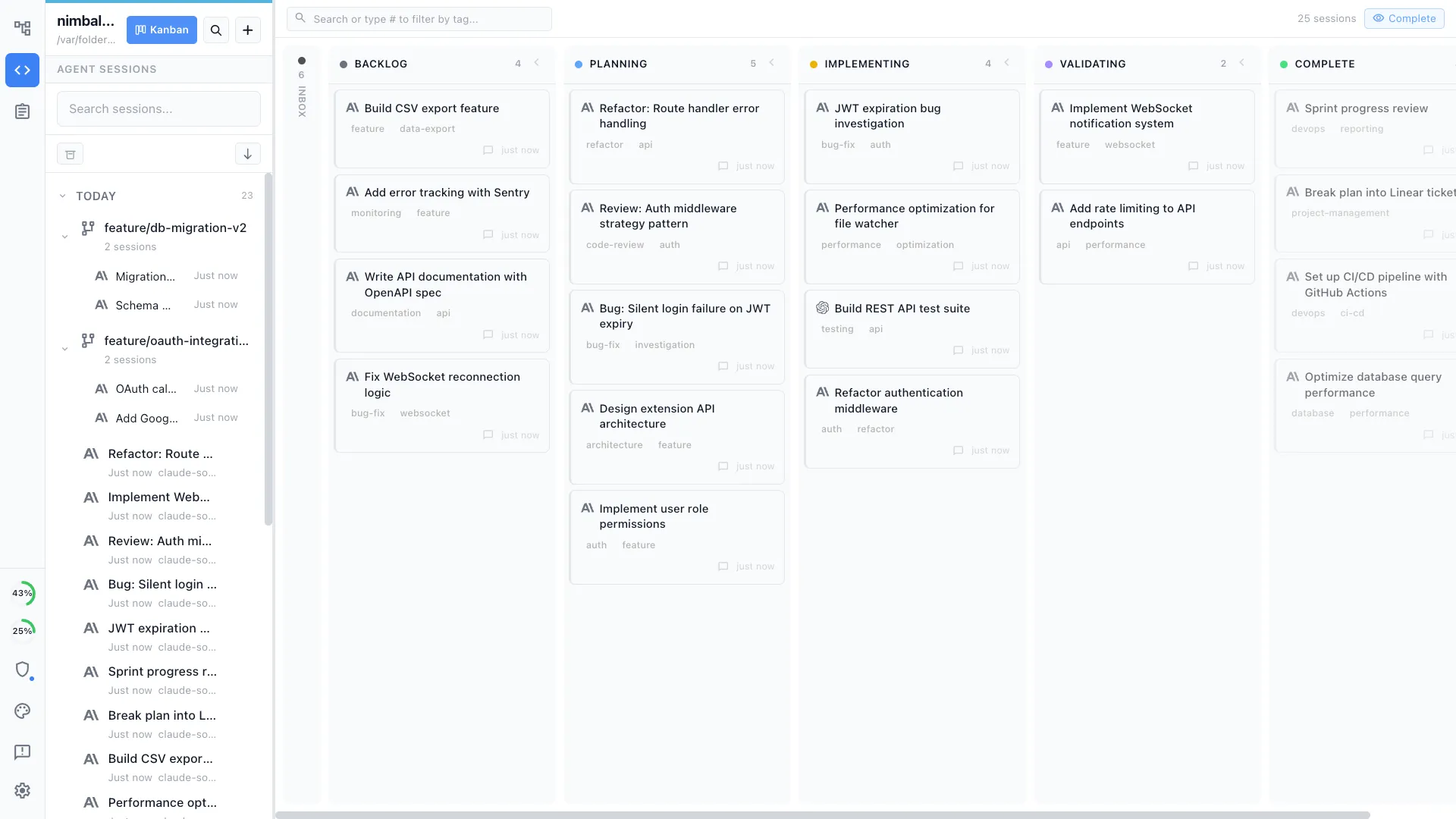
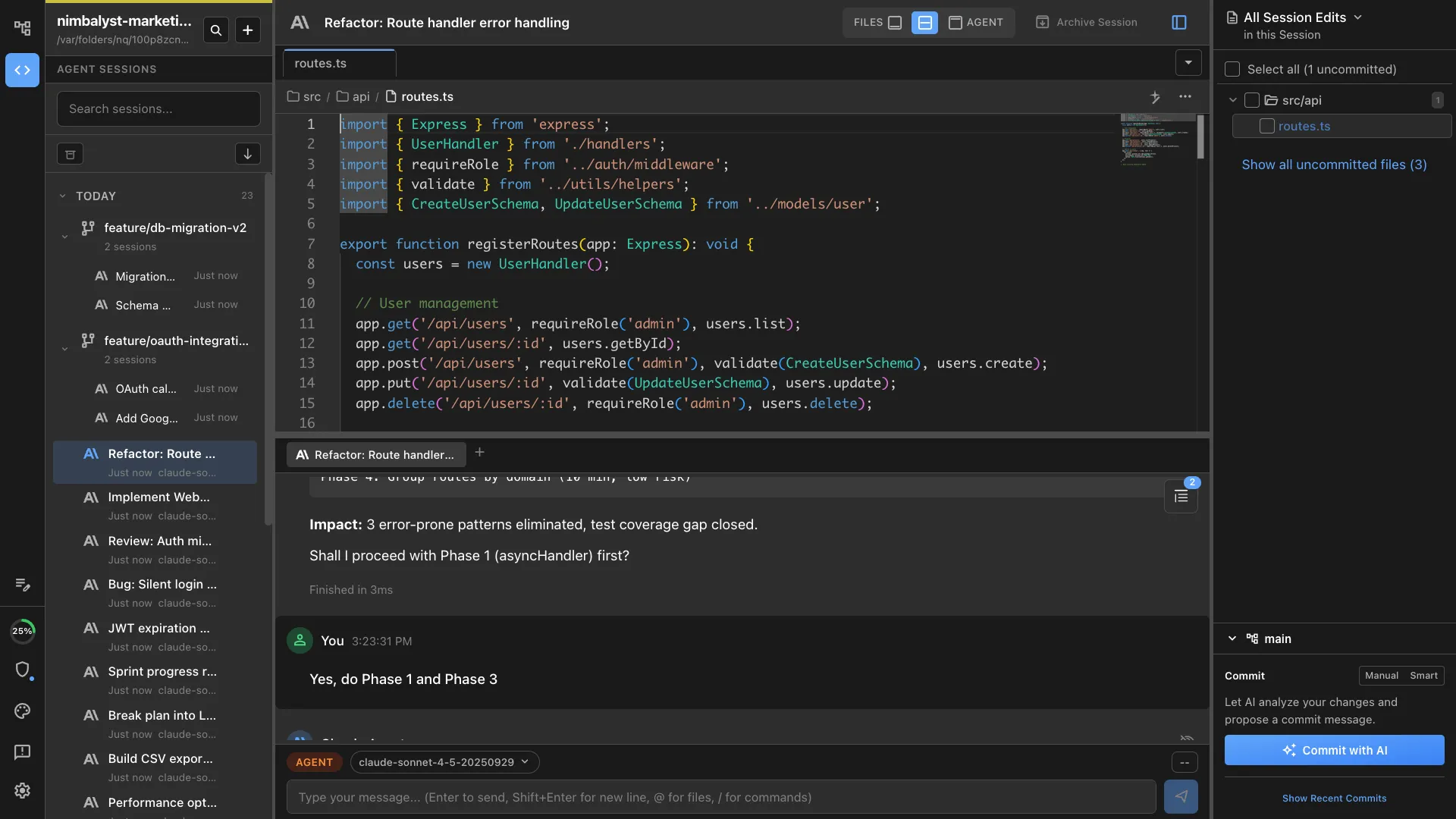
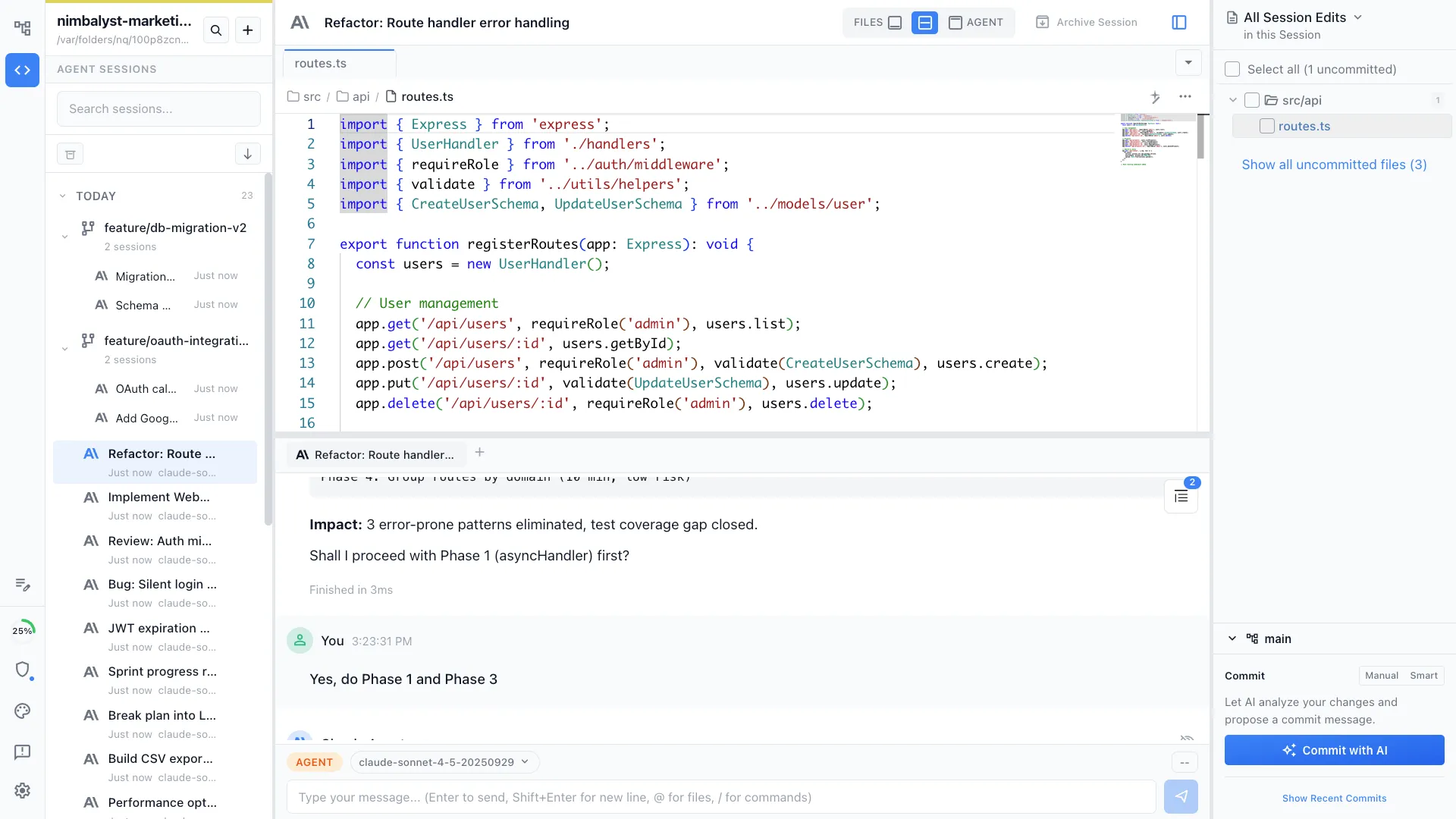
Nimbalyst is an AI-native workspace built on top of Claude Code and Codex. It adds a session kanban board for managing parallel agents, visual editors for markdown, mockups, diagrams, and data models, built-in planning and task tracking, red/green diff review, and a mobile companion app. Your agents draft, edit, and act on your markdown alongside code, diagrams, and plans.
Typora
Typora is a minimal, elegant WYSIWYG markdown editor. It renders markdown as you type with no split-pane preview. It is a local-first, focused writing tool beloved by writers and developers for its simplicity and clean design.
Feature Comparison
Side-by-side breakdown
Nimbalyst Advantages
Where Nimbalyst shines
AI agent writes for you
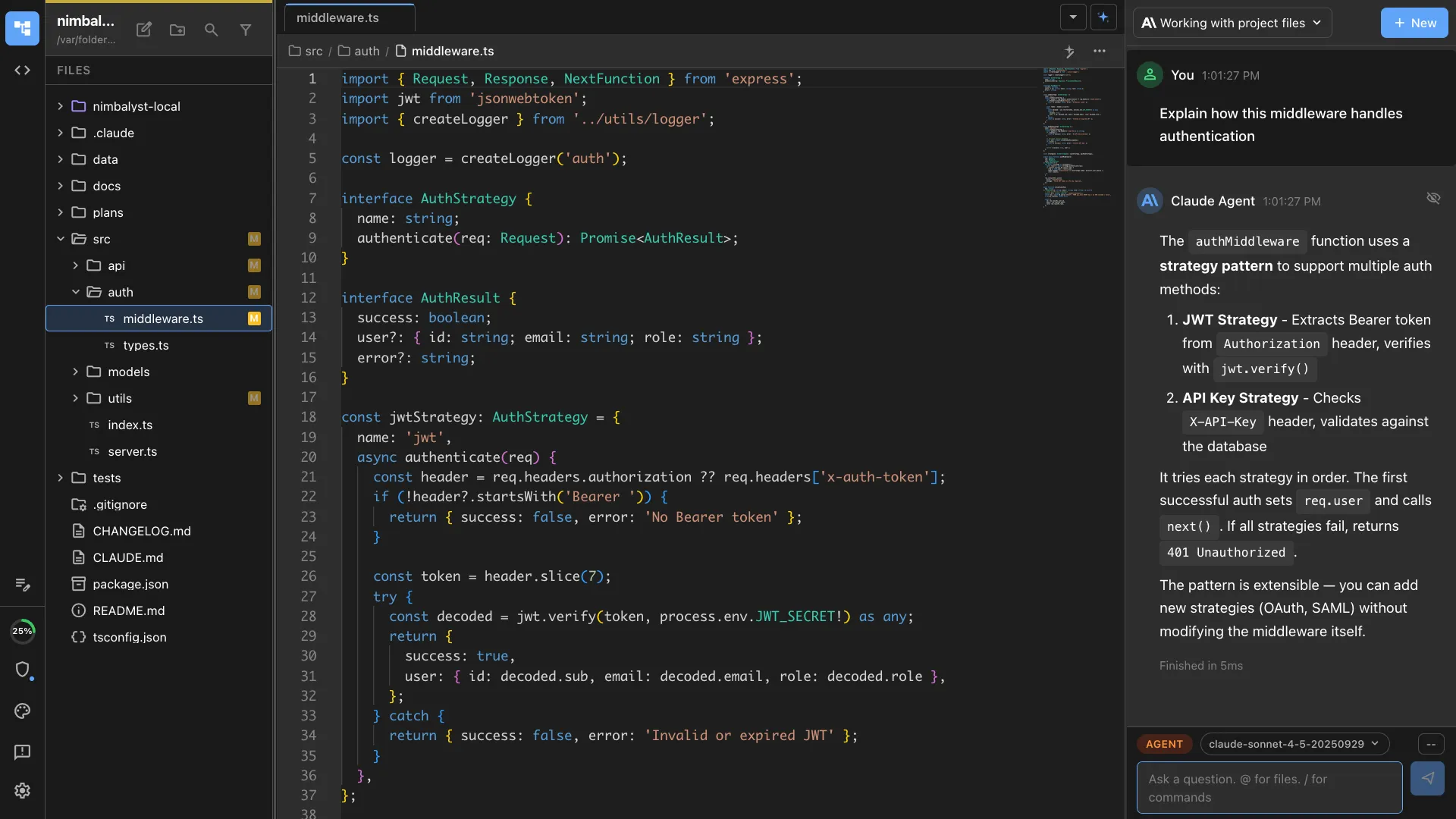
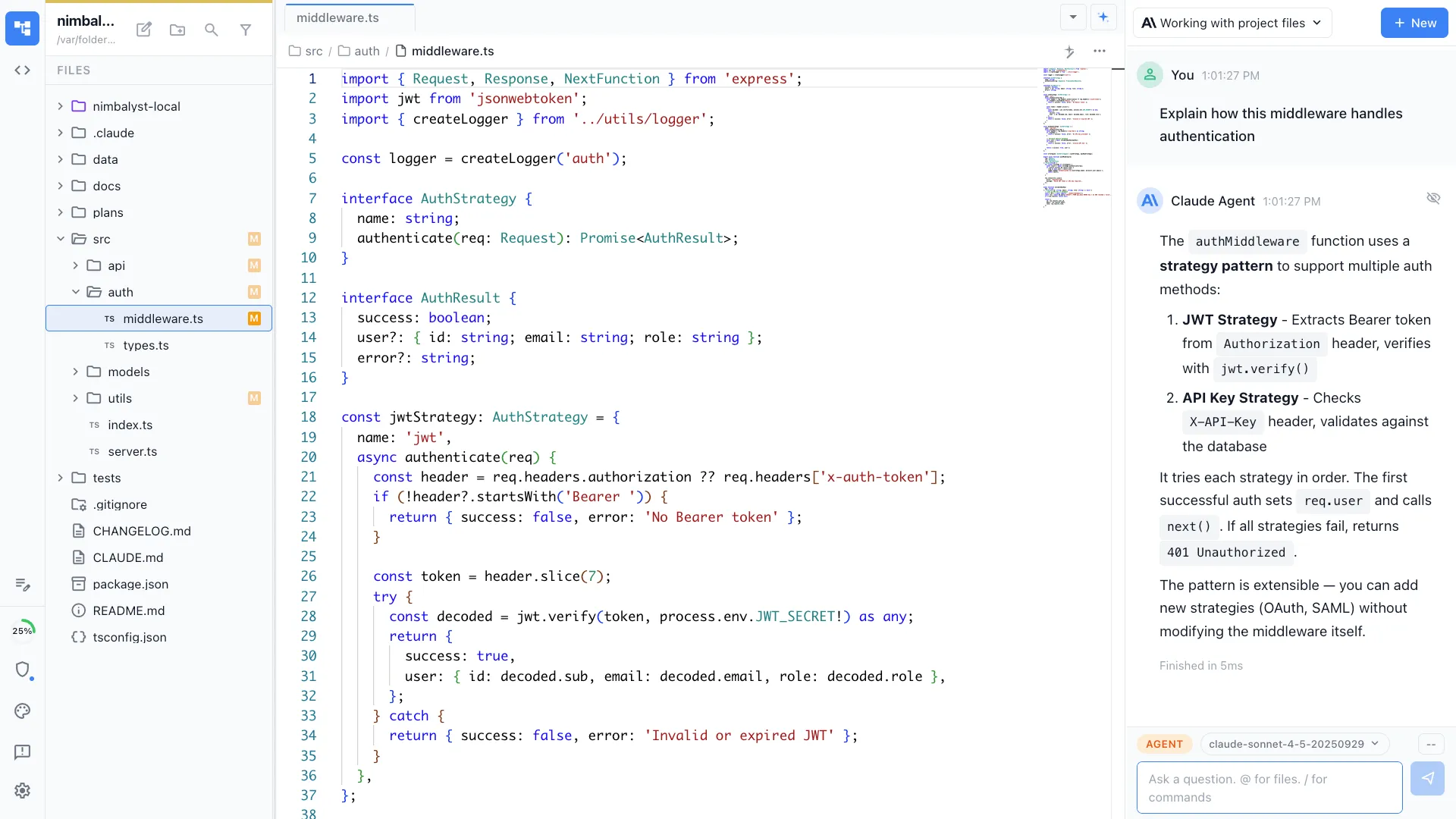
Ask Claude Code to draft a section, restructure your document, or generate content from your codebase. Typora is a manual writing tool with no AI assistance.
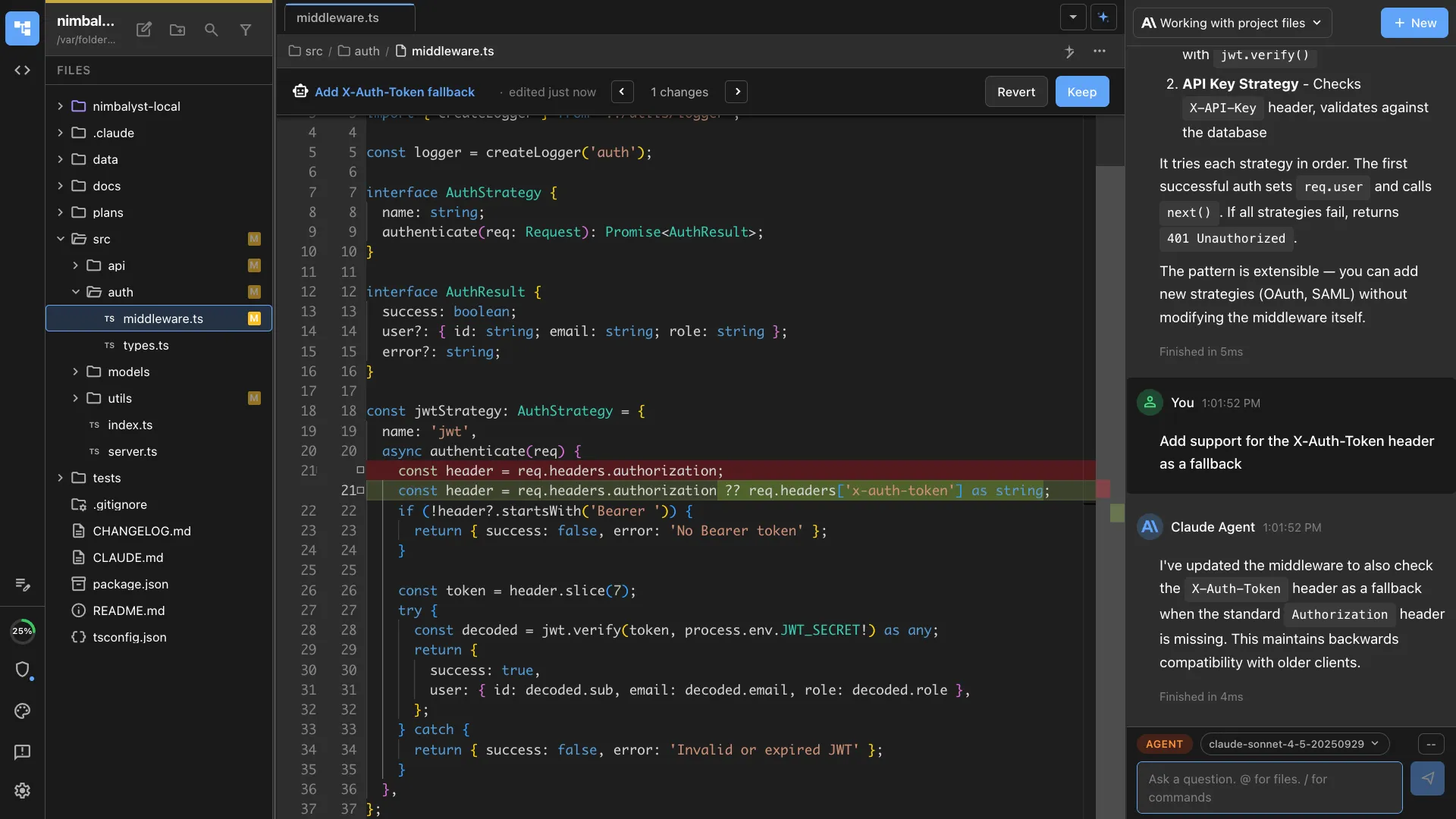
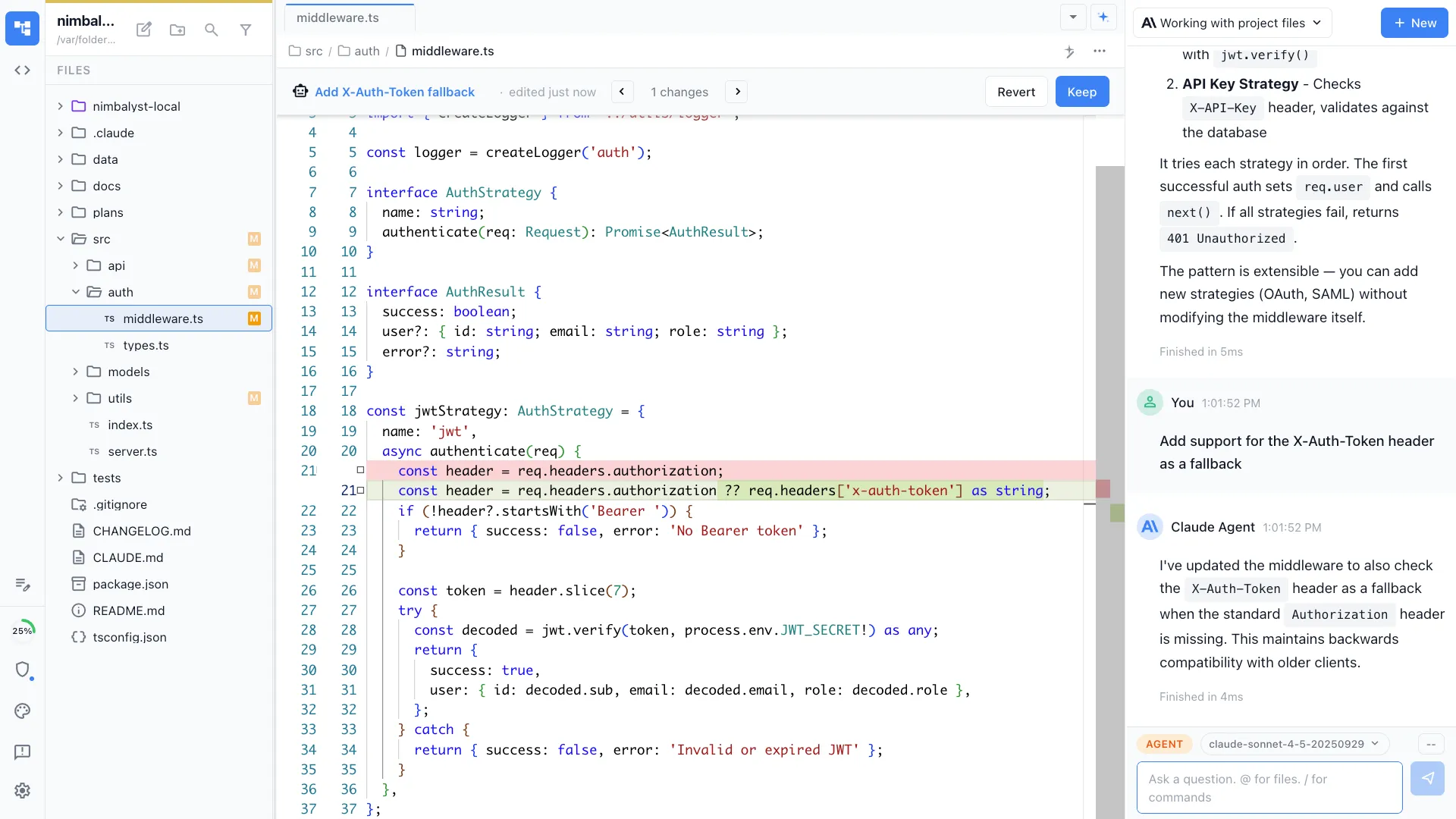
Review and approve agent changes
See agent edits in a red/green diff before anything ships. You can review, approve, or reject changes directly in the workspace. Typora has no agent workflow or diff review.
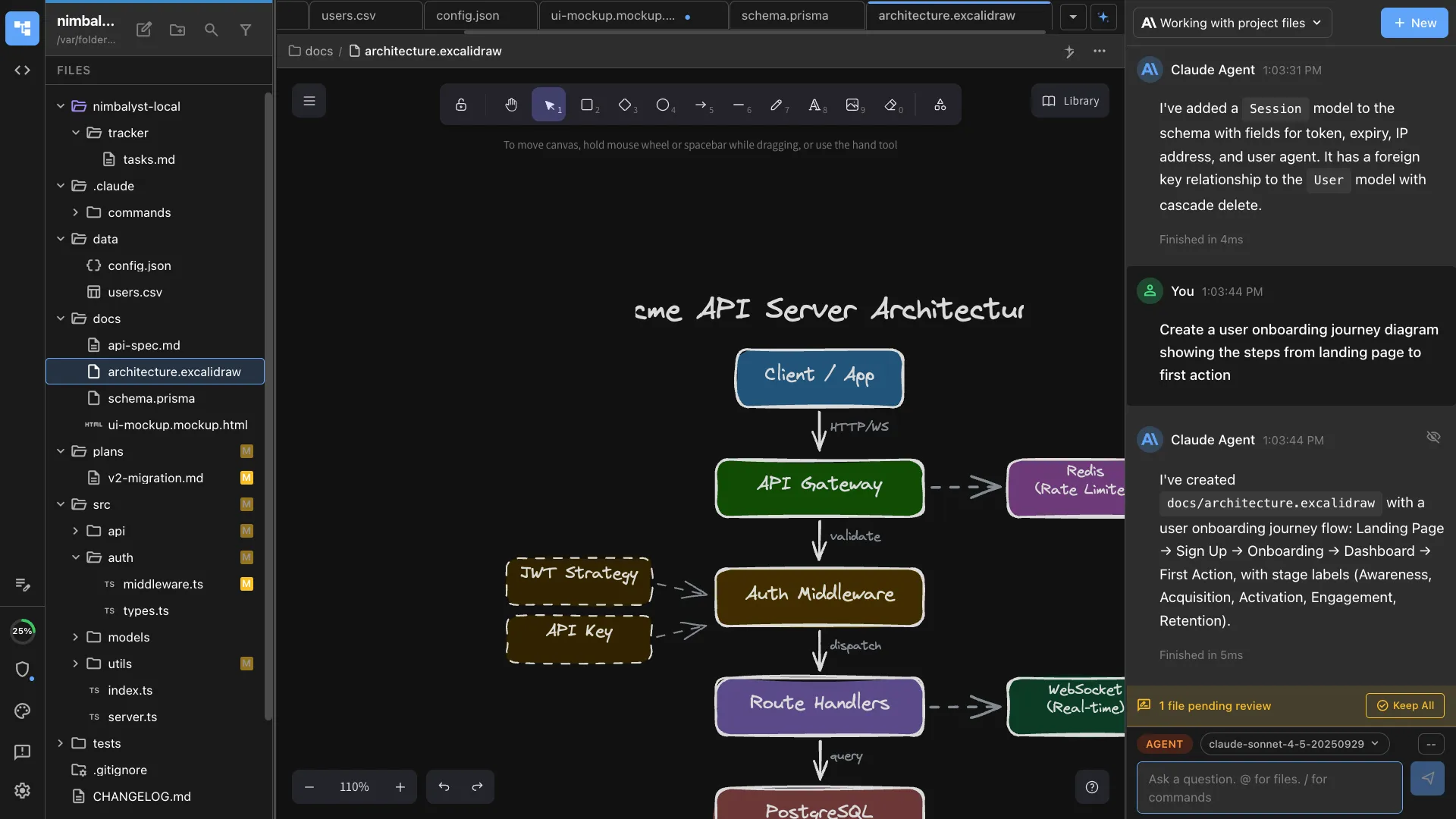
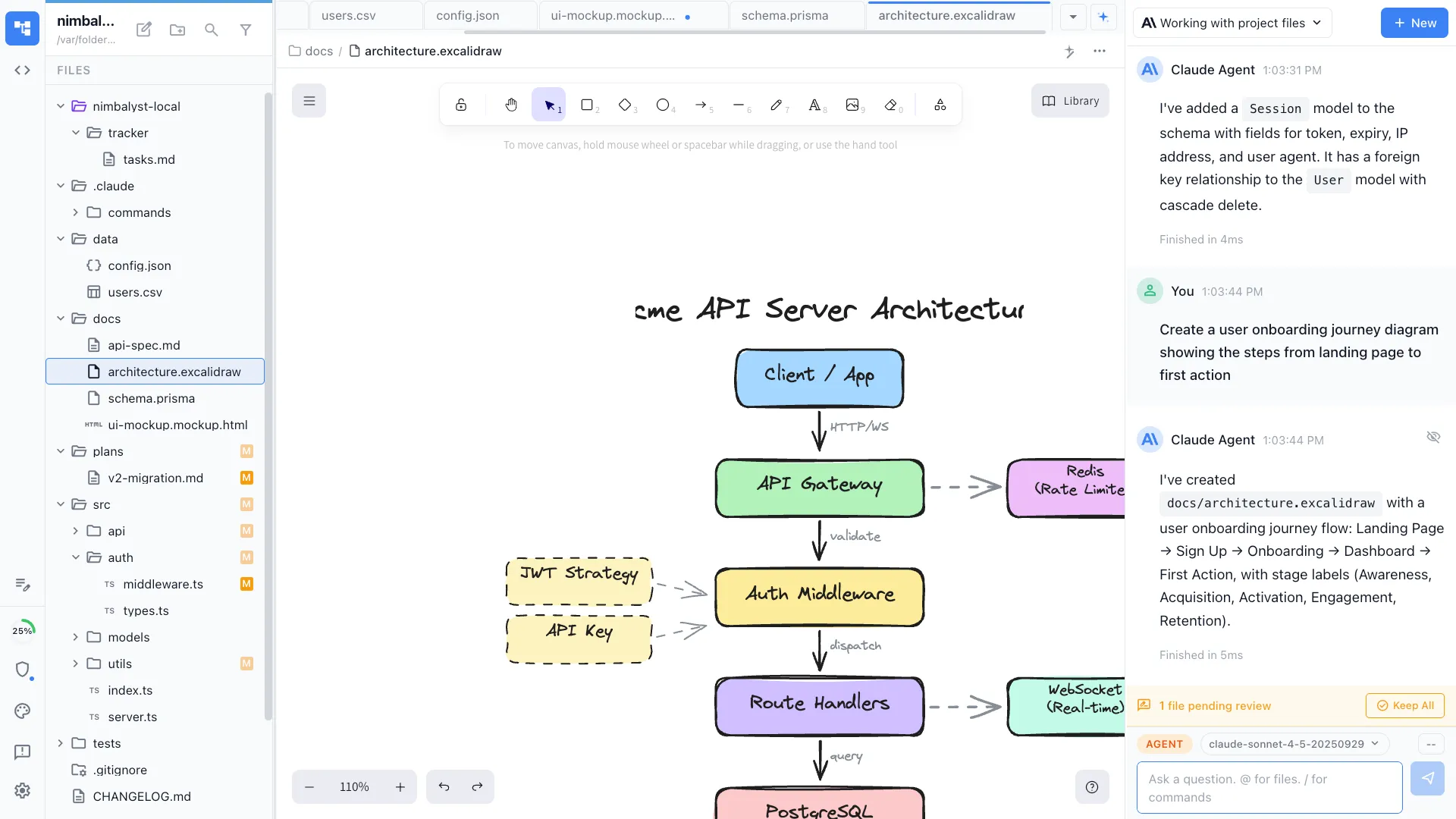
Diagrams and mockups alongside
Create Excalidraw diagrams and mockups in the same workspace as your markdown. Typora can render Mermaid diagrams but has no visual editors.
Part of a development workspace
Your markdown lives alongside code, plans, and AI sessions. Typora is a standalone editor disconnected from your development workflow.
Your coding agents, integrated
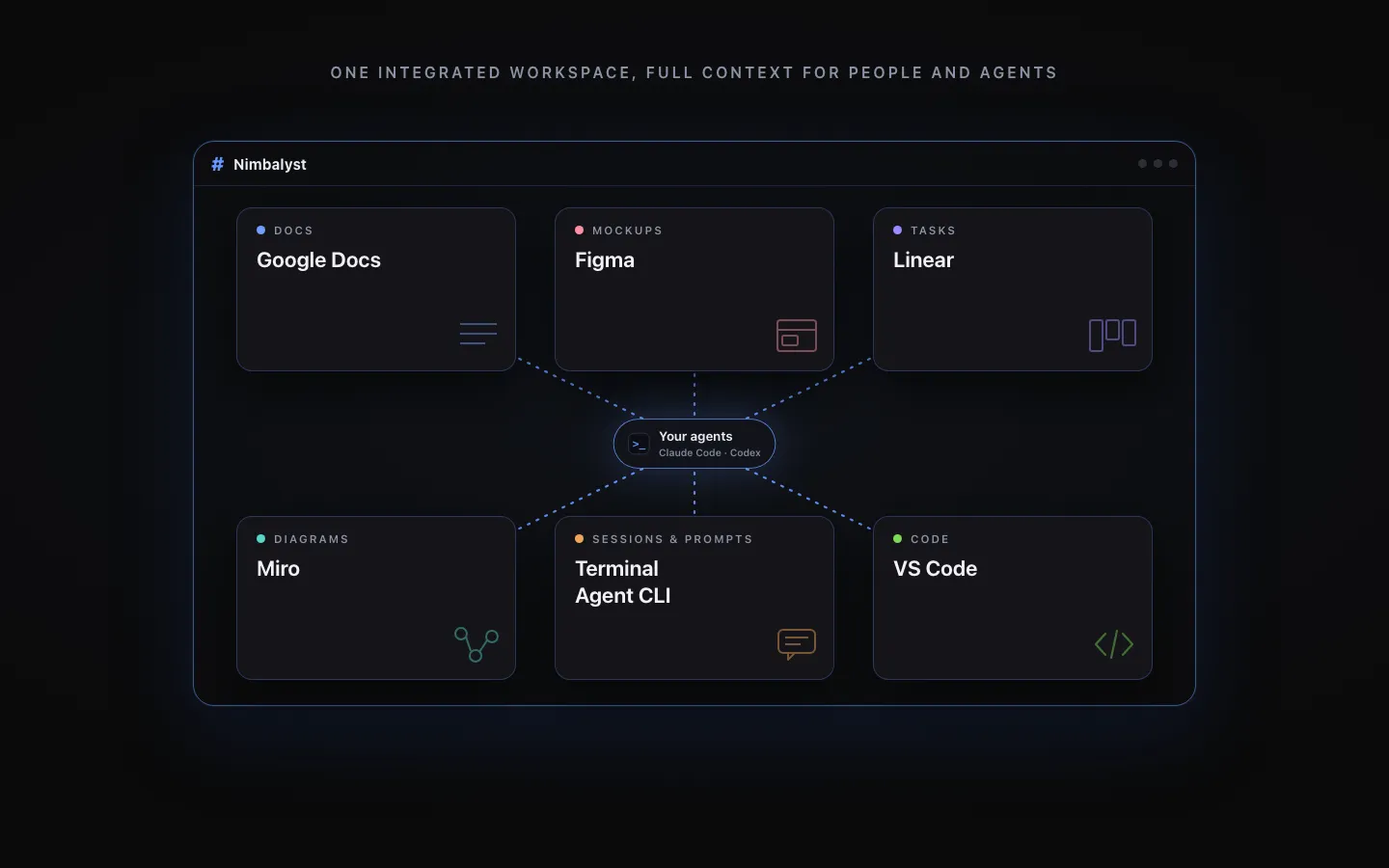
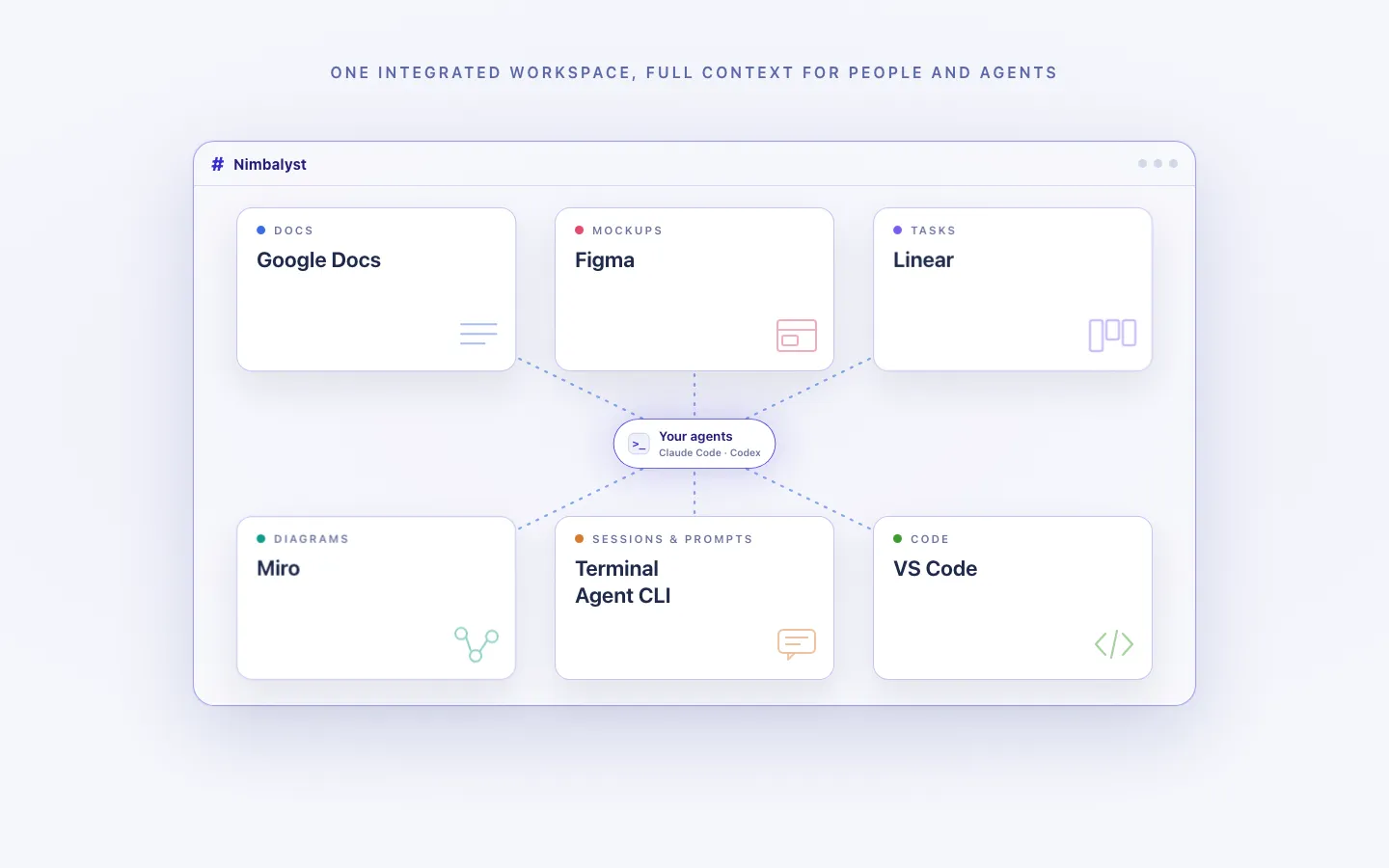
Claude Code, Codex, and other supported agents work directly with the files, plans, tasks, and visual artifacts in the workspace.
Every artifact in one workspace
Edit markdown, mockups, diagrams, code, and CSV data together, with the same project context available to people and agents.
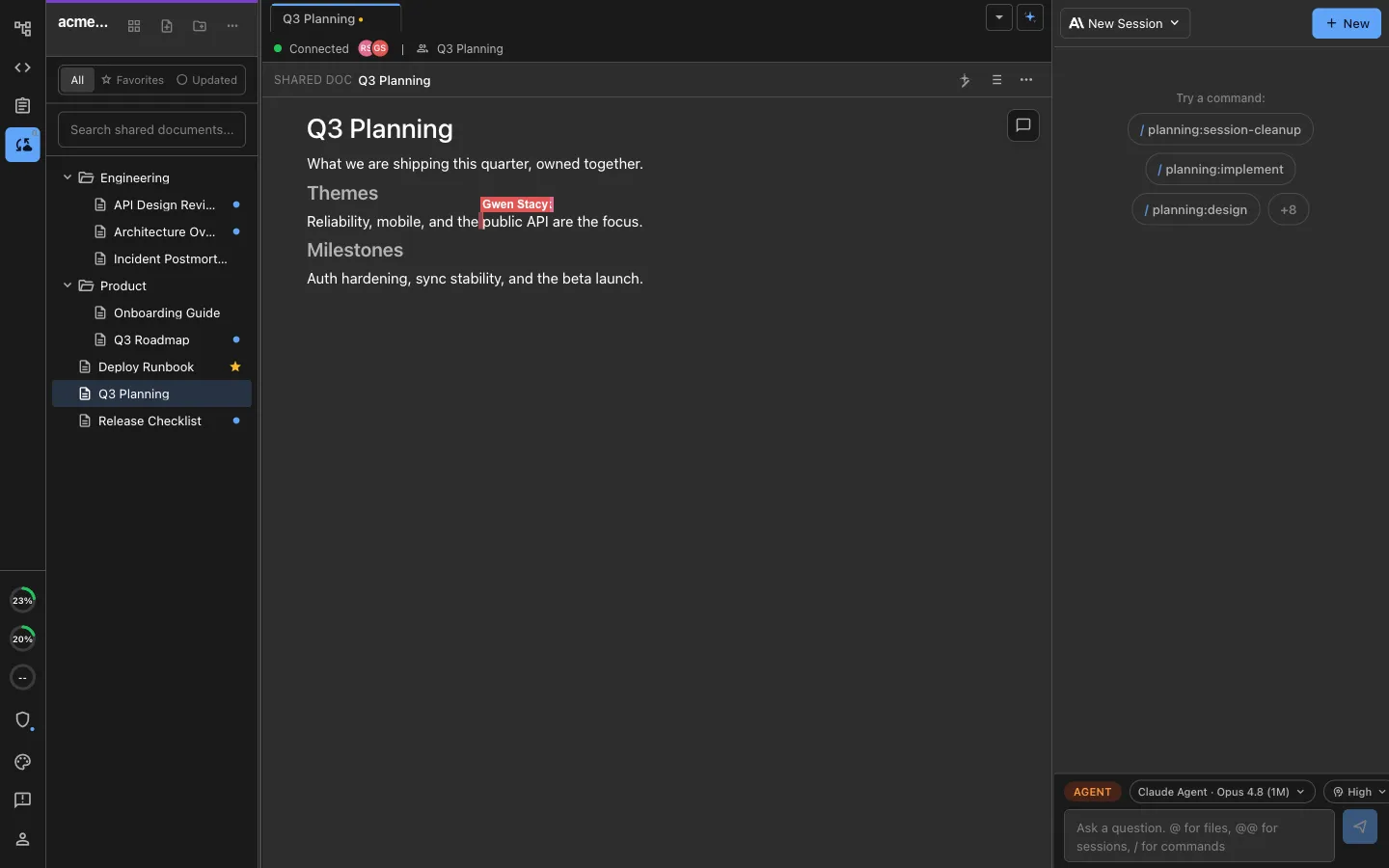
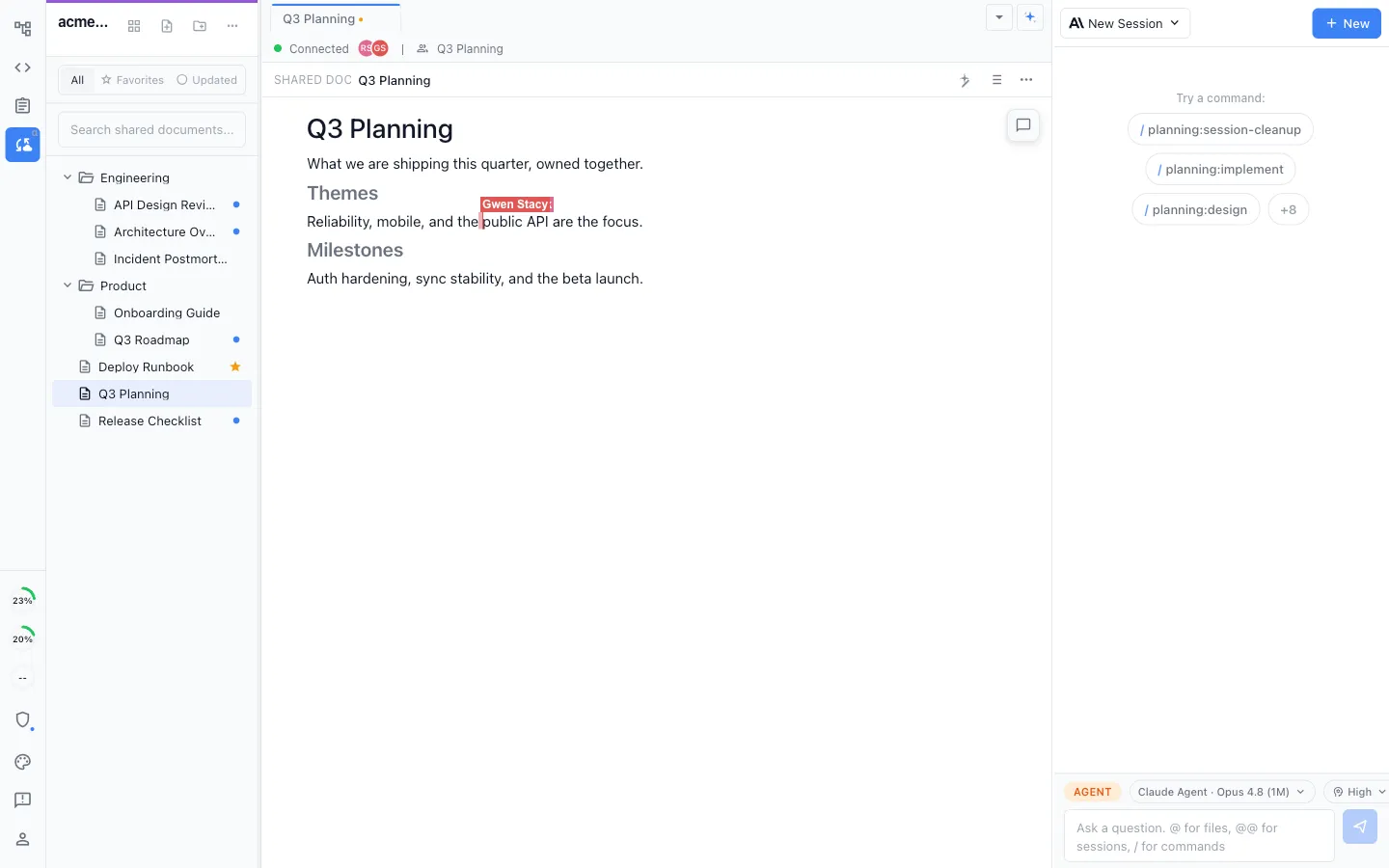
Local for individuals, collaborative for teams
Work locally in the MIT-licensed desktop app, or collaborate in real time on shared docs, diagrams, mockups, and trackers.
Honest Assessment
Where Typora is stronger
Writing experience
Typora's WYSIWYG markdown experience is exceptionally polished. The seamless rendering, clean interface, and keyboard shortcuts are best-in-class for focused writing.
Export formats
Typora exports to PDF, HTML, Word, EPUB, LaTeX, and more. If you need to produce documents in multiple formats, Typora is more versatile.
Lightweight
Typora is small, fast, and focused. It launches instantly and stays out of your way. Nimbalyst is a full workspace with a larger footprint.
Recommendation
Who should use which
Choose Nimbalyst if…
You want AI agents to help you write and edit markdown alongside code, diagrams, and plans. You value the connection between documentation and your development workflow.
Choose Typora if…
You want the best pure markdown writing experience with a clean, minimal interface, extensive export options, and no distractions.
Want your markdown connected to agents, diff review, tasks, and code? Try Nimbalyst free.
Free for individuals. Works with your existing Claude Code or Codex subscription or API key.
Nimbalyst Teams is multiplayer. Your whole team, Codex, and Claude Code in one shared workspace.