Product Management
AI product roadmaps
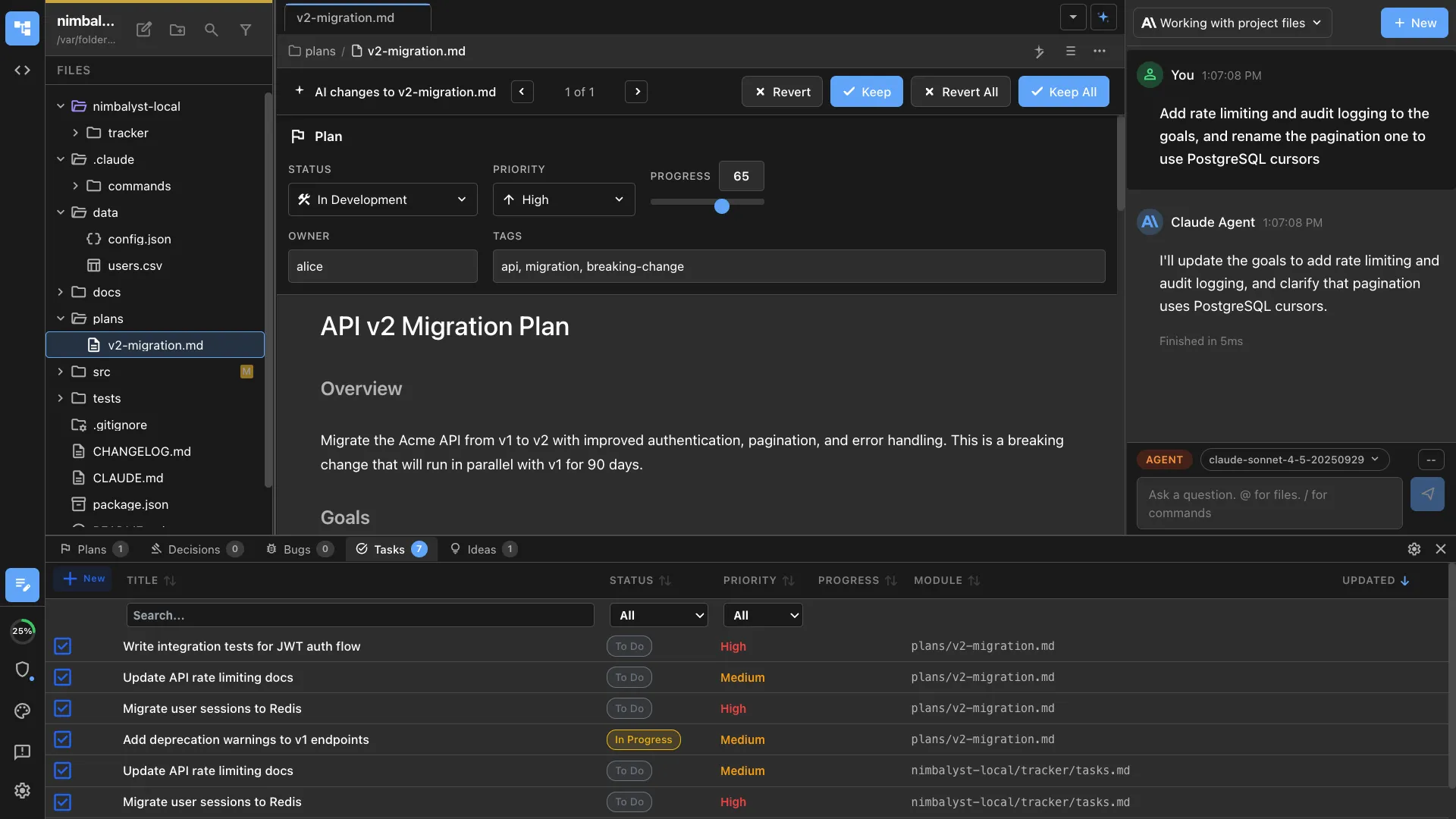
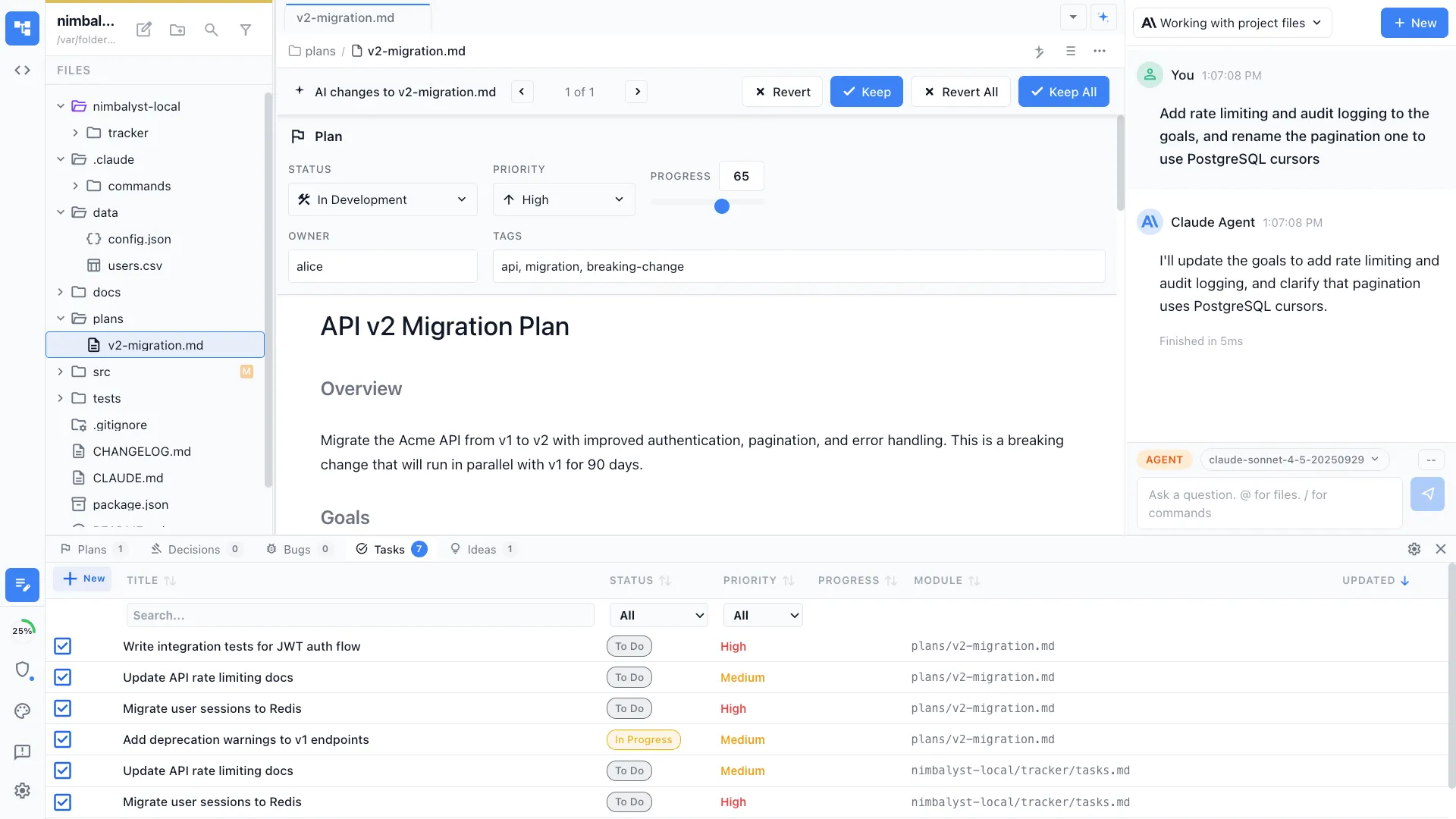
Run /roadmap and the agent reads your plans, tracked items, and priorities to generate a roadmap view — what's shipping now, what's next, and what's planned.
Free for individuals. Works with your existing Claude Code or Codex subscription or API key.
Generate a product roadmap from your plans, tracked items, and priorities. Creates a time-based view of what's planned, in progress, and coming next.
Capabilities
See the big picture
Auto-generated from plans
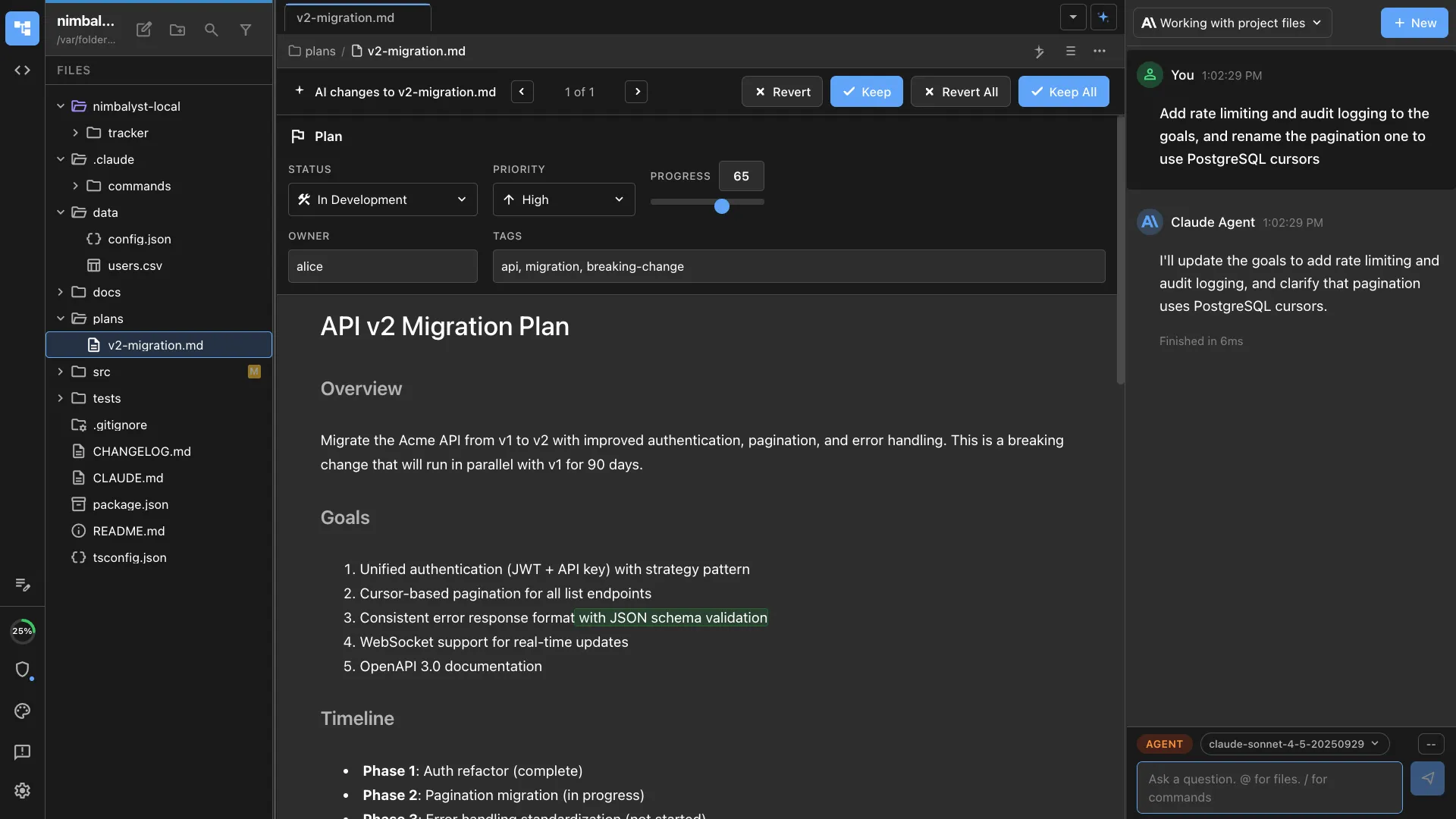
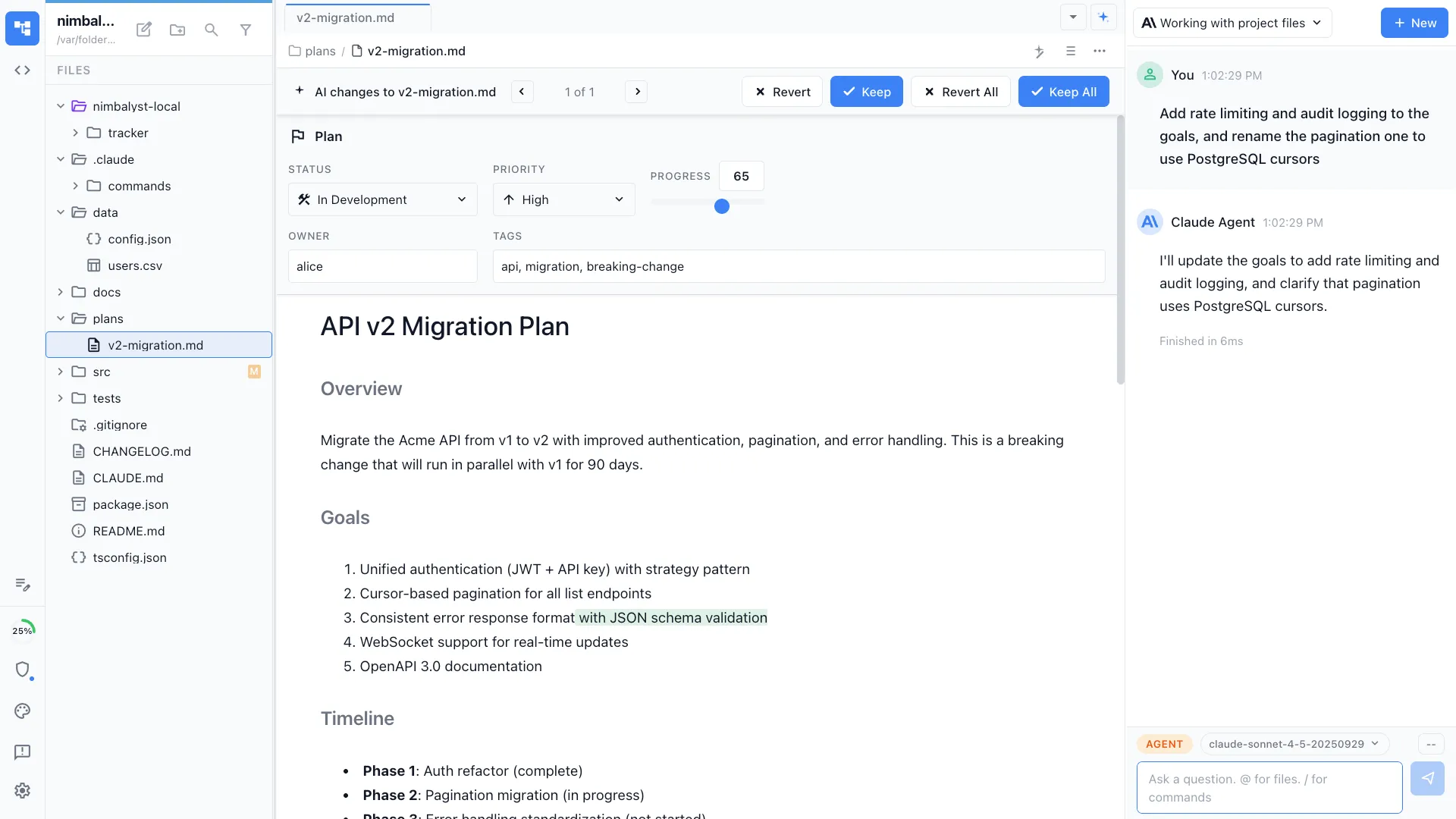
The agent reads your plan documents, tracked items, and session history to assemble a roadmap. No manual timeline management.
Stakeholder-ready
Output is formatted for sharing — now/next/later buckets, milestone markers, and dependency callouts.
Visual timeline
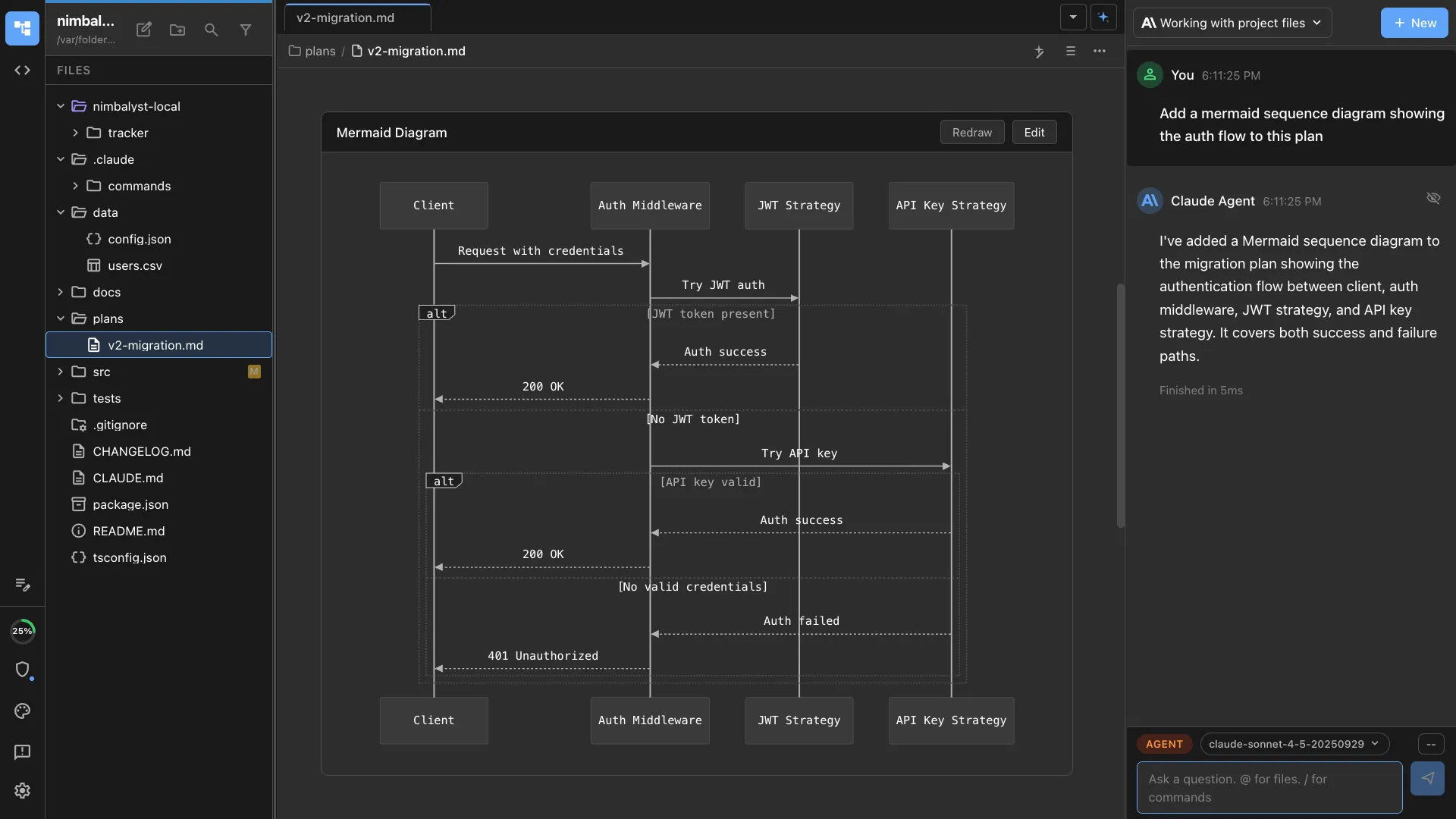
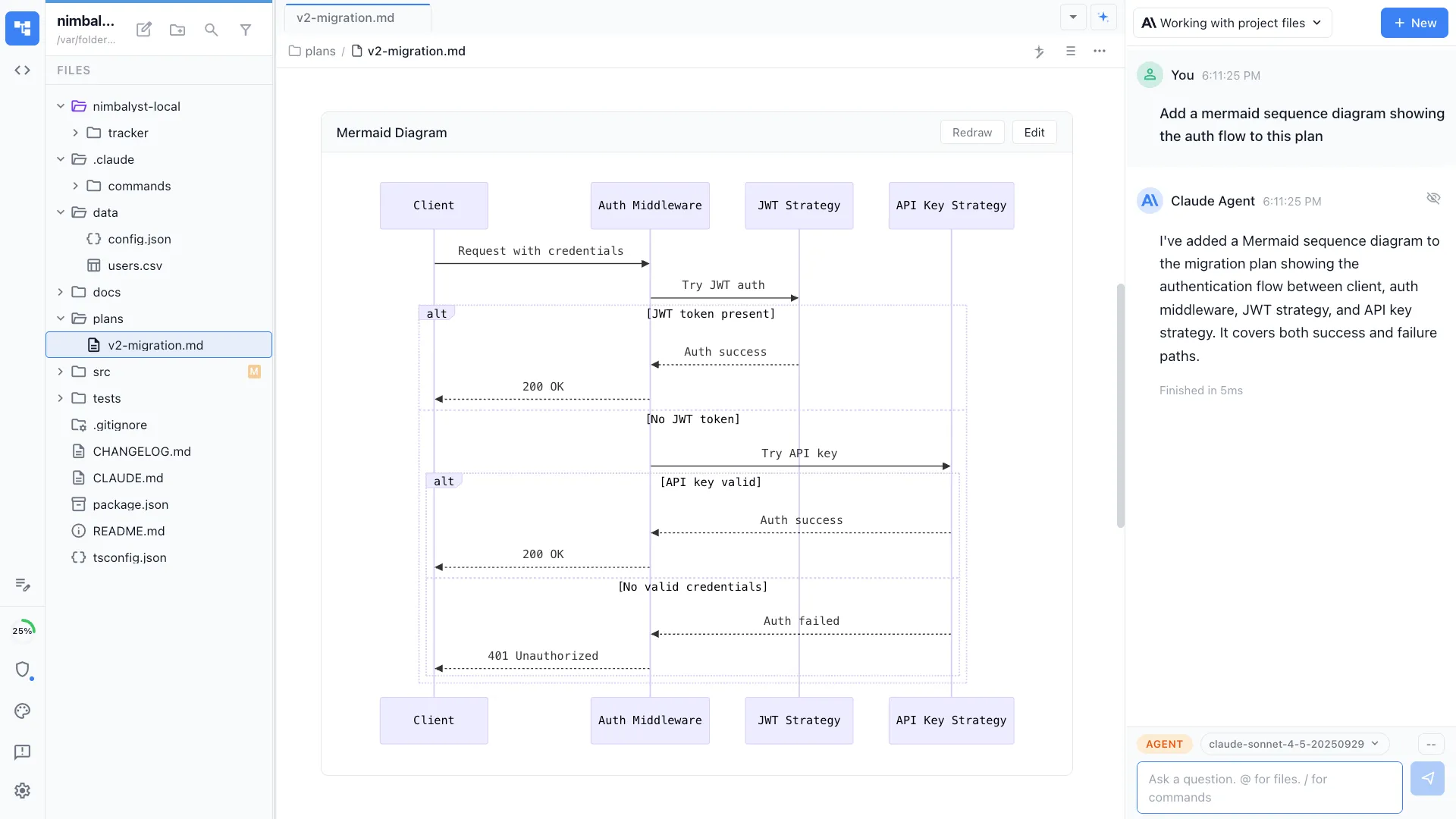
Optionally generates Mermaid Gantt charts or timeline diagrams alongside the text roadmap.
How It Works
How /roadmap works
Type /roadmap
Run the command and optionally specify the timeframe, audience, and focus area.
Agent assembles the roadmap
Plans, tracked items, and priorities are read and organized into a time-based view with clear milestones.
Share and update
Review the roadmap, adjust priorities, and share with stakeholders. Re-run to update as plans evolve.
Try It
Example prompts
/roadmap for Q3 2026 /roadmap executive summary of what's planned for mobile /roadmap generate a Gantt chart from our current plans Full Skill Source
Use this skill in your project
Copy the full text below or download it as a markdown file. Place it in your project's .claude/commands/ directory to use it as a slash command.
---
name: roadmap-generator
description: Generate product roadmaps from plans, priorities, and strategic goals. Use when creating quarterly roadmaps, feature timelines, or initiative planning documents.
---

# /roadmap

Generate a structured product roadmap document from existing plans, priorities, and strategic goals.

## What This Command Does

1. Gathers input from existing plan files, PRDs, and user-provided priorities
2. Organizes initiatives into time horizons (Now, Next, Later)
3. Maps dependencies between initiatives
4. Estimates relative effort and impact for prioritization
5. Produces a roadmap document with visual timeline and detailed initiative cards

## Usage

```
/roadmap [time-horizon] [--theme optional-strategic-theme]
```

**Examples:**
- `/roadmap Q3 2025` -- Generate a quarterly roadmap
- `/roadmap 6-month --theme growth` -- Six-month roadmap focused on growth
- `/roadmap` -- Generate a roadmap from all open plans and priorities

## File Location

**Location**: `nimbalyst-local/Product/roadmaps/[period]-roadmap.md`

**Naming**: `q3-2025-roadmap.md`, `h2-2025-roadmap.md`, `6-month-growth-roadmap.md`

## Execution Steps

1. **Gather source material**

   Scan for existing inputs:
   - Read plan files from `nimbalyst-local/plans/` (filter by status: draft, ready-for-development, in-development)
   - Read PRDs from `nimbalyst-local/Product/PRDs/`
   - Check for any strategy documents
   - Ask the user for additional context: What are the top 3 strategic priorities this period?

   For each item found, extract:
   - Title and description
   - Priority level (P0/P1/P2 or high/medium/low)
   - Current status
   - Dependencies on other items
   - Estimated effort (if available)
   - Target persona or user segment

2. **Categorize into time horizons**

   Sort all initiatives into three buckets:

   | Horizon | Timeframe | Criteria |
   |---------|-----------|----------|
   | **Now** | Current sprint/month | Already in progress, P0 items, committed deliverables |
   | **Next** | 1-3 months out | P0/P1 items ready to start, dependencies of Now items resolved |
   | **Later** | 3-6 months out | P1/P2 items, items waiting on dependencies, exploratory work |

   Rules for categorization:
   - Items with status `in-development` go to Now
   - Items with status `ready-for-development` and P0 priority go to Now
   - Items blocked by Now items go to Next
   - Everything else goes to Later unless user overrides

3. **Map dependencies**

   For each initiative, identify:
   - **Depends on**: What must be completed first?
   - **Enables**: What does completing this unblock?
   - **Related**: What other initiatives share context or resources?

   Produce a dependency list in the roadmap:
   ```
   Initiative A --> Initiative B --> Initiative D
                --> Initiative C
   ```

4. **Score and prioritize**

   Apply a lightweight prioritization framework:

   **Impact Score** (1-5):
   - 5: Directly drives primary business metric
   - 4: Meaningful improvement for large user segment
   - 3: Moderate improvement or enables future high-impact work
   - 2: Quality-of-life improvement
   - 1: Nice to have

   **Effort Score** (1-5):
   - 1: Hours (config change, copy update)
   - 2: Days (small feature, bug fix)
   - 3: 1-2 weeks (medium feature)
   - 4: 2-4 weeks (large feature)
   - 5: 4+ weeks (epic-level work)

   **Priority Score** = Impact / Effort (higher is better)

   Sort within each time horizon by priority score.

5. **Identify risks and open questions**

   For each horizon, call out:
   - Initiatives with unclear scope or missing PRDs
   - Resource conflicts (two high-effort items competing for same time)
   - External dependencies (third-party APIs, vendor timelines)
   - Items that have been in "Later" for multiple roadmap cycles

6. **Generate the roadmap document**

## Output Format

```markdown
# Product Roadmap: [Period]

**Generated**: [Date]
**Strategic Theme**: [Theme if provided]
**Owner**: [User name]

---

## Strategic Context

[2-3 sentences on what this period is about and what success looks like]

---

## Roadmap Overview

### Now (In Progress)
| Initiative | Priority | Effort | Impact | Status | Owner |
|-----------|----------|--------|--------|--------|-------|
| [Name]    | P0       | M      | High   | 60%    | [Who] |

### Next (1-3 Months)
| Initiative | Priority | Effort | Impact | Depends On | Target |
|-----------|----------|--------|--------|------------|--------|
| [Name]    | P1       | L      | High   | [Init A]   | [Month]|

### Later (3-6 Months)
| Initiative | Priority | Effort | Impact | Notes |
|-----------|----------|--------|--------|-------|
| [Name]    | P2       | M      | Medium | [Why later] |

---

## Initiative Details

### [Initiative Name]
- **Goal**: [What success looks like]
- **Problem**: [What user problem this solves]
- **Scope**: [Key deliverables]
- **Dependencies**: [What this needs or enables]
- **Effort Estimate**: [T-shirt size with rationale]
- **Source**: [Link to plan/PRD]

---

## Dependencies Map

[Text-based dependency graph]

---

## Risks & Open Questions

| Risk | Impact | Mitigation |
|------|--------|------------|
| [Risk] | [H/M/L] | [Plan] |

### Open Questions
- [ ] [Question needing resolution]

---

## Decisions Log

| Decision | Date | Rationale |
|----------|------|-----------|
| [What was decided] | [When] | [Why] |
```

## Error Handling

- **No plan files found**: Create the roadmap from scratch by interviewing the user about priorities
- **Conflicting priorities**: Flag the conflict and ask the user to resolve before finalizing
- **Too many items for the time horizon**: Recommend cutting or deferring lowest-priority items

## Best Practices

- Update the roadmap at least monthly; stale roadmaps lose trust
- Keep Now to 3-5 items maximum; more than that means nothing is truly prioritized
- Later is not a graveyard; review it each cycle and either promote or remove items
- Share the roadmap with stakeholders after generating; use it as a communication tool
- Pair with `/sprint-plan` to break Now items into actionable sprint work
Related Skills
Skills that work well together
Explore More
Related features and use cases
Nimbalyst is the open-source visual workspace for building with Codex, Claude Code, and more
Free for individuals. Works with your existing Claude Code or Codex subscription or API key.
Nimbalyst Teams is multiplayer. Your whole team, Codex, and Claude Code in one shared workspace.